GooBang Doo ABOX A1 Plus Smart Android 7.1 TV Box Review
Mighty Gadget is reader-supported. Links to retailers may be affiliate links, and I may earn a commission if you buy through them, at no extra cost to you. As an Amazon Associate I earn from qualifying purchases. How I test and review products.
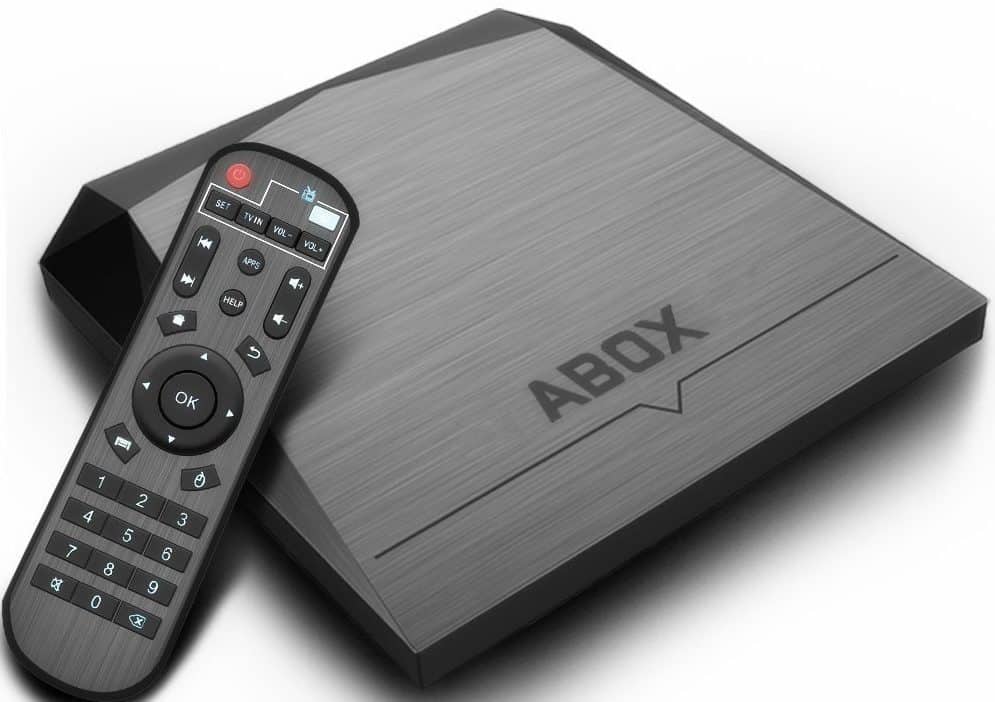
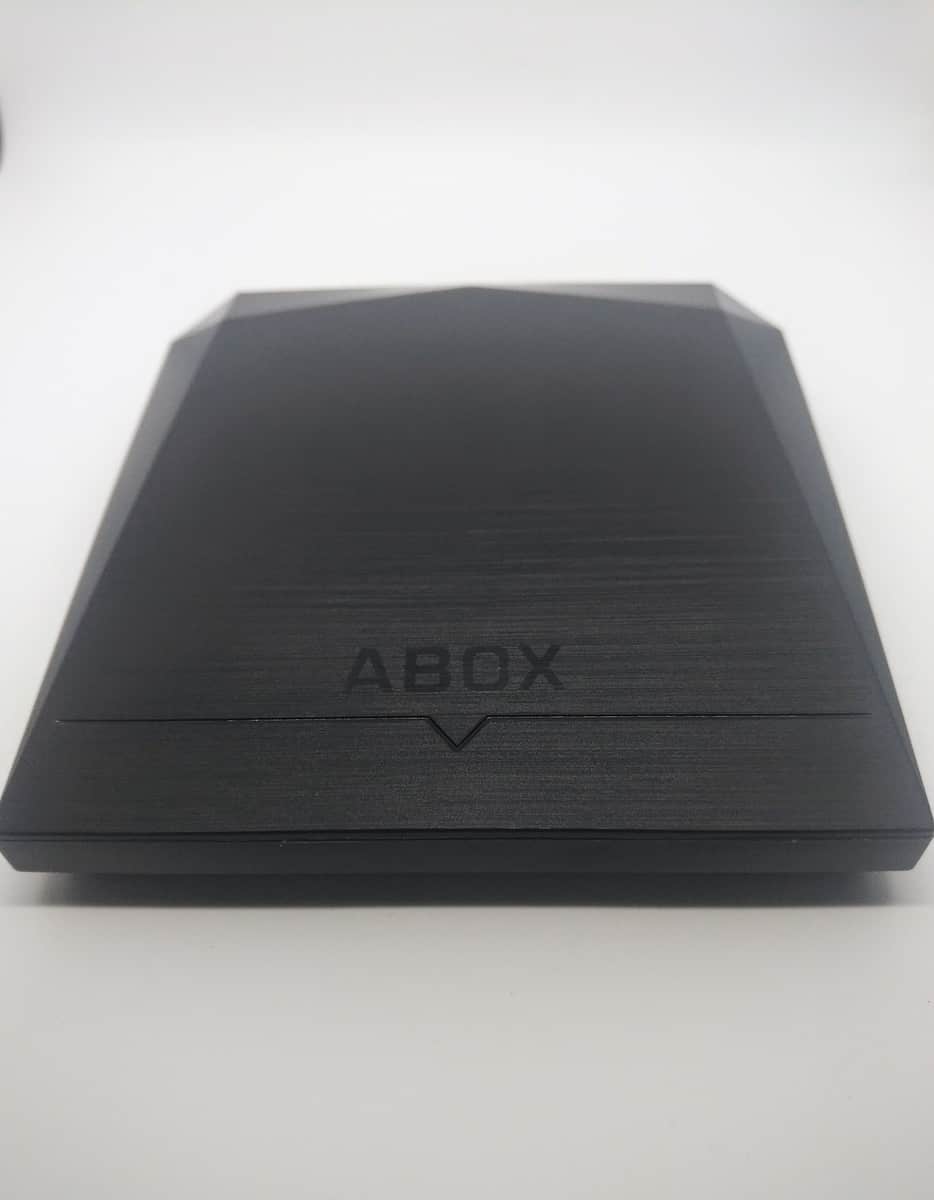
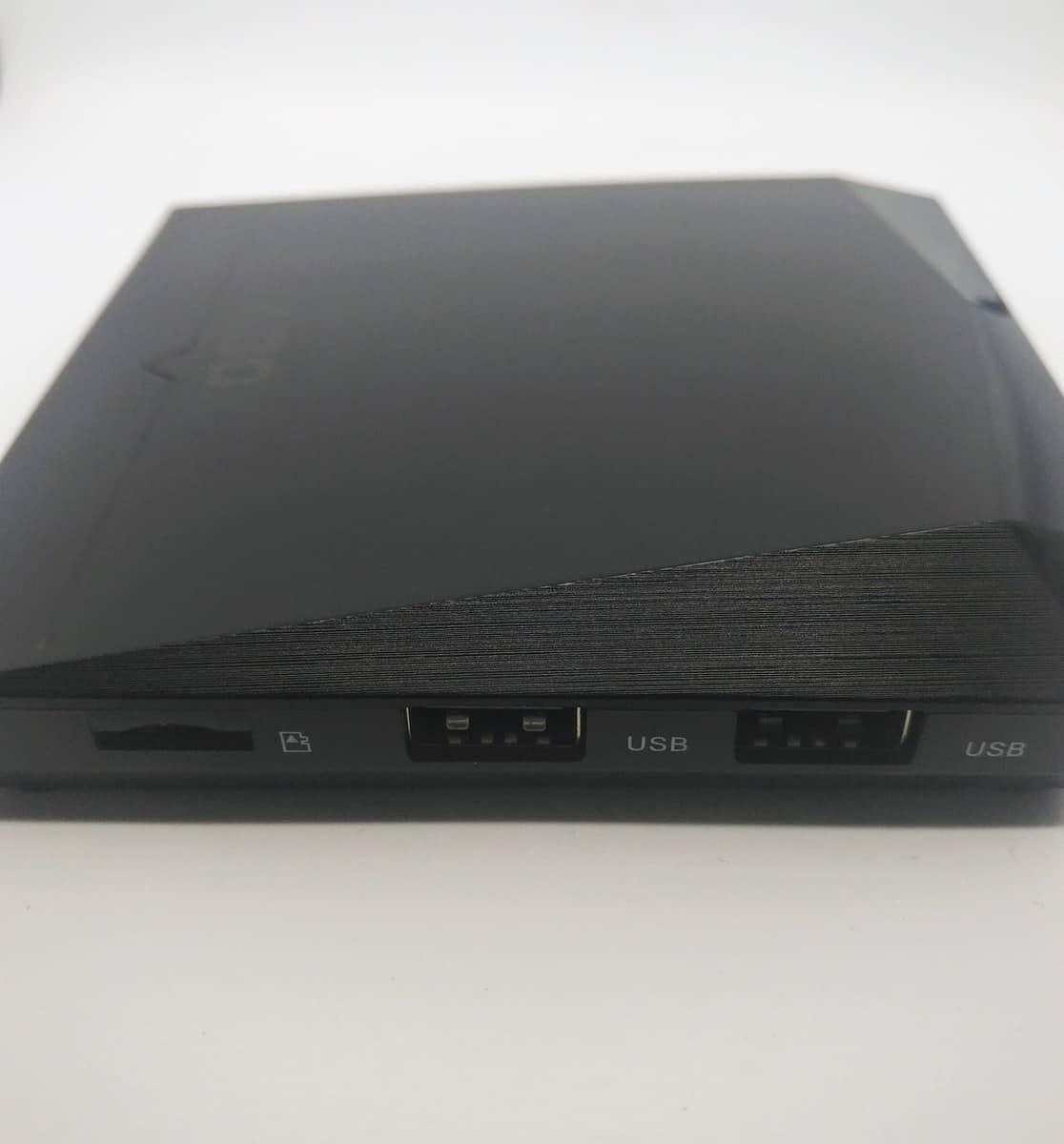
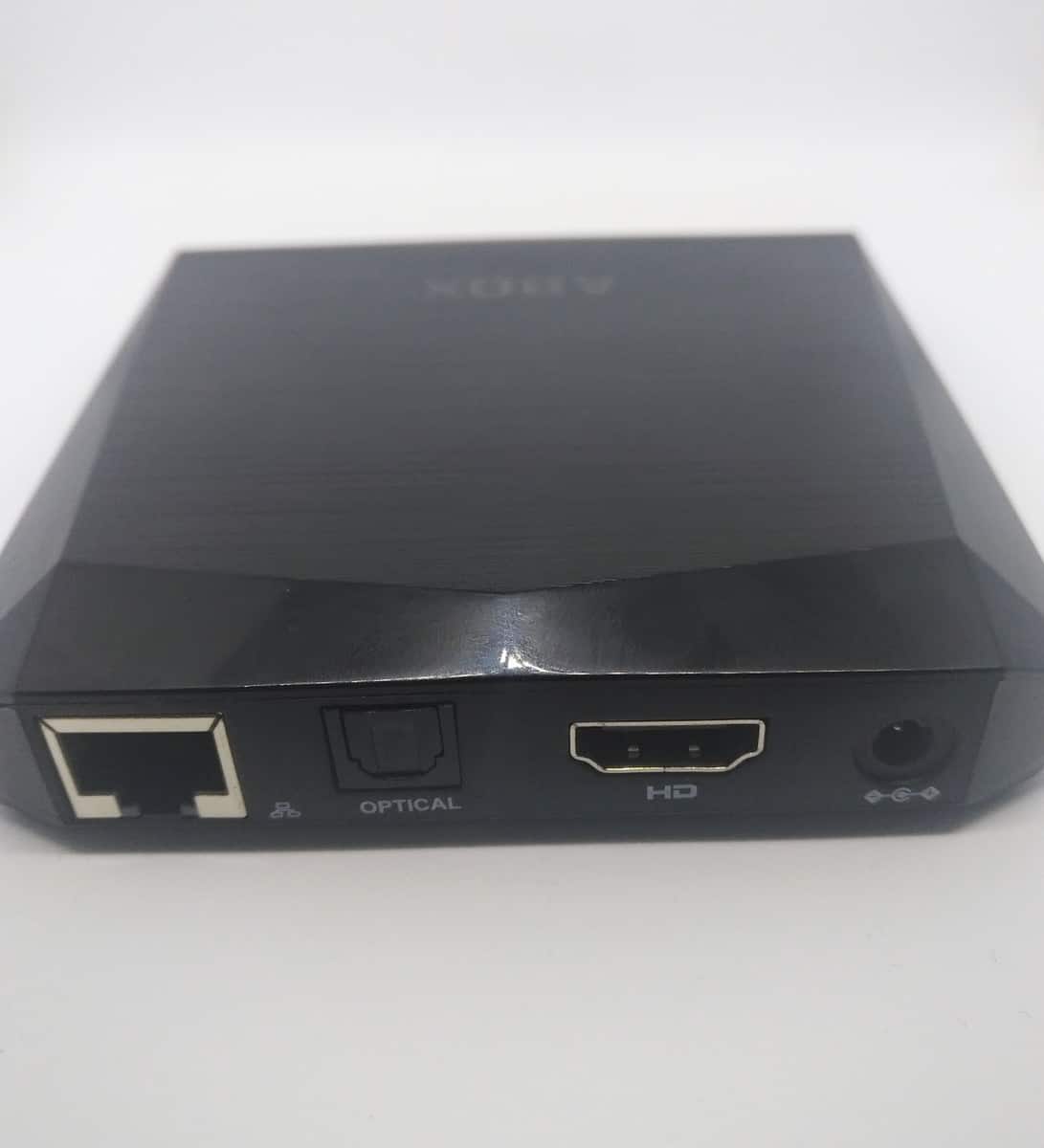
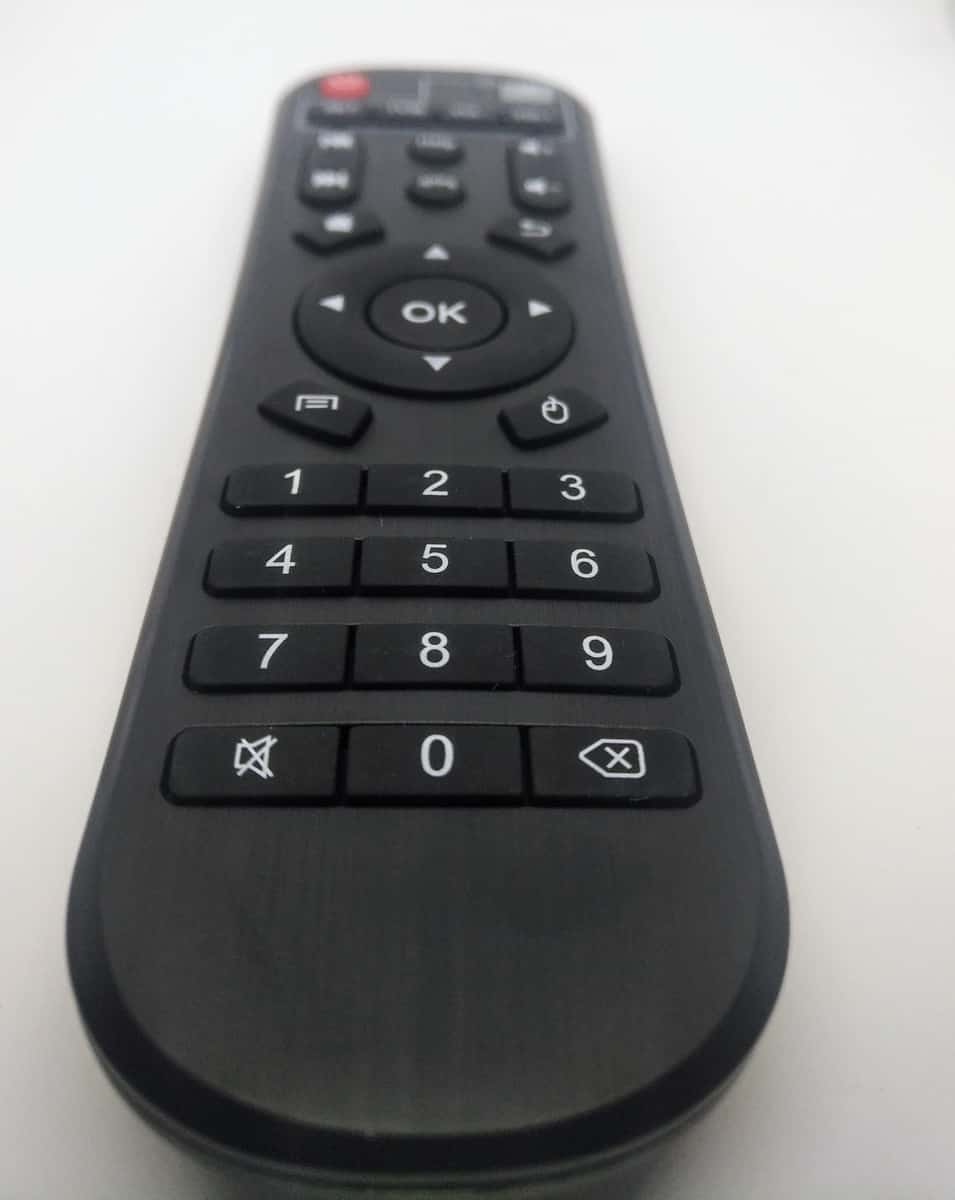
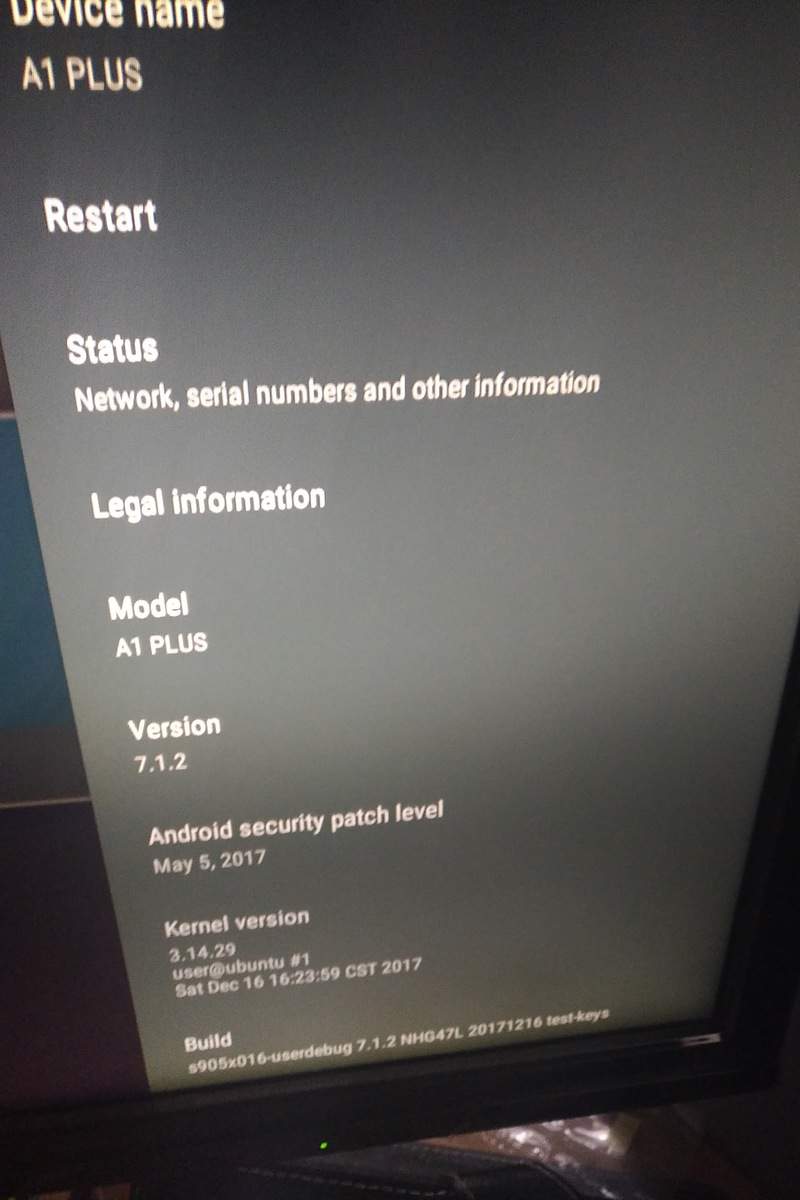
I have previously reviewed one Android box before, and that was the M8S which appears to have been a massively popular device for people. I primarily use an Nvidia Shield, and an Amazon 4K box, or RPI3s.I like to watch a TV show on my lunch break so use an RPI3 on a widescreen, but recently, with me using Netflix and Amazon more, I wanted access to a streaming service. Granted, I could just use the browser on one of my three screens, but I like to disable a screen, so I don’t scroll over by mistake. I’d love a Shield, but I am not paying £140+ for a device I only use 1 hour a day. I am not overly keen on the idea of the new Amazon 4K too, as I would have to buy an ethernet adaptor for it. This led me to try out one of the many cheap Android boxes on Amazon. My first choice would have been one of the oft-recommended Minix boxes, but at over £100 this was beyond my budget. I wanted something around the RPI3 price.This led me to the GooBang Doo ABOX A1 Plus, which uses a 64 Bits Amlogic S905X Quad-Core [email protected] CPU and a Penta-Core Mali-450 with HDMI 2.0 output. It also has 2GB of DDR and 16GB of NAND storage.There is a dedicated ethernet port with the specification saying 100M, so I will assume they mean 100Mbit/s. 100Mbit should be fine for most users’ needs and is the same as the RPI3, but gigabit would have been much preferred. There are also 2 USB ports, a microSD port and an optical out. It should be possible to load LibreELEC onto a MicroSD and boot directly from that.The model I was shipped with came with Android 7.1.2 installed. Kodi, Netflix etc. are not preinstalled on it.I chose this particular model as it seems to be well reviewed while having the fewest 1-star reviews. The 2GB of DDR should allow a decent amount of buffering within Kodi. It is about £10 more than similarly specced devices, but I opted for the better-reviewed device over price saving.Setting it up is quite straightforward, just plug everything in, switch it on and go through the necessary setup procedure. The remote is far better than the one supplied with the M8S, it is actually usable, but it is not perfect, on Netflix it just didn’t seem to work sometimes.The remote is a bit cumbersome for logging into things, so I resorted to a Bluetooth keyboard which paired quickly and made my life far more pleasant.
Kodi and Streaming Services
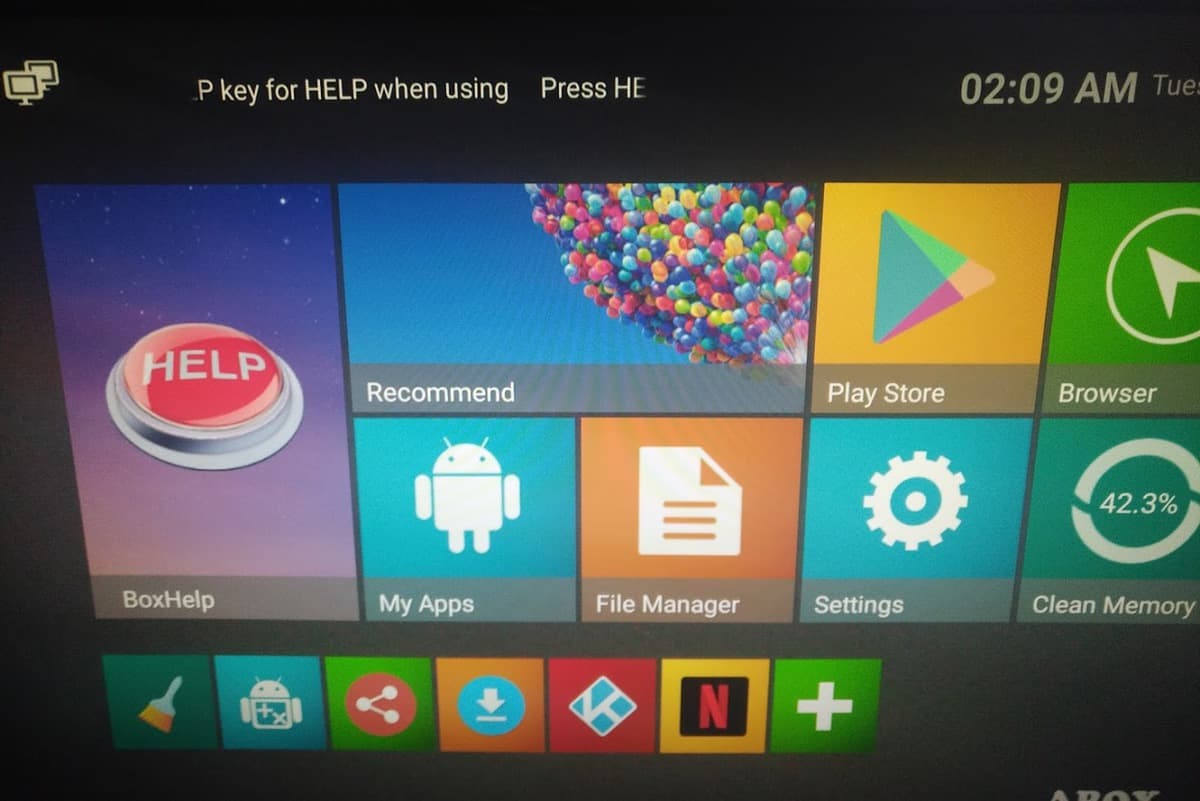
I was not thrilled to find that under BoxHelp there is basically a step by step guide to downloading Kodi and setting up streaming services. It is bypassing the rules of fully loaded Kodi boxes while still offering the same service. While I have no major issue if you want to stream pirated content, I don’t think it should be built into devices; it just puts unnecessary pressure on legitimate app companies like Kodi. That being said, if you buy this box to stream, which most people do, then it should be straightforward to set up.I personally use Kodi to stream local content, and once I had downloaded the app and got the advancedsettings.xml on there I was able to view all my content locally with no issues.Performance & Usability
The ABOX can’t come close to the Shield or Amazon 4K in either performance or usability. So much so that within an hour I was tempted to pack it up and send it back.After giving it a little more of a chance, it isn’t that bad. Navigation is a bit slower than the other two devices, but things load reasonably quickly.Within Kodi, for 1080p MKVs encoded in H.264 things played smoothly with no issues. I would randomly get artefacts so I would say it is not as good as the RPI3, but it is more than adequate.I tried a collection of various audio and video files in the KODI 17.6 app, here are the results of some of its decoding ability:Dolby 2.0 [PASS]Dolby Digital 5.1 [PASS]DTS-HD MA 7.1 [PASS]ATMOS 1080 x1920 Bluray [PASS]VC-1 HD [PASS]4K – 3840 × 2160 MPEG4 [PASS]4K – 3840 x 2160 VP9 OGG [PASS]Netflix is OK, it seems to take a while before the image switches from grainy low res to something reasonable, but once it does it is fine. Netflix also appears to play fine in 4K too.Overall
If you are looking for a low-cost Android box then this seems to be a good option, the increased RAM and storage make it worth the extra money over 1GB/8GB models.If you want to use it for streaming from questionable sources, it appears to be quite easy to set up.For local content, it works well. Not as good as my other devices, but it costs around 50% which buys it a lot of leeway.The average user will be more than happy with the ABOX A1 Plus.GooBang Doo ABOX A1 Plus Smart Android 7.1 TV Box
-
Price - 75%75%
-
Performance - 80%80%
-
Features - 75%75%
-
Build - 75%75%

I am James, a UK-based tech enthusiast and the Editor and Owner of Mighty Gadget, which I’ve proudly run since 2007. Passionate about all things technology, my expertise spans from computers and networking to mobile, wearables, and smart home devices.
As a fitness fanatic who loves running and cycling, I also have a keen interest in fitness-related technology, and I take every opportunity to cover this niche on my blog. My diverse interests allow me to bring a unique perspective to tech blogging, merging lifestyle, fitness, and the latest tech trends.
In my academic pursuits, I earned a BSc in Information Systems Design from UCLAN, before advancing my learning with a Master’s Degree in Computing.
I’m proud to share that Vuelio has consistently ranked Mighty Gadget as one of the top technology blogs in the UK. With my dedication to technology and drive to share my insights, I aim to continue providing my readers with engaging and informative content.
I work directly with the companies I review products for or their chosen PR agency.
For Social Media, you can find me on: