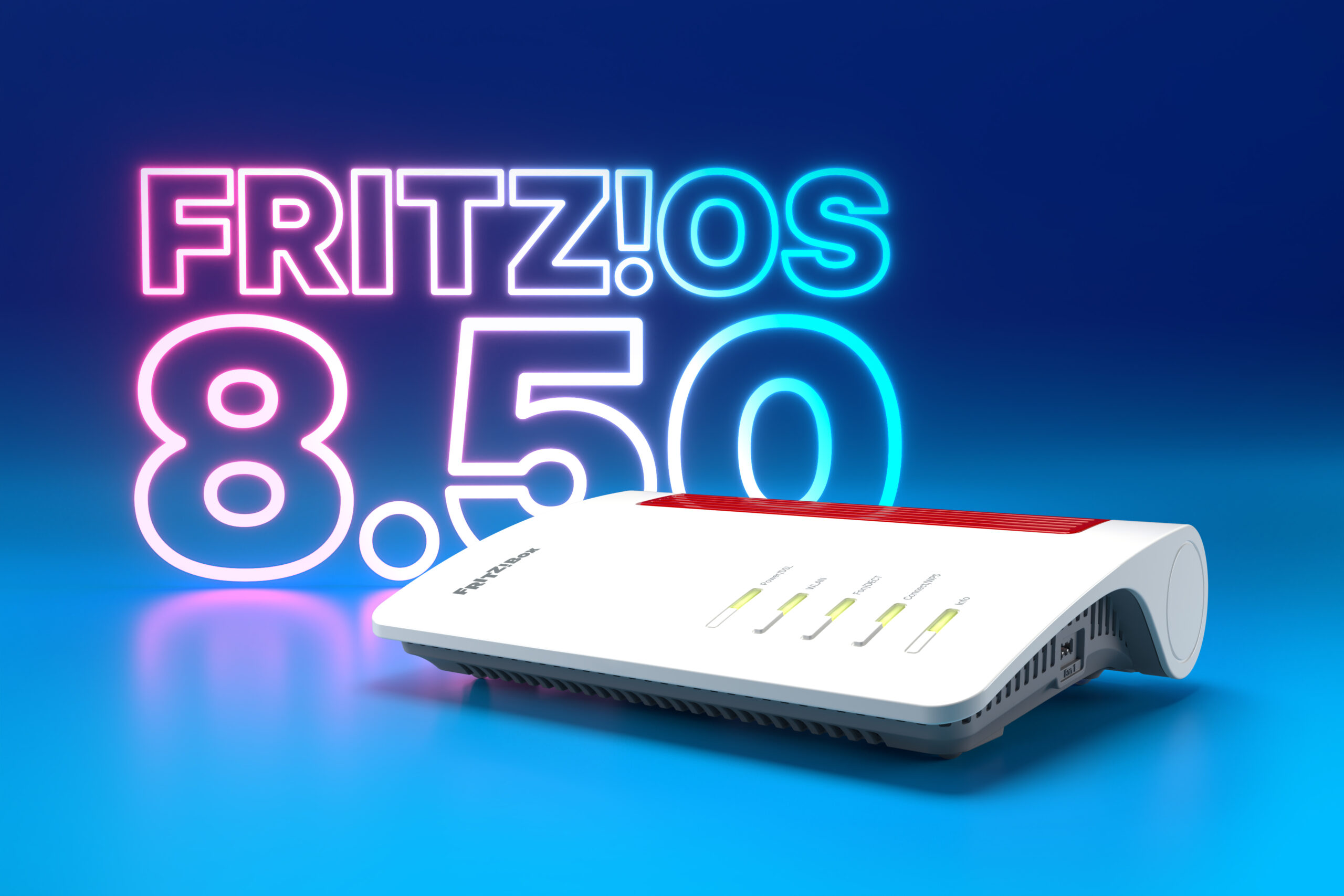
FRITZ! begins rollout of FRITZ!OS 8.50 with DNS filtering, automatic prioritisation and Matter bridge support
FRITZ!, the Berlin-based networking company formerly known as AVM, has started rolling out FRITZ!OS 8.50, a major firmware update for its routers and mesh repeaters. The FRITZ!Box 7690 is the first model to receive the new software, with the update due to follow for all current FRITZ!Box and FRITZ!Repeater models over the coming weeks.
The release covers a wide range of areas, from improved diagnostic tools through to additional smart home automations. According to the company, the main focus is on the stability and security of the home network. The most notable additions are a new DNS filter, expanded failover protection and the automatic prioritisation of real-time data streams, with the changes aimed at home working, online gaming and smart home use.
Related Reviews
- FRITZ!Box 5690 Pro Review
- FRITZ!Box 7690 Wi-Fi 7 Router Review
- FRITZ!Repeater 3000 AX Review vs FRITZ!Repeater 6000 Tri-Band
- FRITZ!Box 7530 AX Review
- FRITZ!Box 4060 WiFi 6 Router Review
How to install the update
Users who have the automatic update feature enabled will have FRITZ!OS 8.50 installed without needing to take any action. Alternatively, the update can be requested manually by logging in to the router at fritz.box and selecting “Start Update” in the user interface. A full list of new features and changes is available on the FRITZ! website at fritz.com/fritzos.
It is worth noting that not every feature will arrive on every model at the same time. Several of the new functions, including DNS filtering and automatic prioritisation, are being introduced to the FRITZ!Box 7690 first and will be extended to other selected models as the rollout continues.
New DNS filter for blocking unwanted content
The most significant security addition in FRITZ!OS 8.50 is a router-level DNS filter. Whenever a phone, laptop or other connected device visits a website, it first asks a DNS server to translate a domain name into the numerical IP address needed to make the connection. By intercepting these requests, the router can refuse to resolve domains that appear on a block list.
With the update, the FRITZ!Box 7690 can block devices on the home network from reaching specified domains. The router supports common standards for importing and processing lists of domain names, which means users can make use of publicly available DNS filter lists rather than building their own. These lists can be used to filter out a range of content, including:
- advertising and tracking services
- malware distribution sites
- phishing pages
- botnet infrastructure and other unwanted content
When a device on the network tries to access a blocked address, the FRITZ!Box blocks the query automatically. Because the filtering takes place on the router itself, it applies to every device on the network without the need to install software on each one. This approach is similar to that used by dedicated network-wide blockers such as Pi-hole and AdGuard Home, which typically run on separate hardware. FRITZ! says the function will gradually be made available to additional selected models as part of the rollout.
Smart Check brings network diagnostics to the MyFRITZ!App
FRITZ!OS 8.50 also introduces Smart Check, a new diagnostic feature within the MyFRITZ!App. It displays the current status of the FRITZ!Box directly on the start screen of the app and provides recommendations, notices and warnings across a number of technical areas. These include the internet connection, telephony, the home network, Wi-Fi, LAN, USB, smart home and security.
Each item comes with specific guidance on how to resolve it. For example, Smart Check will flag when a mesh connection to a repeater is missing, and it can offer advice on blocking unwanted calls to premium-rate phone numbers. The overall status is visible at a glance on the start page, and a single tap on “Smart Check” opens a more detailed analysis.
Automatic prioritisation for real-time applications
FRITZ!Box routers have long offered the option to prioritise individual devices on the network. FRITZ!OS 8.50 adds the ability to automatically prioritise specific applications that need to run in real time, such as video conferencing and online gaming.
The router detects these applications on its own and gives them priority within the home network without any manual configuration, with the aim of keeping the connection stable when the network is under load. When a prioritised connection is active, this is shown in the user interface against the relevant network device, and the activity can be reviewed for up to 24 hours afterwards. As with DNS filtering, automatic prioritisation will be introduced to selected models over the next few weeks.
FRITZ! Failsafe extended to 4G and 5G models
FRITZ! Failsafe is the company’s failover protection feature, which keeps a home network online if the primary internet connection drops. With FRITZ!OS 8.50, it can now be used directly on FRITZ!Box models designed for 4G and 5G mobile broadband.
For the first time, these mobile broadband routers can also connect to the internet over a LAN port. This allows them to be connected to an upstream device such as an optical network terminal (ONT) on a full fibre connection. In this arrangement, the wired connection acts as the main link, and FRITZ! Failsafe switches internet provision to the mobile network temporarily should the landline or fibre connection fail.
Simple mode and SOS calling for FRITZ!Fon handsets
The update also makes changes to the FRITZ!Fon range of DECT cordless phones. A new simple mode reduces menu navigation to the essentials. Once activated, the softkeys can be used as quick-dial buttons, with each one assigned to a phone number or function.
Simple mode also includes an integrated SOS call feature. Up to four emergency contacts can be stored, and the handset will call them automatically in sequence in an emergency. The interval between calls can be configured. FRITZ! says the mode has been designed specifically for users who prioritise accessibility and ease of use.
Smart home safety cut-off and new automations
On the smart home side, FRITZ!OS 8.50 adds a safety function to the FRITZ!Smart Energy 200 and 210 smart plugs, as well as the forthcoming FRITZ!Smart Energy 201 indoor model. These plugs can now be switched off automatically if a specified current limit is exceeded for a defined period of time.
The update also adds preconfigured automations, including “Leaving the House”, “Coming Home” and “Holidays”. These can be set up in a few steps and triggered using zones, or geofences, that have previously been configured in the FRITZ!App Smart Home. With the next update, routines will be able to combine multiple triggers, including geofences defined on each smartphone. This will make it possible, for example, to set a routine that only activates once all residents have left the house.
FRITZ!Box 5690 Pro gains Matter bridge support
Finally, the FRITZ!Box 5690 Pro can now act as a Matter bridge. Matter is an industry standard for smart home devices that is designed to allow products from different manufacturers to work across multiple platforms.
As a result of this change, all FRITZ! Smart Home devices, along with compatible smart home devices from other manufacturers registered with the FRITZ!Box 5690 Pro, can be added to an existing Matter network managed by Apple Home, Google Home or Amazon Alexa. This also allows those devices to be controlled by voice through the respective assistants.
Availability and price
FRITZ!OS 8.50 is available now for the FRITZ!Box 7690 and is provided as a free firmware update. It will be rolled out to all current FRITZ!Box and FRITZ!Repeater models over the coming weeks, while the DNS filter and automatic prioritisation features will reach additional selected models in stages. Multi-trigger routines for smart home automations are scheduled to arrive with the next update.

I am James, a UK-based tech enthusiast and the Editor and Owner of Mighty Gadget, which I’ve proudly run since 2007. Passionate about all things technology, my expertise spans from computers and networking to mobile, wearables, and smart home devices.
As a fitness fanatic who loves running and cycling, I also have a keen interest in fitness-related technology, and I take every opportunity to cover this niche on my blog. My diverse interests allow me to bring a unique perspective to tech blogging, merging lifestyle, fitness, and the latest tech trends.
In my academic pursuits, I earned a BSc in Information Systems Design from UCLAN, before advancing my learning with a Master’s Degree in Computing.
I’m proud to share that Vuelio has consistently ranked Mighty Gadget as one of the top technology blogs in the UK. With my dedication to technology and drive to share my insights, I aim to continue providing my readers with engaging and informative content.
I work directly with the companies he reviews products for or their chosen PR agency.
For Social Media, you can find me on: