Best Webcams for Teams / Zoom – Christmas Gift Guide
Webcams have become an essential purchase for anyone who works from home. I don’t just use mine for work, but I have had a few consultations with medical professionals, avoiding the need to travel to where a specialist may be located. Similarly, having therapy via video calls has become a popular option. Then, of course, it is a great way to stay in touch with friends and relatives who don’t live nearby.
With my recent experience of video consultations, I realised the people on the other side of the call really needed to upgrade their webcam and microphone. They are often oddly angled, low quality and just not very flattering, especially when you have a laptop with a camera angled upwards. Similarly, the audio is often awful. I’d personally recommend a dedicated microphone rather than a built-in mic on a webcam, but all of the below should have a usable mic built in.
Obsbot Tiny 2

- 【OBSBOT × EWC 2025 Official Partnership】OBSBOT is thrilled to be the 2025 Esports World Cup (EWC) Official Camera & Webcam Partner. Leveraging cutting-edge AI camera tech, OBSBOT will deliver immersive live broadcasts, capturing every epic moment of elite gamers. Also, OBSBOT provides content creators and streamers with the same pro imaging solutions, empowering global players to record esports highlights via EWC-approved AI camera tech.
- 【OBSBOT Tiny 2 - New Era of Webcam】Our 4K Webcam is equipped with 1/1.5" CMOS Sensor, which is the largest and most advanced sensor currently used in the Webcam industry. This significantly improves the image quality and light sensitivity, allowing you to shine in dark environments.
- 【Superior AI-Tracking, Up 4 Tracking Modes】Our Tracking Webcam has fully upgraded the AI algorithm to make the auto-tracking smoother and faster, quickly capturing every move of you, and the reaction speed exceeds 99% of the peers. There are 4 additional automatic tracking modes such as upper Body Mode/Close-Up Mode/Hand Tracking/Zone Tracking to meet the needs of different people.
- 【Breakthrough Voice & Gesture Control】Our Webcam with Microphone introduces a groundbreaking voice control feature, becoming the first webcam to support voice commands. If you are far away from the conference camera, you can control your Webcam for Streaming through specific commands, such as 🗣️"Hi, TINY", "Track Me", etc simple command. Besides, Tiny 2's gesture control has been upgraded to version 2.0, making it even more responsive.
- 【Industry Leading 0.3 Seconds Auto Focus】All-Pixel Auto Focus means our Webcam for Mac takes only 0.3 seconds to capture your silhouette, 4X faster than other webcam. (Note: If you need to focus on another object, place it in front of the camera and block the person's face)
Key Features:
- AI-powered PTZ (Pan-Tilt-Zoom) Camera
- 4K resolution at 30fps or 1920×1080 at 60
- 1/1.5” CMOS for superior low-light performance
- 2-Axis Gimbal for stable tracking
- Gesture control and auto-framing
- Noise-cancelling microphones
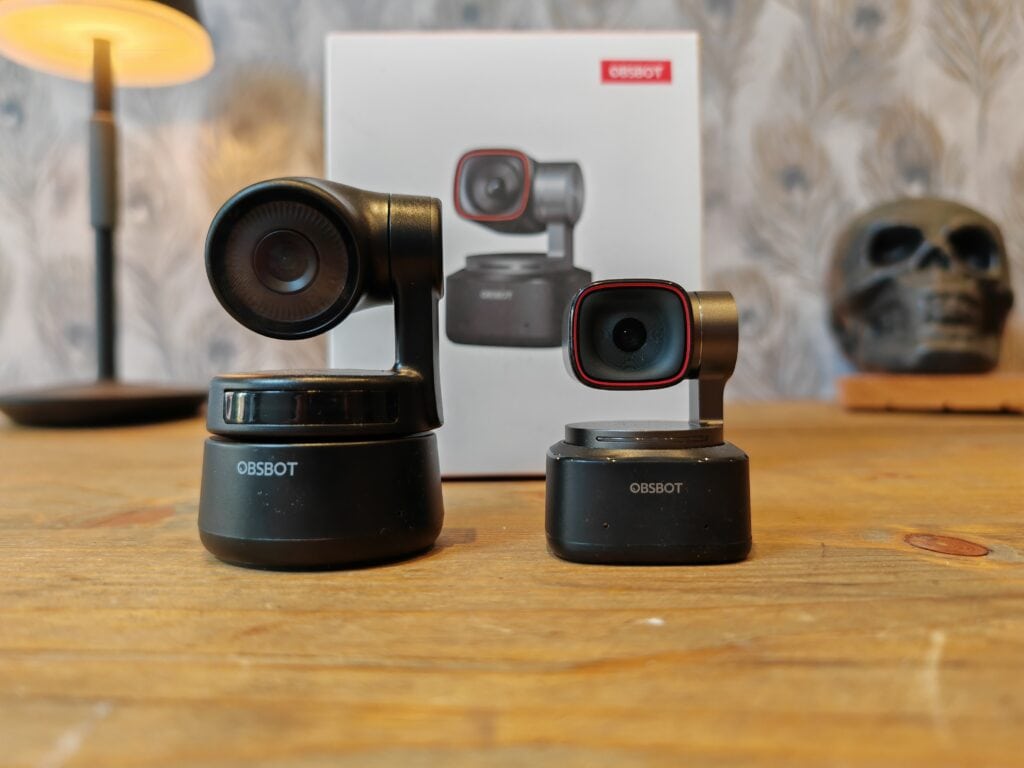
I reviewed the Obsbot Tiny 2 back in May 2023 and I have continued to use it as my main webcam.
It is a cutting-edge choice for those who want an interactive video conferencing experience. Its AI-driven PTZ capabilities allow the camera to automatically track your movements, keeping you centred in the frame even as you move around.
This feature is particularly beneficial for active presentations or teaching scenarios. The 2-axis gimbal ensures smooth and stable video, while its gesture control feature allows for hands-free operation – a convenient option for multitasking professionals. I don’t use it for anything so fancy, I mainly use the PTZ function to focus on my head without having to awkwardly position the camera. The Obsbot software can also create a virtual camera that will support things like background blur, even if the video conferencing software doesn’t offer this feature.
Moreover, its noise-cancelling microphones effectively isolate your voice from background noises, ensuring crystal-clear audio.
The Obsbot Tiny 2 is a perfect fit for a dynamic and interactive video conferencing environment.
Logitech Brio 4K Webcam
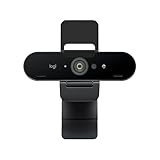

Key Features:
- 4K Ultra HD video resolution at 30 fps
- 5X HD zoom and RightLight 3 with HDR
- Windows Hello facial recognition sign-in
- Privacy shade
- Tripod-ready universal clip fits laptops, monitors, and tripods
The Logitech Brio 4K Webcam has a high RRP but it is regularly available with large discounts. It delivers superb sharpness and colour accuracy with its 4K Ultra HD video capture. It works great for Teams and Zoom meetings where you want your video to look as good as possible. The large 4K sensor and RightLight 3 technology provide excellent quality even in low light conditions.
Additional handy features include a privacy shade, 5X HD zoom so you can frame your shot perfectly, and facial recognition for easy Windows sign-in. The webcam is certified for Microsoft Teams and Zoom. The versatile mounting options, USB connectivity, and easy setup also make it a great choice.
Razer Kiyo Pro
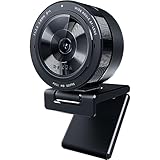
- High-performance adaptive light sensor for superior imaging in any lighting condition. The webcam is driven by a larger Type 1/2.8 ultra-sensitive CMOS sensor with STARVIS technology that adapts to any lighting condition, ensuring picture-perfect clarity for any setup..Field of View: 103°, 90°, 80°
- Uncompressed 1080p 60FPS for absolute video fidelity. With the highest fidelity that comes with uncompressed Full HD 1080p 60FPS video, your stream will be more engaging and natural to watch with smooth, lifelike quality.
- HDR-enabled for more vibrant colors at 30FPS. Make your stream pop with a full spectrum of vibrant colors by activating HDR at 30FPS, which ramps up your video’s dynamic range while correcting over and underexposed areas.
- Wide-angle lens with adjustable FOV to control how much to capture for your audience. Find the right amount of visual space you need to display your showmanship, with a large aperture, wide-angle lens that allows for three field-of-view options selectable via Razer Synapse.
- Lightning-fast USB 3.0 to support uncompressed video quality. With its plug-and-play USB 3.0 connection, the Razer Kiyo Pro delivers a powerful 5GB/s camera signal to your stream, allowing for maximized video performance with no compression whatsoever.
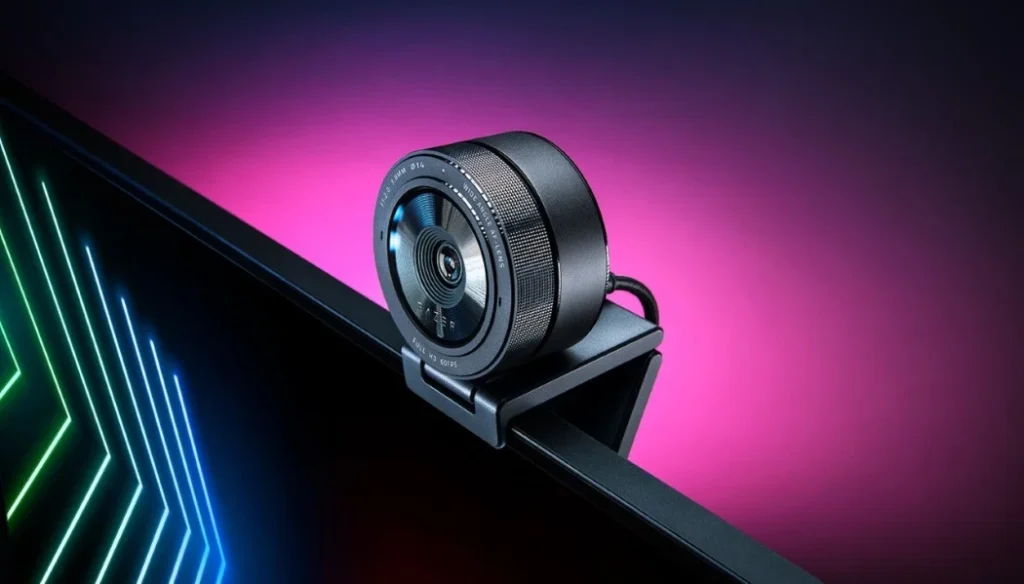
Key Features:
- 1080p 60 fps or 720p 60/30 fps video
- Adaptive light sensor for ideal image quality
- Wide 103° field of view
- Omnidirectional stereo microphone
- Fully adjustable stand
The Razer Kiyo Pro delivers buttery-smooth 60 fps video for Teams/Zoom thanks to its high frame rate capture. It automatically adapts the lighting conditions in your room to optimize the picture quality. The wide-angle 103° field of view ensures you stay in frame properly.
It has a top-notch built-in omnidirectional microphone that captures sound clearly. The fully adjustable stand lets you position the webcam exactly how you want it. For a high performance webcam optimized for video conferencing, the Razer Kiyo Pro is an excellent choice.
Anker PowerConf C300
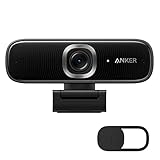
- Look Like a Pro: Make a great first impression with clients and impress your boss with PowerConf C300's crisp 1080p/60FPS camera with true-to-life colors.
- Clear Voice Pickup: Be heard loud and clear while working from home on webcam thanks to the ultra-sensitive dual microphones.
- Shine Bright in Low Light: When working late or calling clients in different time zones, auto low-light correction kicks in to ensure you stand out, even in poor lighting conditions.
- Fit Everyone In Frame: Whether you're calling solo from home or huddled with colleagues in the office, our revolutionary AI technology automatically adjusts the webcam field of view depending on the number of people in your meeting.
- No Time Wasted: Automatically focuses on people or objects within just 0.35 seconds. Show off every detail of your latest samples and prototypes without waiting for the webcam focus to catch up.
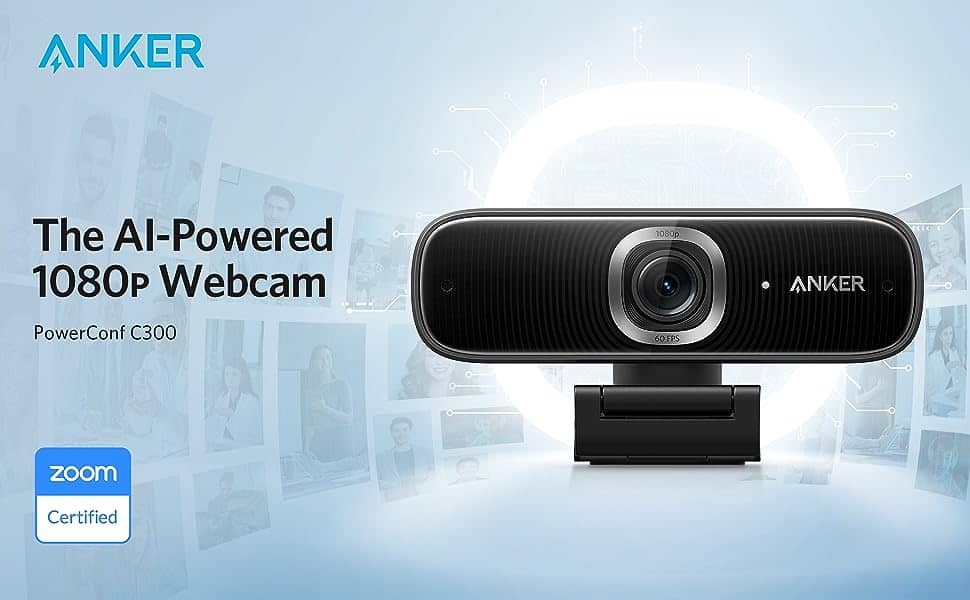
Key Features:
- 1080p video resolution at 30 fps
- Low light correction and autofocus
- Built-in microphones with noise reduction
- 78° diagonal field of view
- Foldable smart stand design
The Anker PowerConf C300 provides great value by delivering good full HD 1080p video quality while keeping costs down. It works well with Teams, Zoom and other apps. Useful features include low light correction, autofocus and built-in mics.
The foldable stand is handy for positioning, and the webcam is compact enough to take with you. If you want a budget-friendly webcam that still captures nice quality footage, the Anker PowerConf C300 fits the bill nicely.
Logitech C920 HD Pro

- Full-HD Video Calling: This streaming webcam operates in full-HD 1080p video at 30-fps, whether you're on Skype or streaming yourself gaming in a strong HD 720p. It covers the full action. Connects to your device via USB
- Crisp Video Quality: Using this video calling device over wifi allows professionals and others to record rich content that is fluid, professional-looking and polished - such as demonstrations or showcasing your passions
- Full-HD Glass Lens: Users of this full HD streaming camera that captures a wide 78 degree field of view will be seen in high clarity and detail - the five-element glass lens with premium auto-focus capability shoots and records video that is crystal-clear
- Brighter Images: Equipped with automatic HD autofocus and light correction, this streaming webcam fine-tunes to your lighting conditions to produce bright, well-contrasted images - even if you're in a dim setting
- Dual Microphones: The two-microphone system on this HD webcam - one on each side of the lens - captures natural stereo audio while filtering out background noise
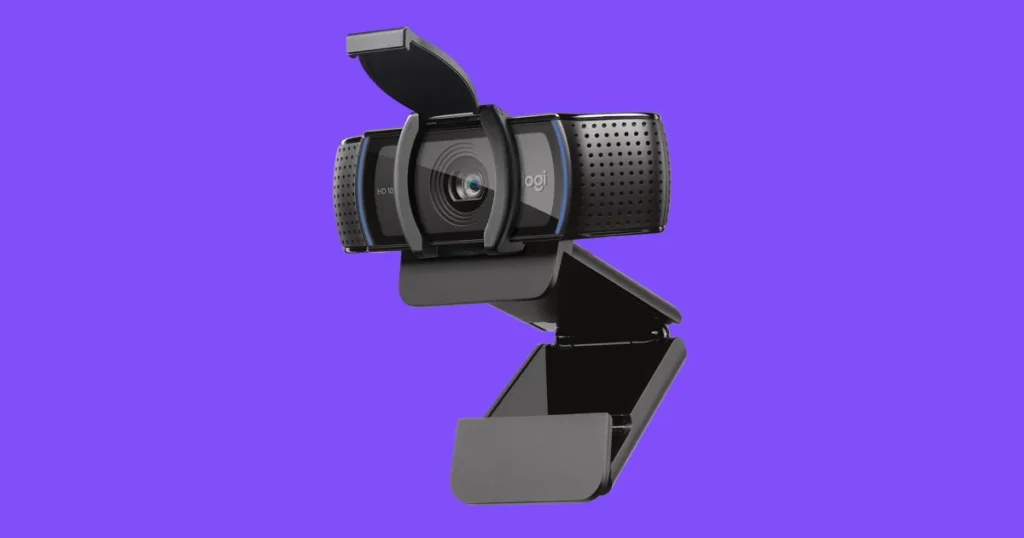
Key Features:
- Full HD 1080p at 30fps
- Autofocus and light correction
- Dual microphones for natural stereo sound
- Wide 78-degree field of view
- USB plug-and-play
The Logitech C920 HD Pro is a stalwart in the webcam market, renowned for its reliability and performance. It offers crisp, full HD video quality that’s ideal for both Teams and Zoom.
The autofocus and light correction adapt to your environment, ensuring you look your best in various lighting conditions.
Additionally, the dual microphones capture natural sound, making it perfect for professional settings. Its wide field of view comfortably fits more than one person in the frame, making it suitable for small-group discussions.
Microsoft LifeCam Studio

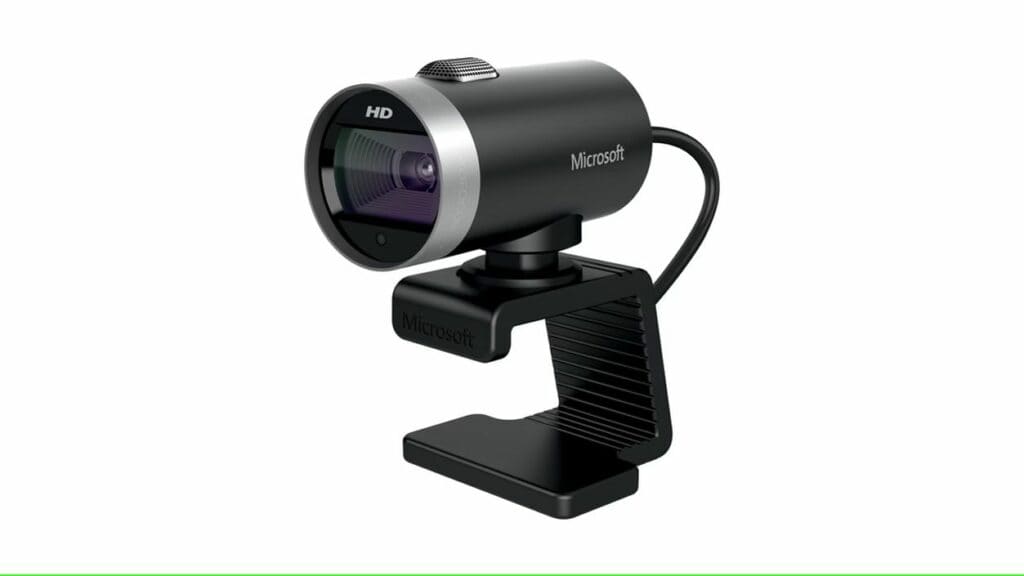
Key Features:
- Full 1080p HD sensor for superior sharpness
- TrueColor Technology with face tracking
- Wideband microphone for premium sound recording
- 360-degree rotation
- High-precision glass element lens
The Microsoft LifeCam Studio is tailored for business professionals. It boasts a high-fidelity microphone and TrueColor Technology, ensuring vibrant, accurate colours even in poor lighting conditions.
The high-precision glass lens enhances the sharpness and clarity of your video. Its ability to rotate 360 degrees offers tremendous flexibility, allowing you to adjust your view easily.
This webcam is a solid choice for those who require consistent high-quality video for their virtual meetings.
Dell UltraSharp 4K Webcam

- A privacy shutter cap allows one to conveniently snap the cover on the lens and keep it protected when not in use
- Colour: Black
- Dell ExpressSign-in detects one's presence when one is close and uses Windows Hello to automatically log one in
- When one walks away, it locks one's system for increased security
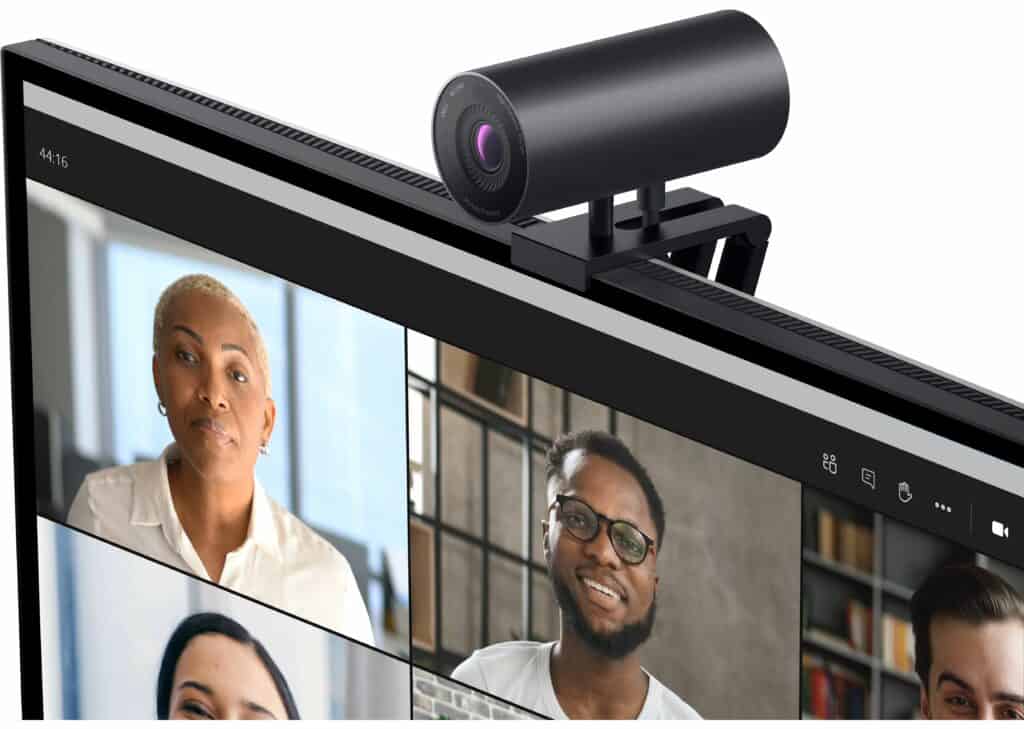
Key Features:
- 4K image quality
- Intelligent auto framing
- Excellent low light performance
- Advanced noise reduction
- Detachable USB-C cable
The Dell UltraSharp 4K Webcam delivers excellent 4K image quality for video meetings. Intelligent auto framing always keeps you in the picture properly. It works great in low light conditions and has advanced noise reduction.
Obsbot Tail Air
Key Features:
- 4K Ultra HD Resolution
- AI-powered 3-axis gimbal with 360° rotation
- Smart tracking and auto-composition
- Long battery life for wireless use
- Multiple shooting modes and live streaming support
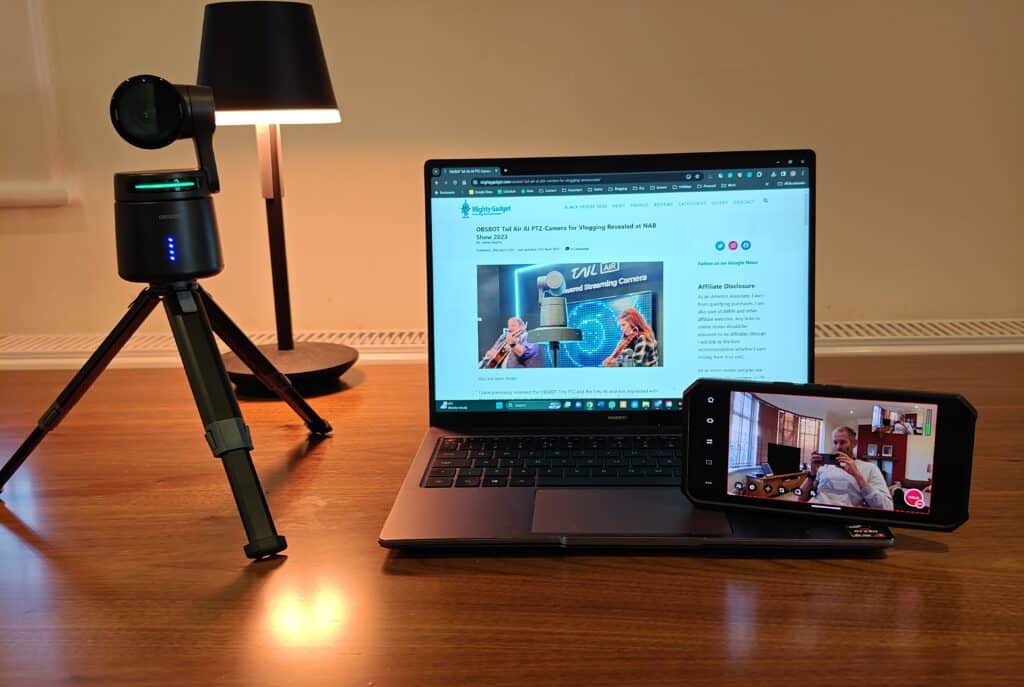
I recently reviewed the Obsbot Tail Air, it is not strictly a webcam, as it doesn’t connect to your PC via USB and gets identified like a webcam like you may be used to.
It is marketed as a streaming camera, and it can record directly to microSD, or you can stream directly to YouTube, or you can use RTSP feeds to capture the footage.
The camera has WiFi built-in, and it can be connected via wired Ethernet.
Using software like OBS Studio, you can then create a virtual webcam that will work with things like Zoom and Microsoft Teams.
These features mean it probably isn’t the best choice if you specifically want a webcam for video calls, but it is a much more versatile camera than others on the list. You can take it out with you and use it to record footage as a video camera, but with AI autotracking PTZ. This makes it a great choice for recording moving objects, such as sports and music gigs.

I am James, a UK-based tech enthusiast and the Editor and Owner of Mighty Gadget, which I’ve proudly run since 2007. Passionate about all things technology, my expertise spans from computers and networking to mobile, wearables, and smart home devices.
As a fitness fanatic who loves running and cycling, I also have a keen interest in fitness-related technology, and I take every opportunity to cover this niche on my blog. My diverse interests allow me to bring a unique perspective to tech blogging, merging lifestyle, fitness, and the latest tech trends.
In my academic pursuits, I earned a BSc in Information Systems Design from UCLAN, before advancing my learning with a Master’s Degree in Computing.
I’m proud to share that Vuelio has consistently ranked Mighty Gadget as one of the top technology blogs in the UK. With my dedication to technology and drive to share my insights, I aim to continue providing my readers with engaging and informative content.
I work directly with the companies he reviews products for or their chosen PR agency.
For Social Media, you can find me on:


![The best passive speakers for a PC for use with an amplifier & DAC [vs active computer speakers]](https://mightygadget.com/wp-content/uploads/2026/04/The-best-passive-speakers-for-the-PC-768x461.jpg)