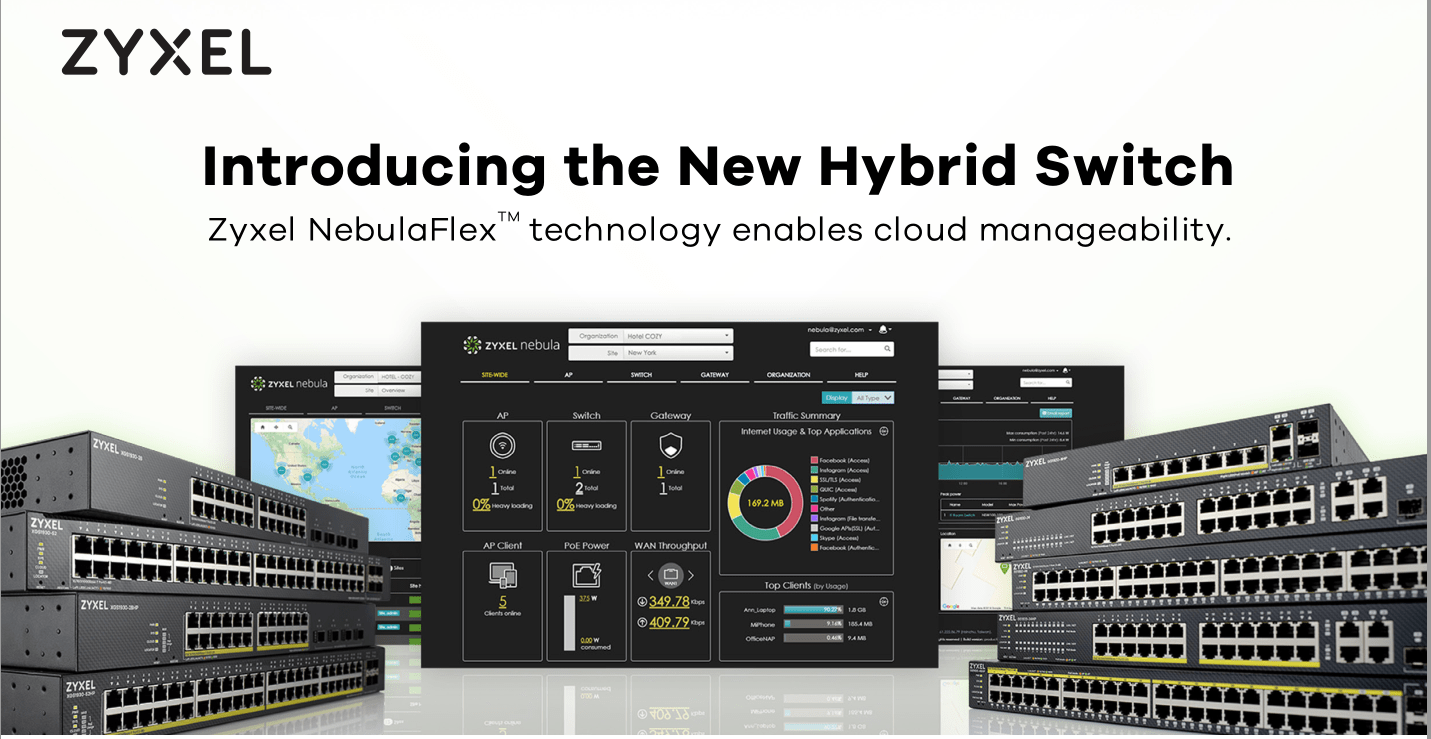
Zyxel GS1920-8HPv2 NebulaFlex Cloud Managed POE Switch Review

Comparisons
Costing £159.00 on Amazon with a 130 Watt Budget, 10 Gigabit Ethernet ports and 2-SFP combo ports this has specs that either match or beat all the other options at this price point.[button link=”https://amzn.to/2QPYvUd”] Buy the Zyxel NebulaFlex switch on Amazon[/button]
Ubiquiti US-8-60W UniFi 8 is cheaper but only has 8 ports total, and 60W power, it will also require you to install a cloud controller, either on an existing device or buy a dedicated device.The Open Mesh S8-L Fanless 8-Port is also a bit cheaper, but again only has 55W of power and 8 ports.Furthermore, while the Nebula system doesn’t have a massive range of options, it does have a couple of superb affordable switches in its range. In particular, the GS1920-24v2 is a 24-port none POE switch with 4 combo SFP ports costing just £159.00.In comparison, the cheapest Ubiquiti alternative is the US-24 which costs £206.82.With the Zyxel system if you want to access all the features it has to offer there is a yearly fee. However my system has now expired, and the list of available features remains extensive and suitable for suitable for any home user, and most likely most small offices.The main omission for the free option is no user notification and alerts, site config clone, and config backup and restore. These will undoubtedly be important in larger offices, but for home use or small offices I think you can live without them. Finding the pricing of the licence has proven hard but Zyxelguard has 2 options, a 1-year licence for $35 or lifetime for $175.With the yearly licence, it uses a point system so if you have three devices the points are split three ways giving you a third of a year across devices.If you prefer not to use Nebula then you can switch this device over to its standalone software and manage it locally. Zyxel has a windows application can ZON that allows you to easy manage multiple Zyxel products without having to remember all the IP addresses.Setup & Performance
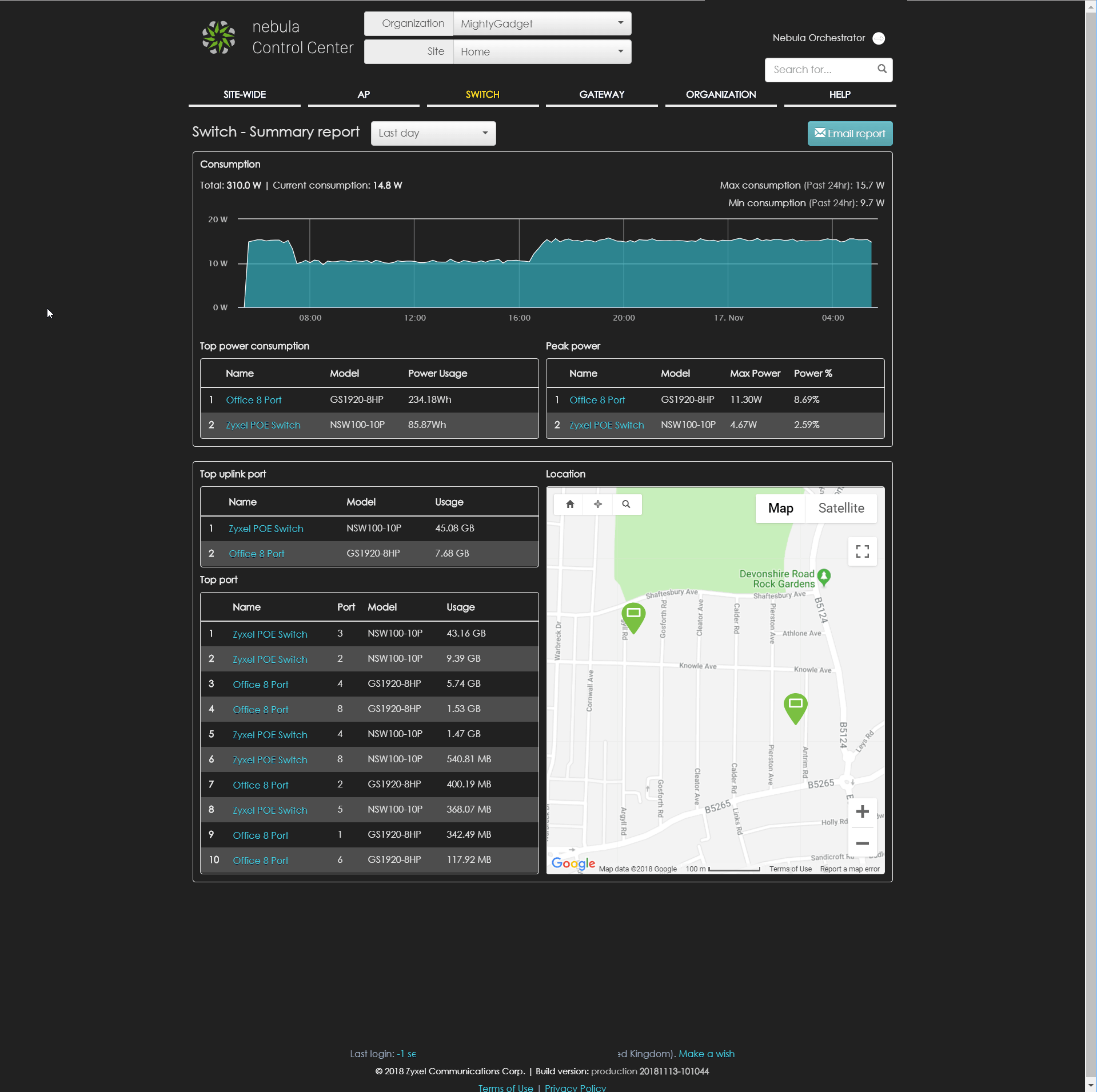
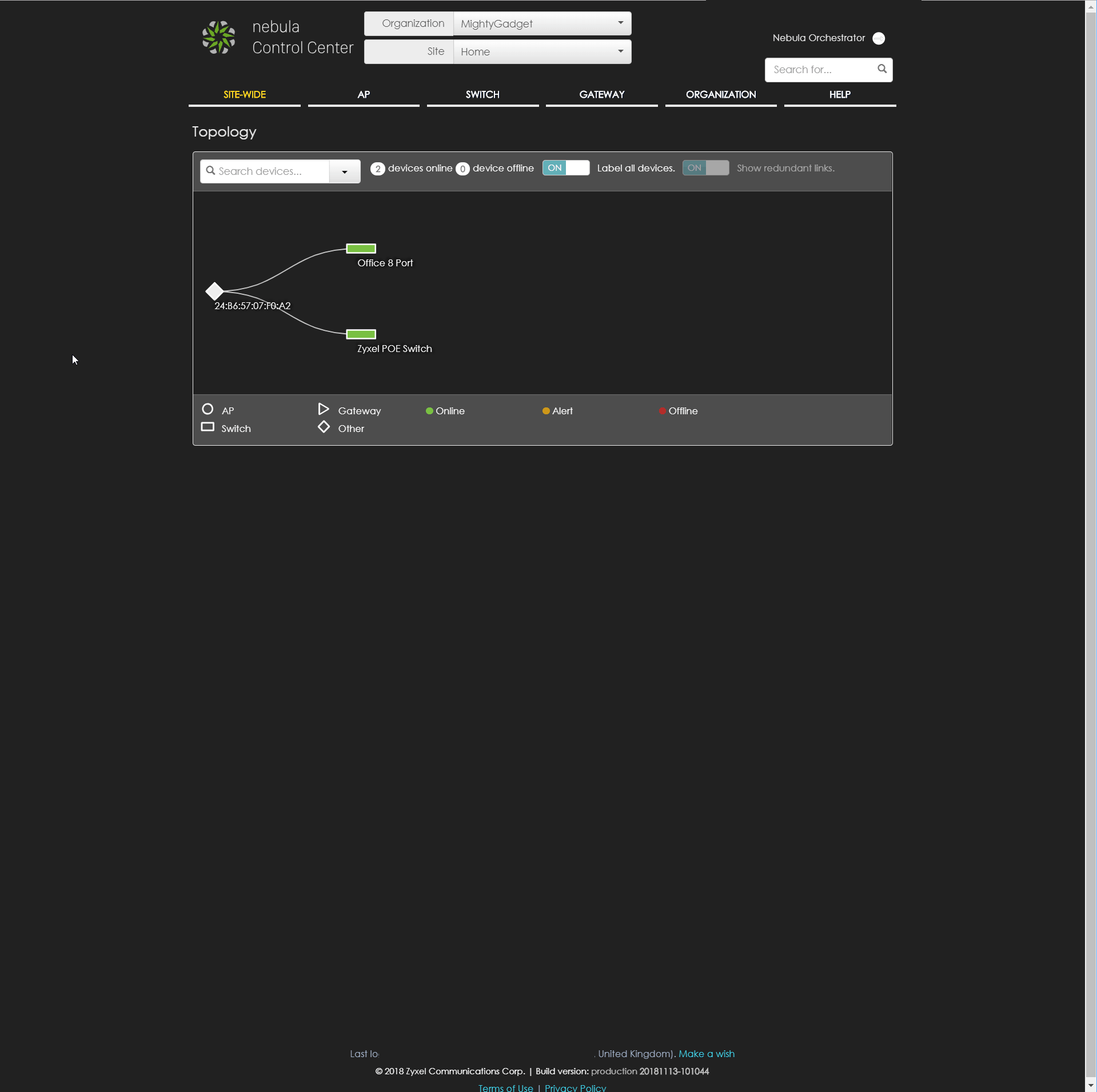
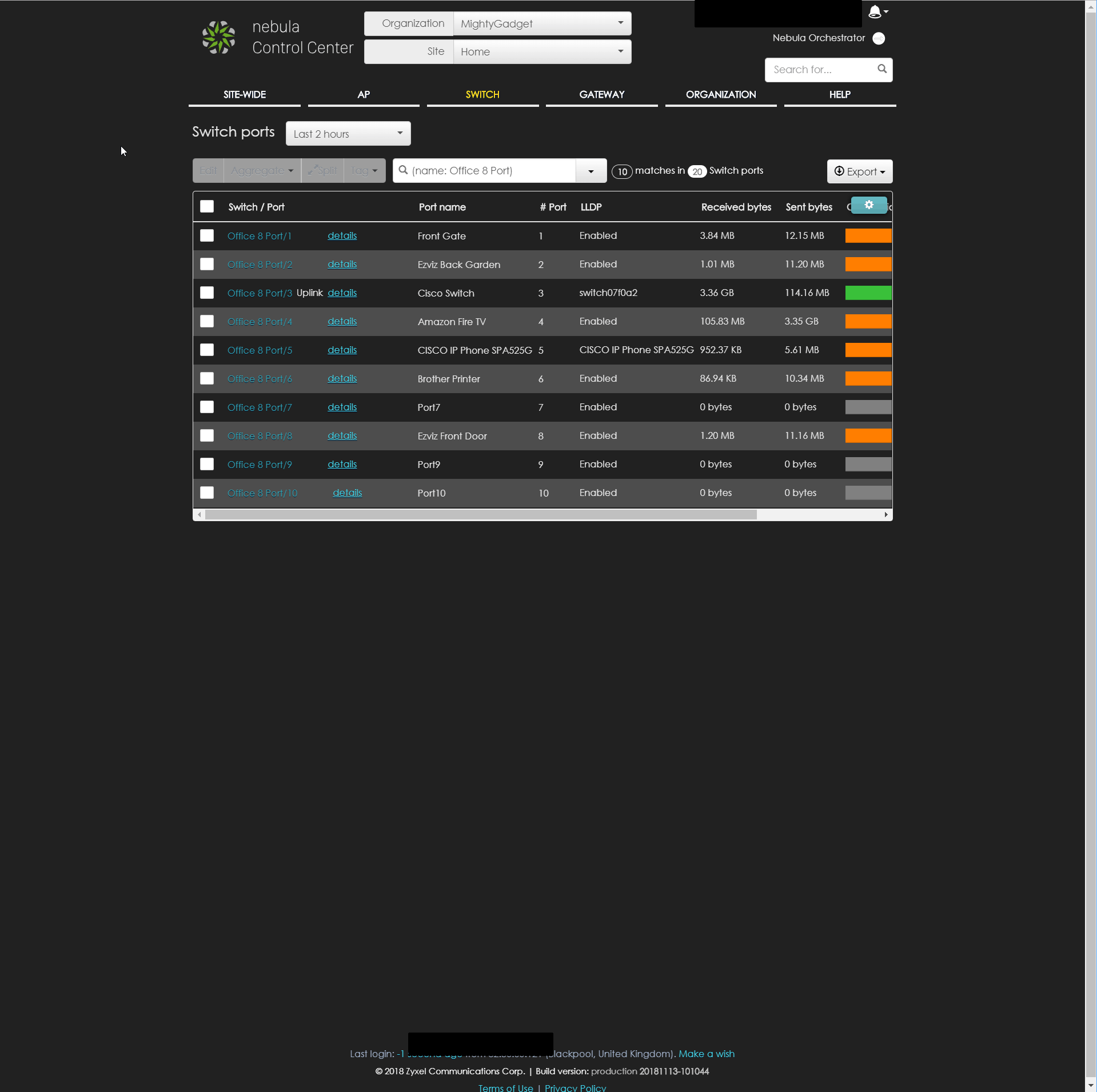
Setting up the new switch is an easy process, you can optionally use the app to scan the QR code or you can type in the serial number and mac address. Once done you will be able to add the device to your network, selecting the organisation and location. If you have a multi-site location, this allows you to easily handle everything in one place with logical separation between networks.The switch features some additional physical features that are useful, especially in a multi-device / office environments. This includes:- POE usage to quickly identify if you are maxing out the power
- Restore button: This button is specific for standalone mode. You can save your last good configuration as custom default in the Web GUI, and get back to it anytime just by pressing this button 3~7 seconds when there is a network misconfiguration.
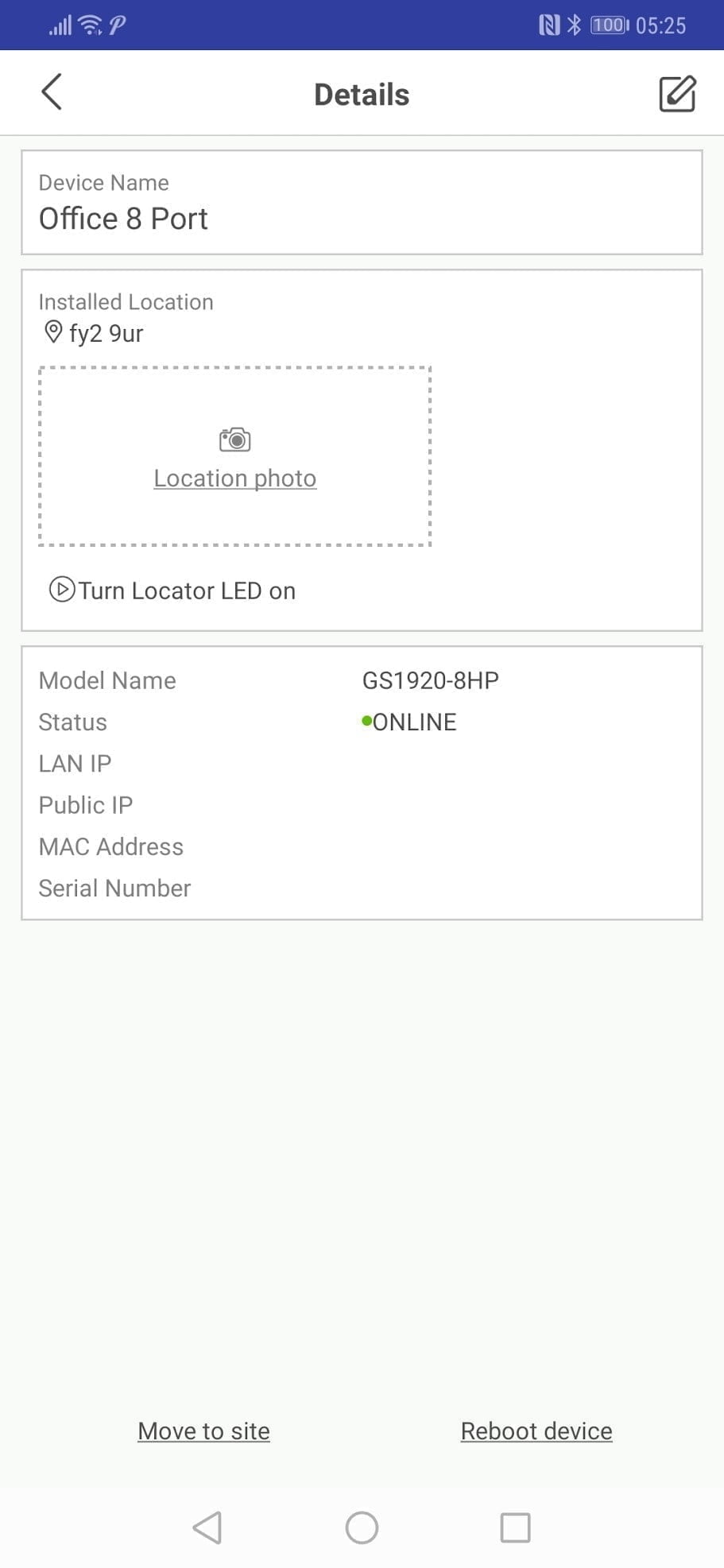
- Locator LED: This is ideal for larger installations allowing you to identify the switch you are managing via the software.
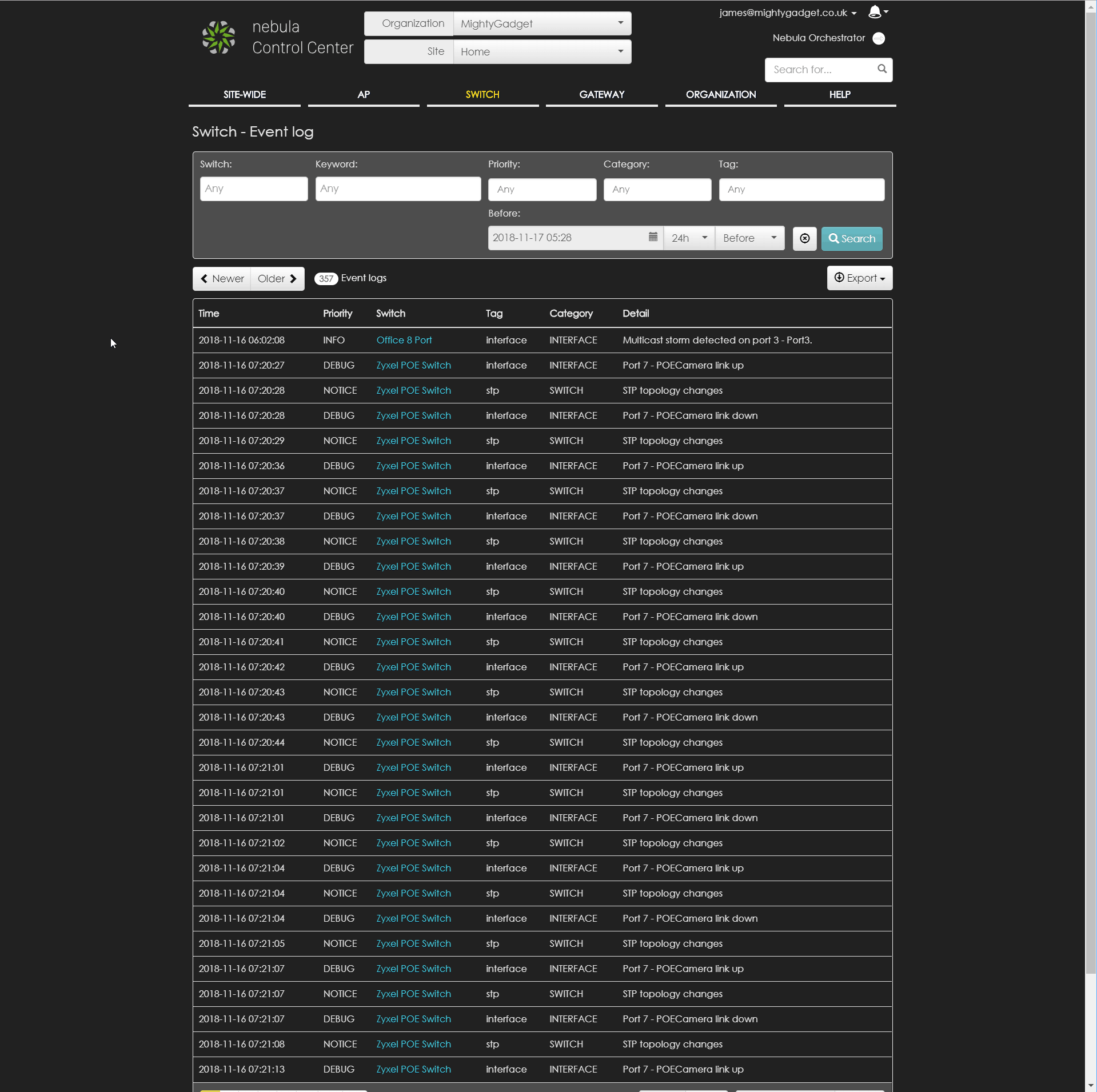
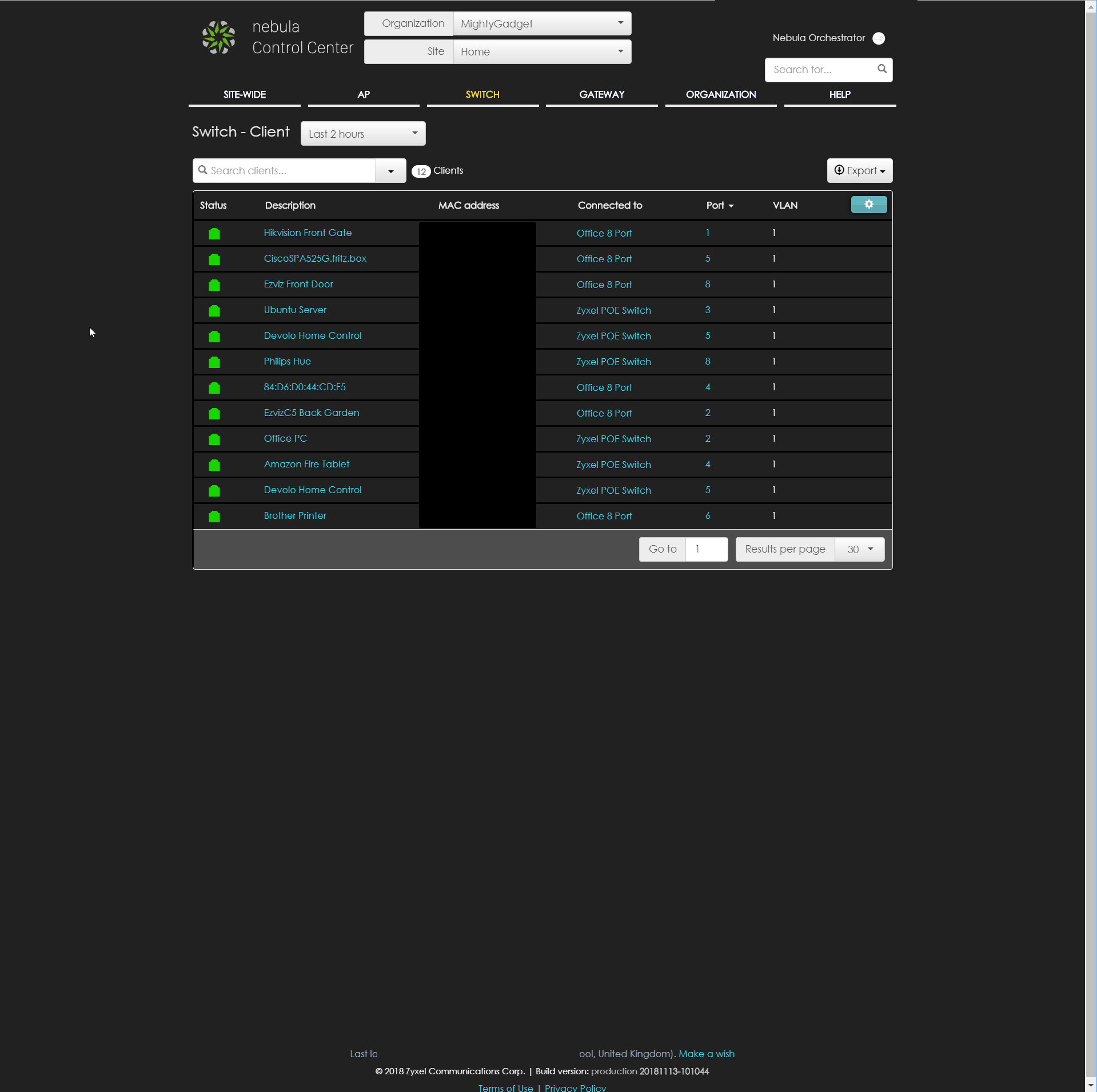
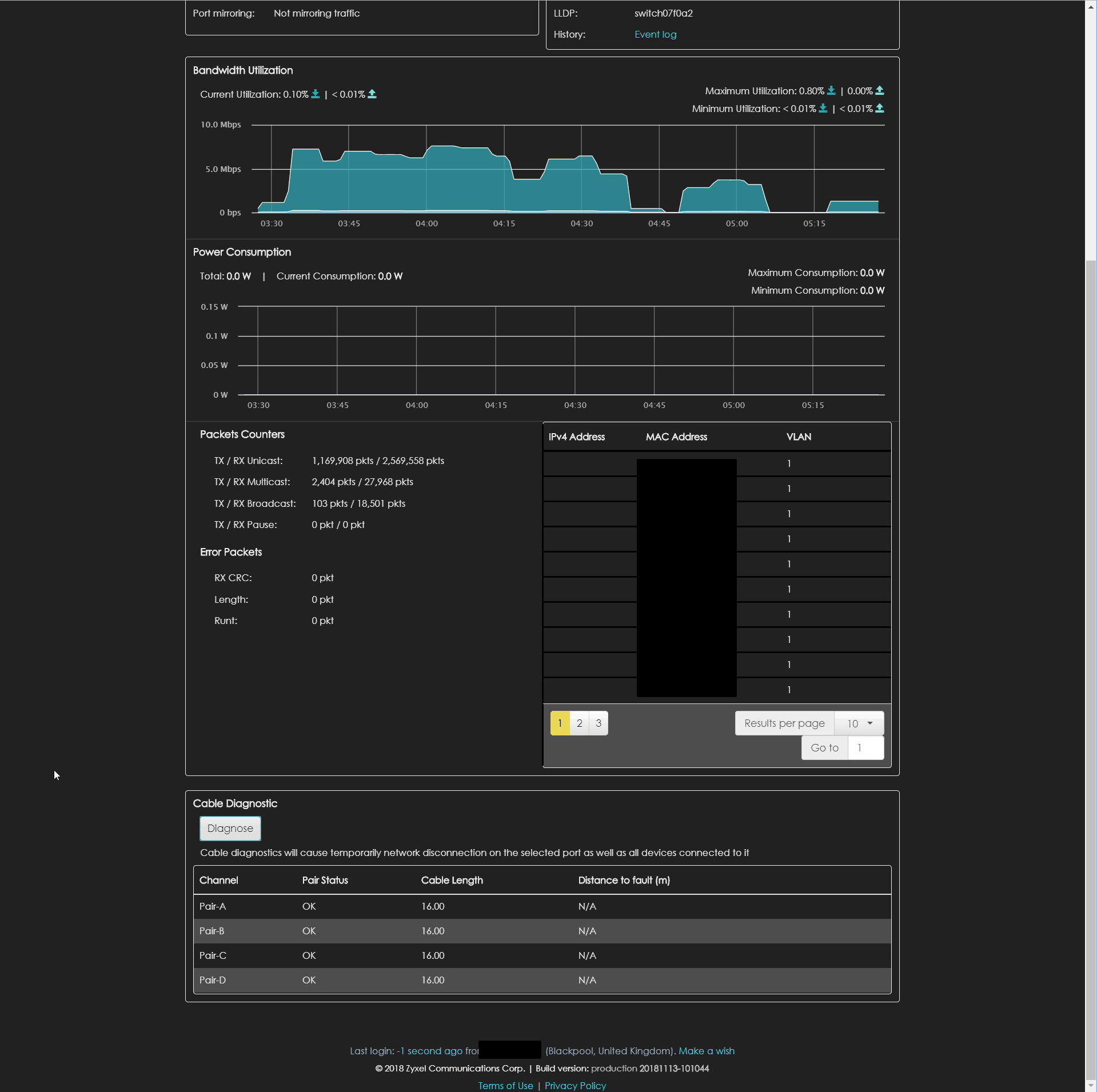
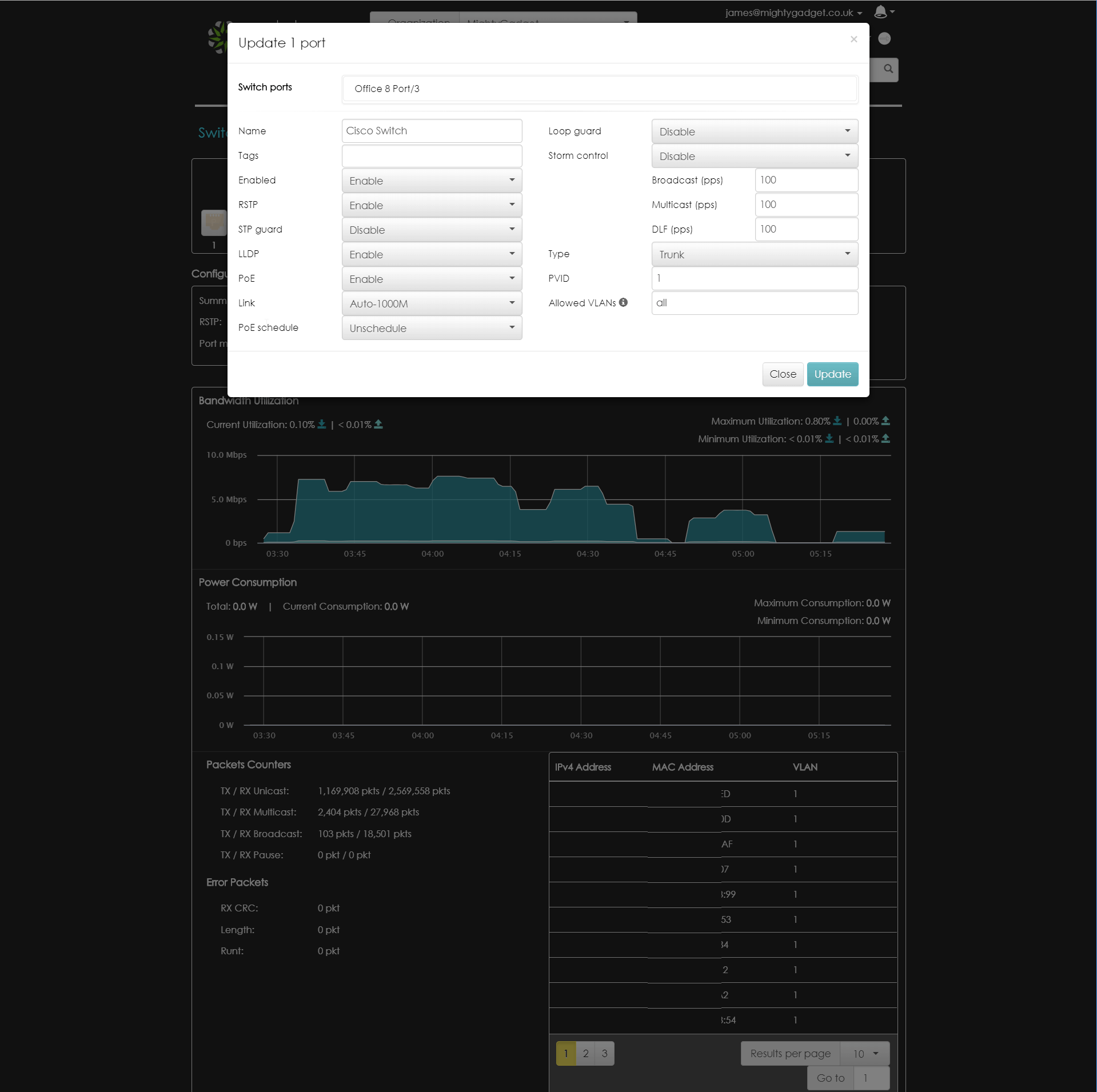
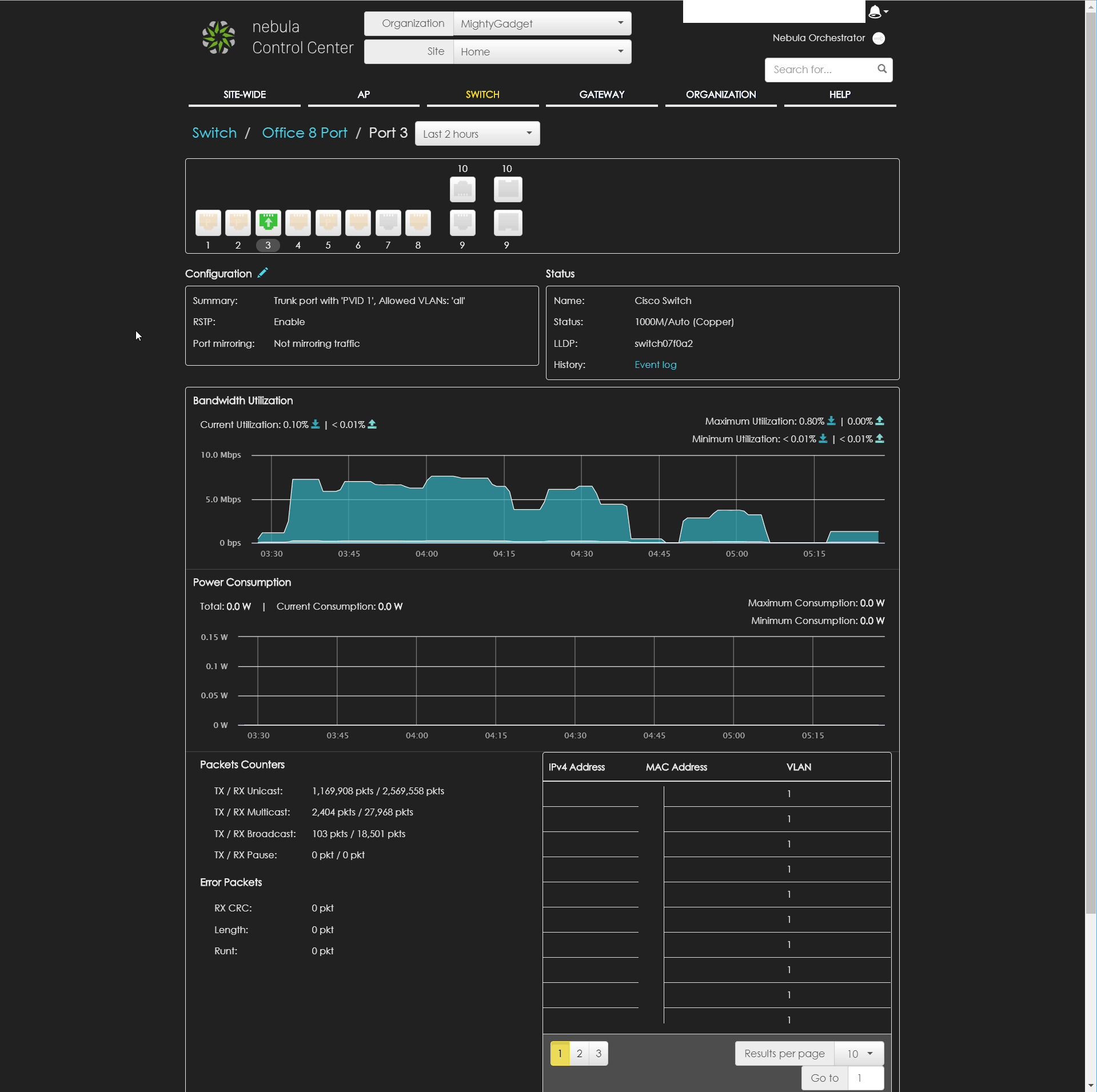
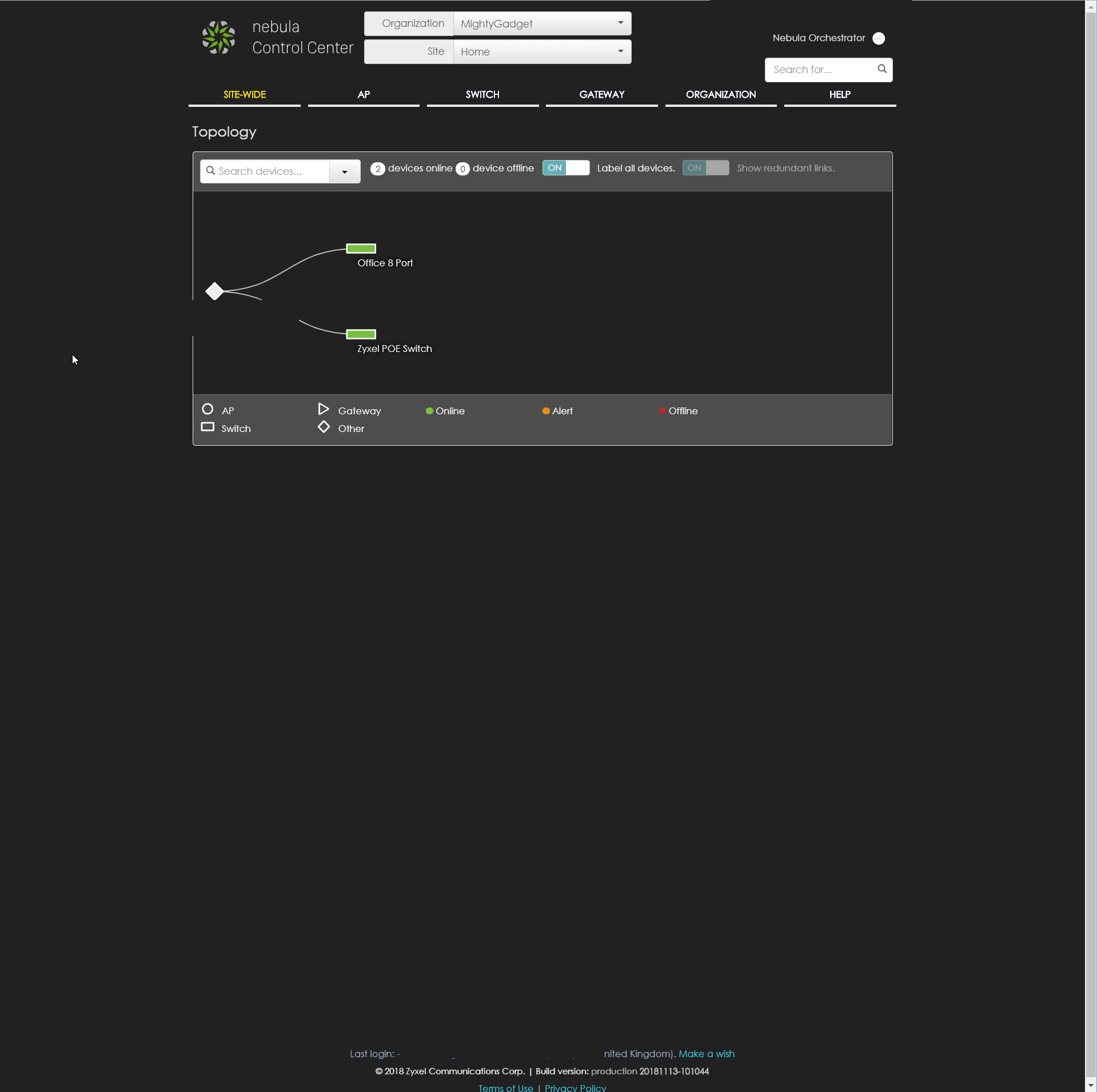
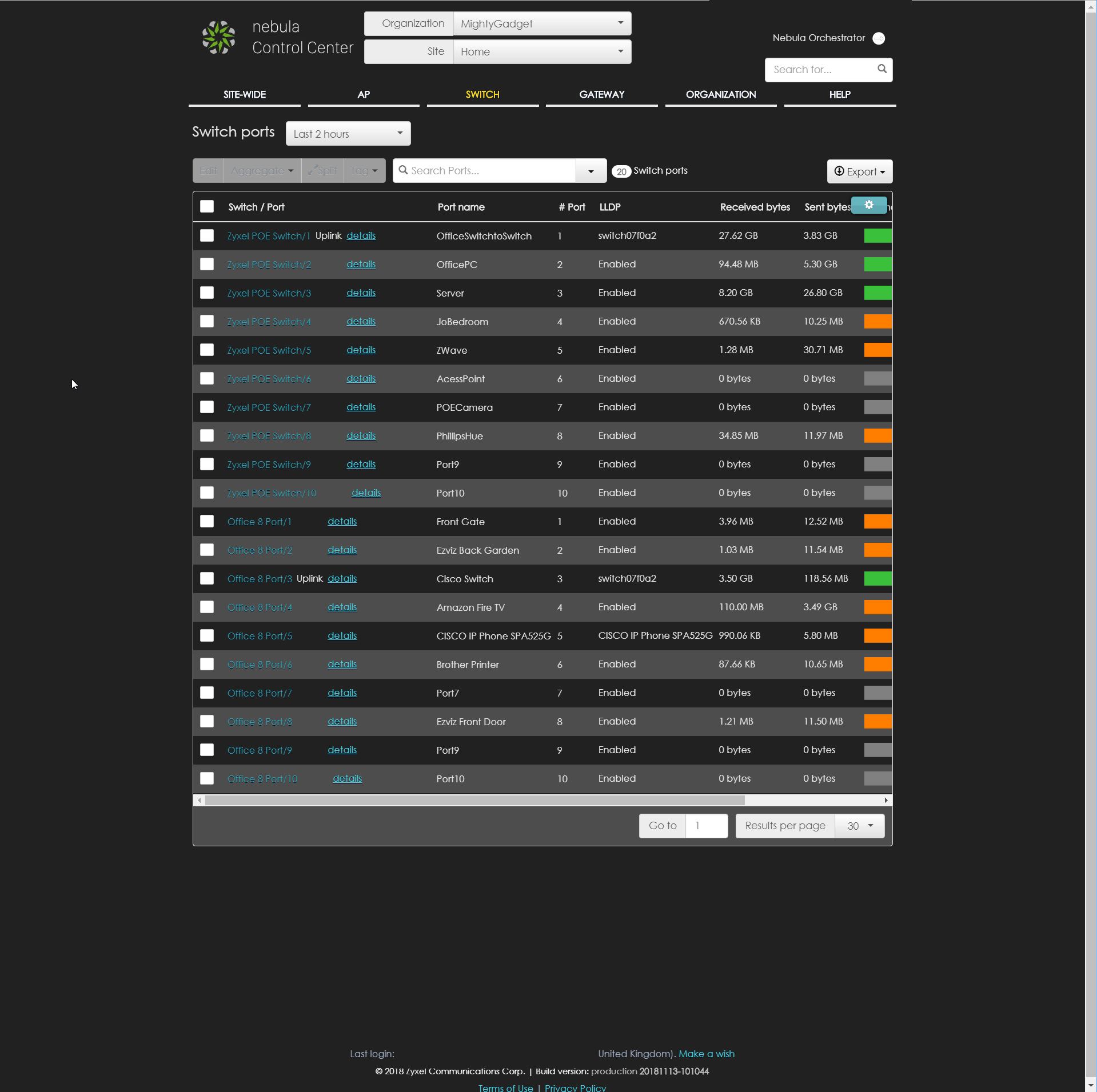

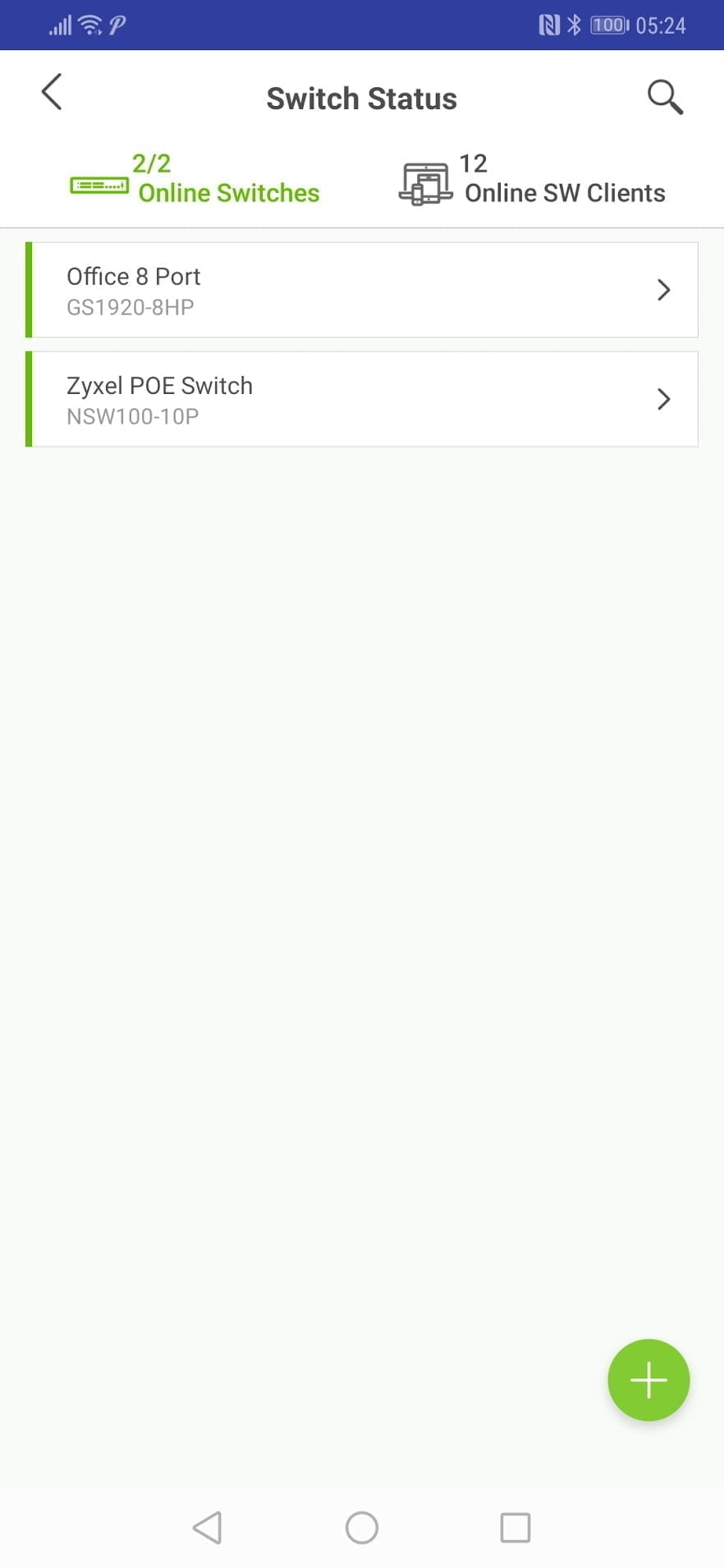
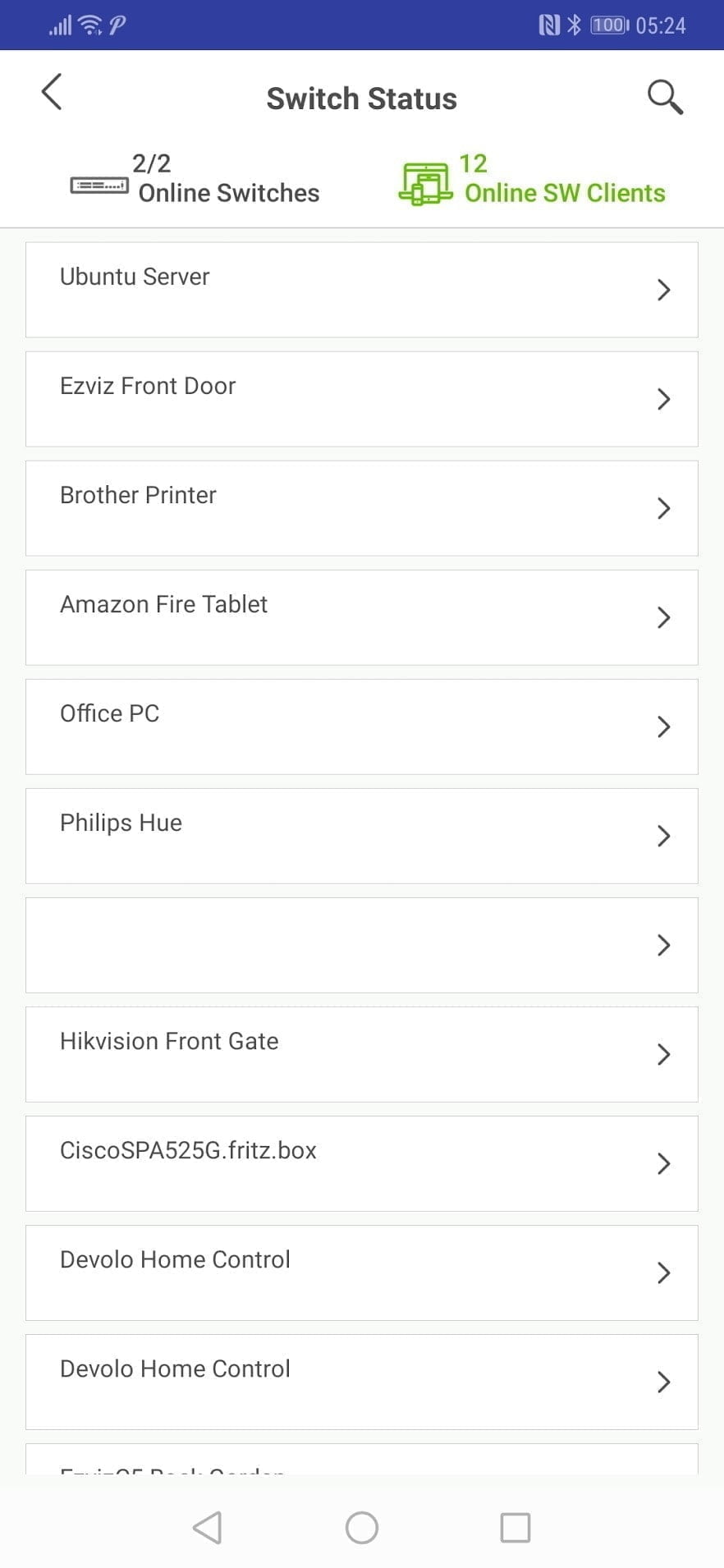
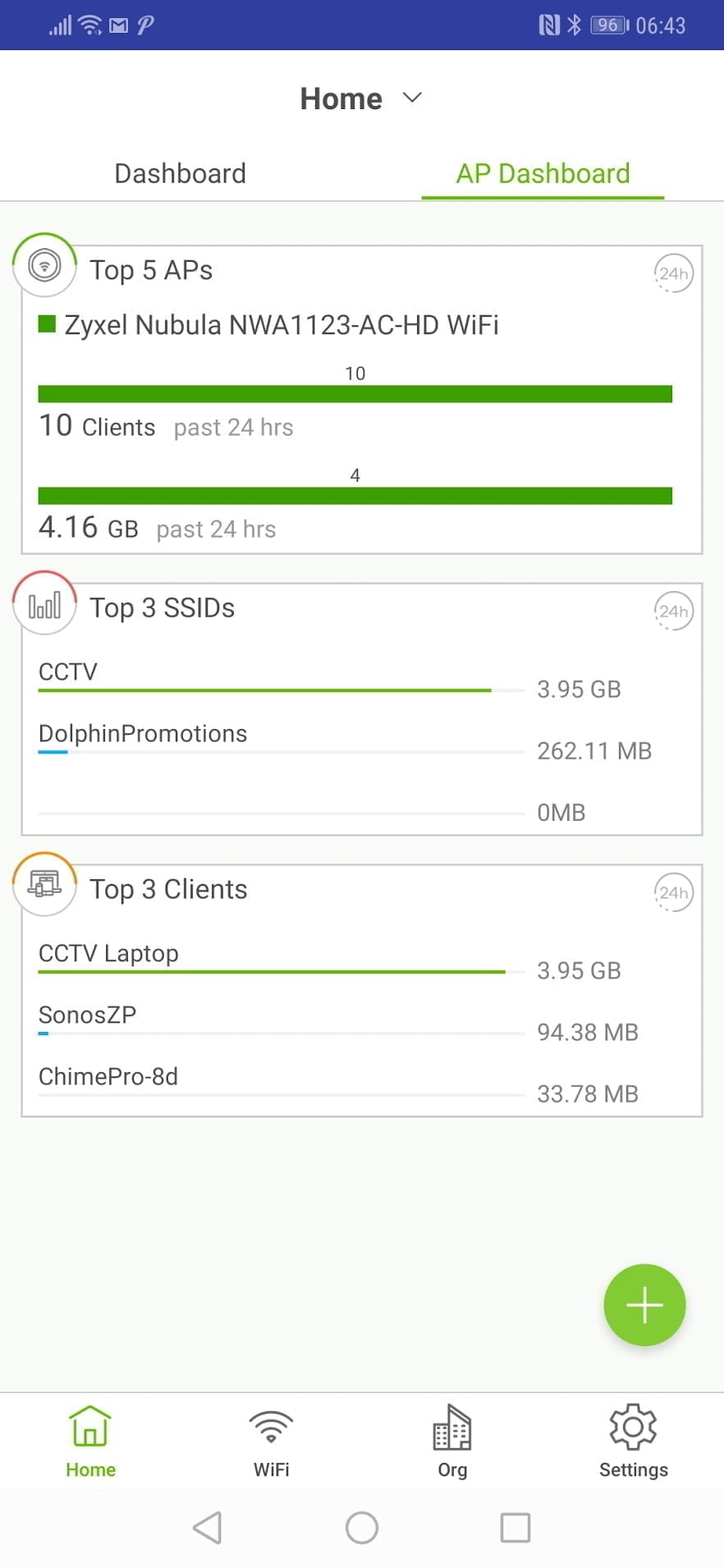
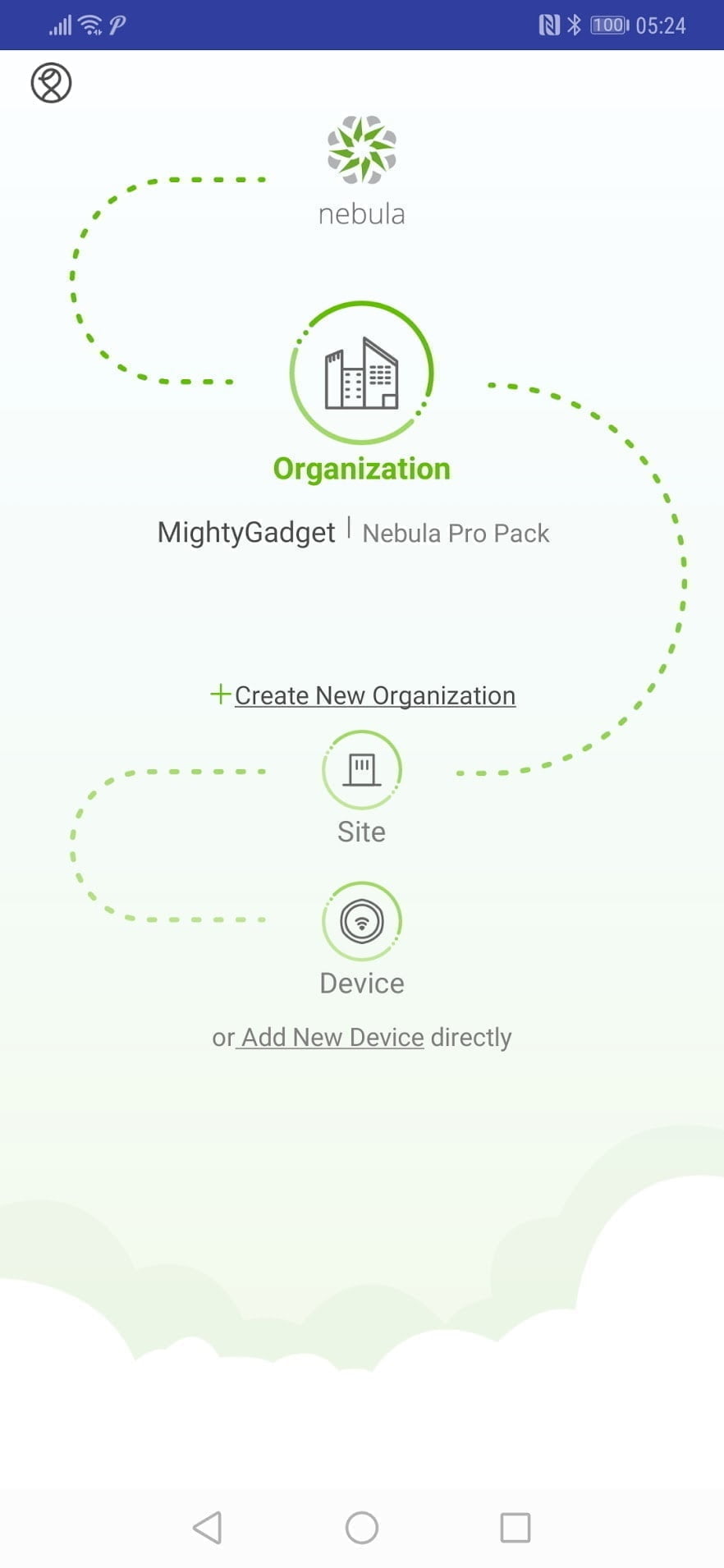
Mobile App
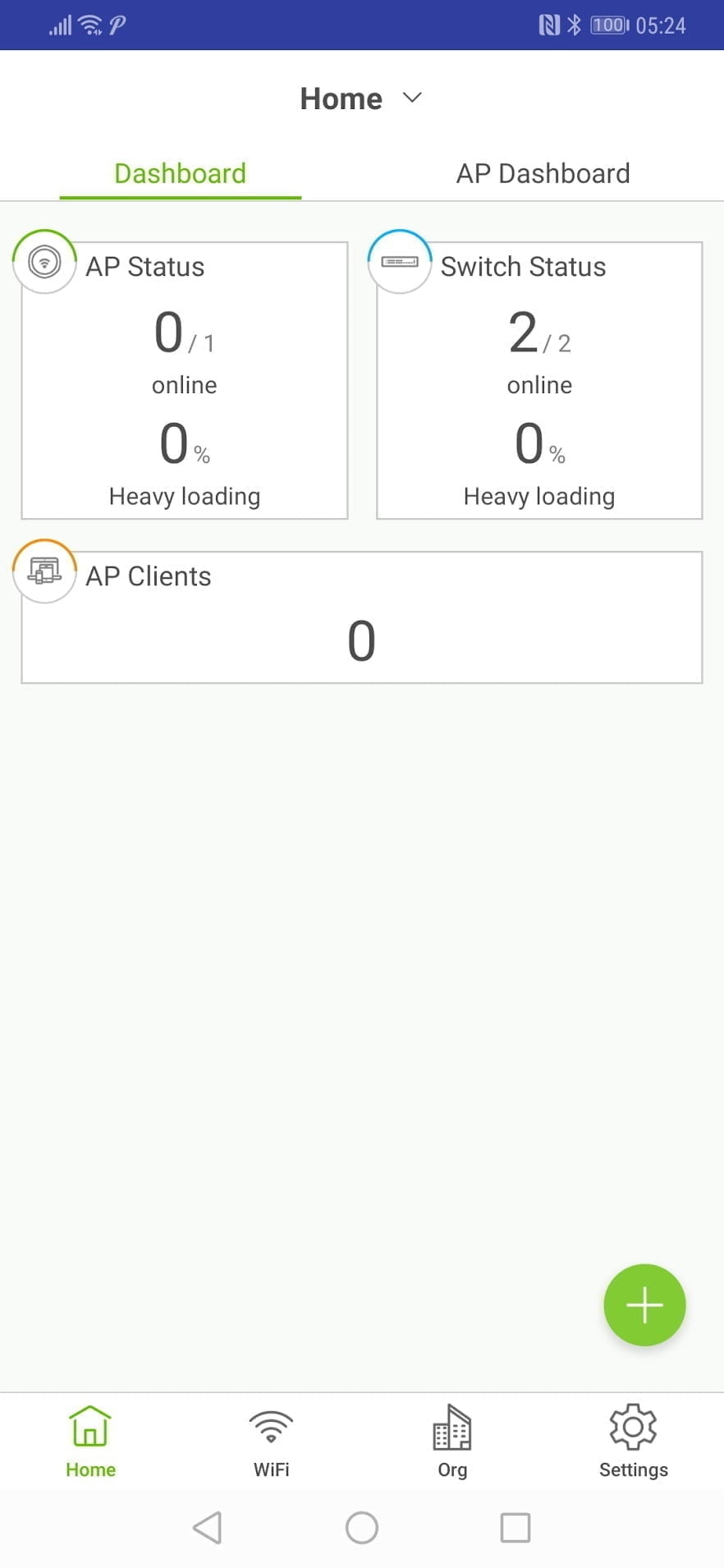
Zero-Touch
While I didn’t use this feature this time around it is worth highlighting the Zero Touch deployment as it is one of the big selling points of the Nebula system. For example, you can set up all the SSIDs and other WiFi settings before adding any physical hardware. When you install the hardware, all the settings get pushed to the devices. This also allows you to expand the system as and when needed with practically no setup.Conclusion
My previous review of the Zyxel Nebula was extremely positive, and with this switch they have introduced an affordable fanless POE switch, addressing my only major problem with the NSW100-10P.This operates in total silence making it perfect for any small office or home system without a dedicated room.Furthermore, the app has been improved, expanding the range of functionality and making general maintenance a bit more simple.I like the premium/free licencing option, I think home users and small offices should be able get by with the free licence, while larger offices especially multi sites installations will benefit from the premium licence.The Zyxel hardware is also cheaper than Ubiquiti and Open Mesh, however, depending on your needs for a premium licence or not, the true cost may creep up, and it is worth evaluating the features and cost of each system before committing to one.Zyxel is gradually rolling out more hardware options too, when I did my initial review there were not that many options, especially for larger deployments. Along with this switch, Zyxel has rolled out several more options which will appeal to users of all levels.Two of the highlights of the new devices are:GS1920-24v2 – A fanless 24 port switch with 4 SFP ports. This does not have POE, but would be perfect in a small office as the main computer switch. Priced at £159 on Amazon I think it is excellent value and I am considering buying it myself.GS1920-48HPv2 – Catering for much larger deployments this is a 48-port POE switch with 4 combo SFP ports and 2 dedicated SFP ports. This isn’t even that expensive either costing just £309.57 on Amazon.XGS1930 range – These offer 10 Gigabit SFP+ ports and have 28-copper ethernet ports through to 48-ports with POE and none POE options. The XGS1930-28 could be one of the cheapest ways to access 10G with on the market, with a cost of just £215 for the none POE model or £415 for the POE version. At the moment they do not list a successor to the XS1920-12 which has 10Gb copper Ethernet ports plus 2 combo 10Gbe SFP ports. If a version of that is released with NebulaFlex I could be very tempted to make the jump to 10Gbe!When you look on Amazon, it is worth noting that it is the v2 models that are the NebulaFlex system, with the older ones using Zyxel One Network.[button link=”https://amzn.to/2QPYvUd”] Buy the Zyxel NebulaFlex switch on Amazon[/button]


Zyxel GS1920-8HPv2 NebulaFlex Review
Product Name: Zyxel GS1920-8HPv2 NebulaFlex
Offer price: 159
Currency: GBP
Availability: InStock
-
Features - 99%99%
-
Performance - 95%95%
-
Noise - 95%95%
-
Price - 80%80%

I am James, a UK-based tech enthusiast and the Editor and Owner of Mighty Gadget, which I’ve proudly run since 2007. Passionate about all things technology, my expertise spans from computers and networking to mobile, wearables, and smart home devices.
As a fitness fanatic who loves running and cycling, I also have a keen interest in fitness-related technology, and I take every opportunity to cover this niche on my blog. My diverse interests allow me to bring a unique perspective to tech blogging, merging lifestyle, fitness, and the latest tech trends.
In my academic pursuits, I earned a BSc in Information Systems Design from UCLAN, before advancing my learning with a Master’s Degree in Computing.
I’m proud to share that Vuelio has consistently ranked Mighty Gadget as one of the top technology blogs in the UK. With my dedication to technology and drive to share my insights, I aim to continue providing my readers with engaging and informative content.
I work directly with the companies he reviews products for or their chosen PR agency.
For Social Media, you can find me on: