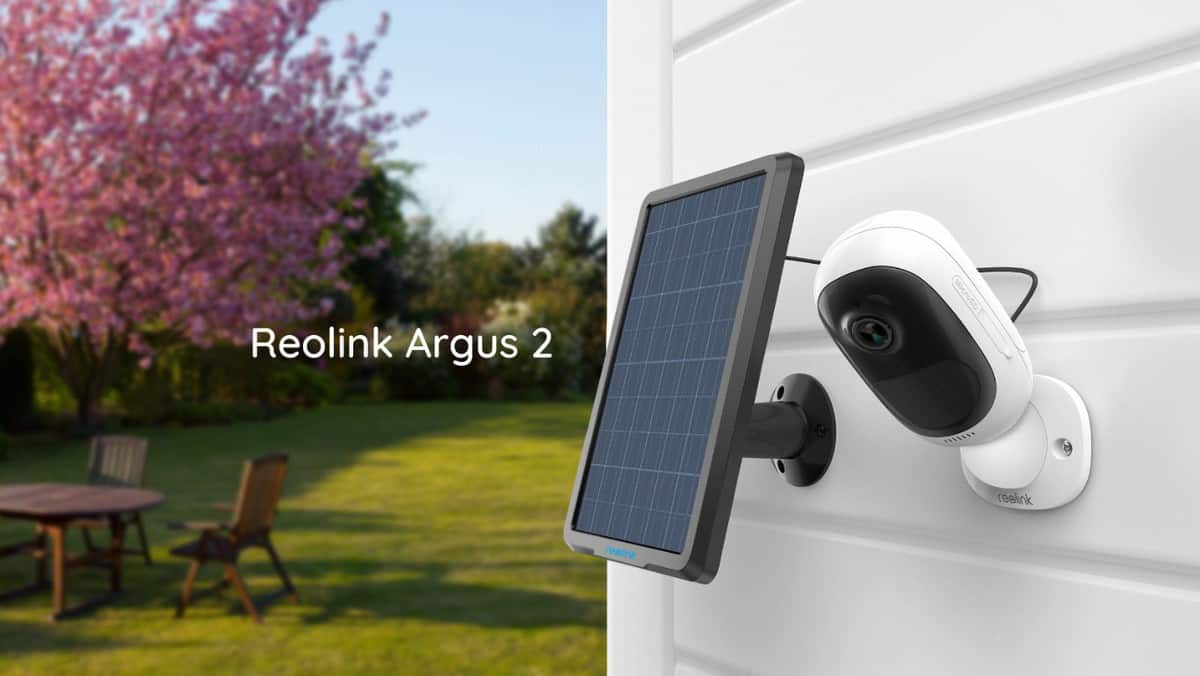
Reolink Argus 2 Review – An excellent budget wire free outdoor security camera
Build
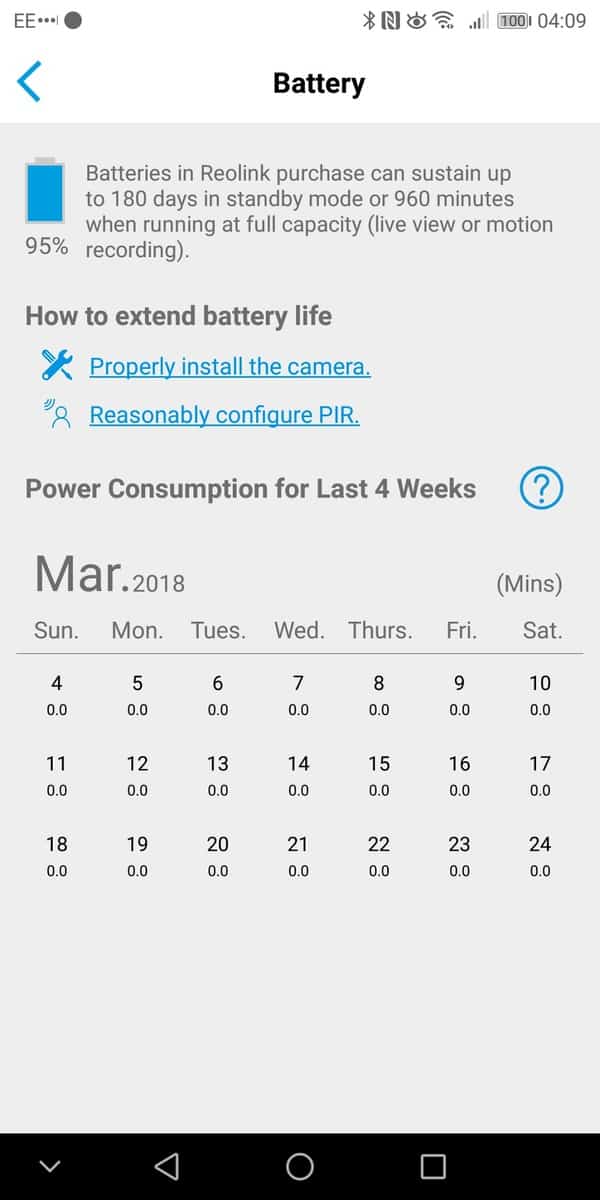
The Reolink Argus 2 hardware is quite impressive for the price. It is very similar to the Arlo in that you have a camera unit with a built-in battery that is then mounted to a magnetic mount. With Arlo, you can make it more outdoor friendly with an optional screw mount, but with Reolink, they provide one of these in the box free of charge. To improve your mounting options, the Reolink also has a nylon strap which feeds through the base of the screw mount. This will allow hassle-free installation on certain objects, such as a tree branch or post.You can extend the battery life by purchasing the optional solar panel which costs just £29.99. I was sent this to review, and while I have used it, I can’t say how effective it is. Blackpool is not particularly sunny at the moment, nor have I had it for an extended period of timeThe camera is rated as IP65 weatherproof – and that classification official states “Protected against water spray from all directions.”You also get a rubber skin included in the pack, and I opted to use this for peace of mind, my Ezviz died due to liquid ingress from heavy rain, so the rubber skin will provide an additional layer of weather protection.Unlike the Arlo and Blink XT, the Argus 2 requires no base unit; it connects to your WiFi directly.To avoid expensive subscription costs this camera stores the videos locally on a microSD card – this is my preferred option as it reduces costs considerably.
Set-Up
The set up is quite straightforward, and if you have ever used another security camera, it will be quite familiar. You need to charge your camera, download the app, sign up and follow the set-up instructions. The camera itself provides vocal prompts which is a little more useful than random blinking lights. You will need to be connected to the WiFi channel you wish the camera to connect to, you then need to point a QR code at the camera, this passes the SSID settings over and allows the camera to connect.I found that the camera didn’t want to connect to my 5GHZ network, but it connected straight away to 2.4GHz. In theory, this might be a better option as the slower network should have a longer reach allowing for more flexible mounting options. I mounted the camera on a window ledge outside my office window pointing down to my front door; this put the camera just a few metres away from the router it was connecting.Android App
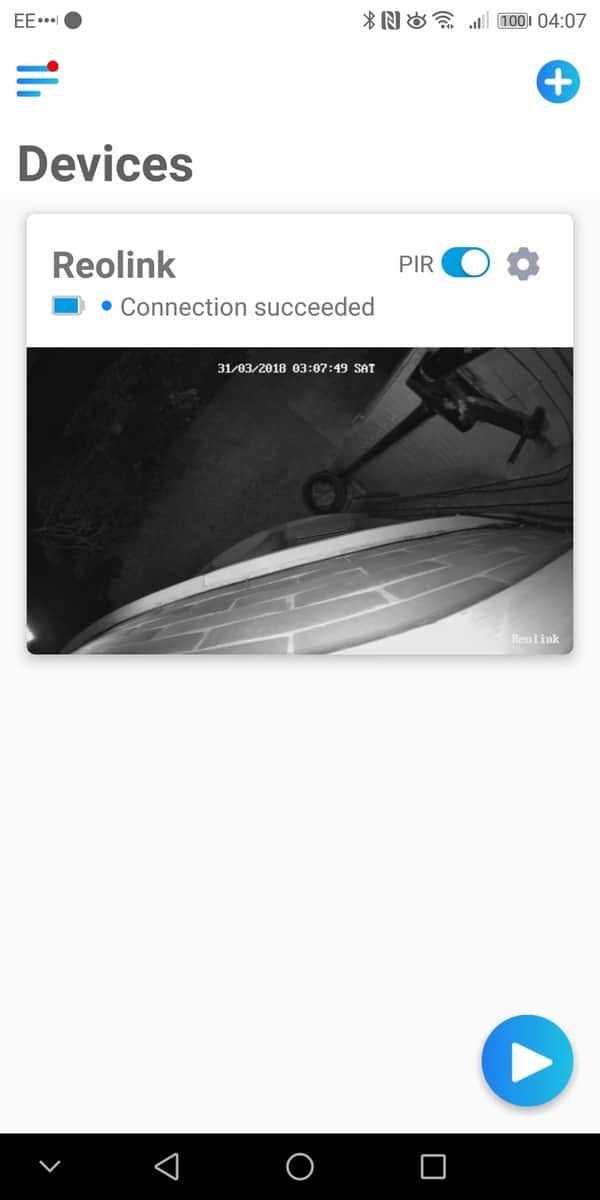
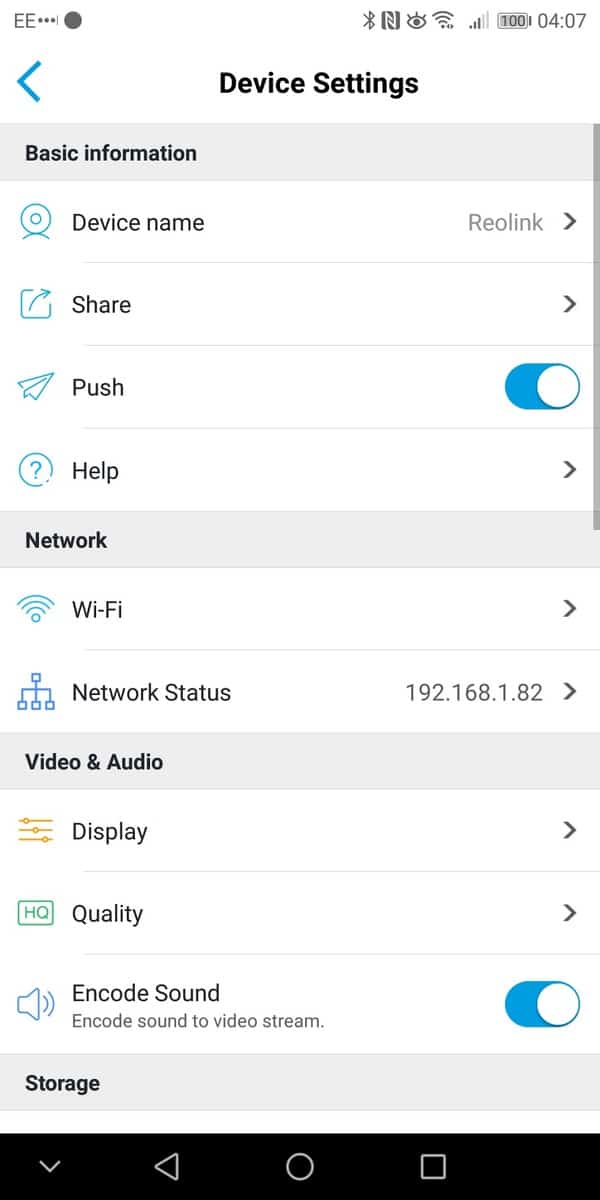
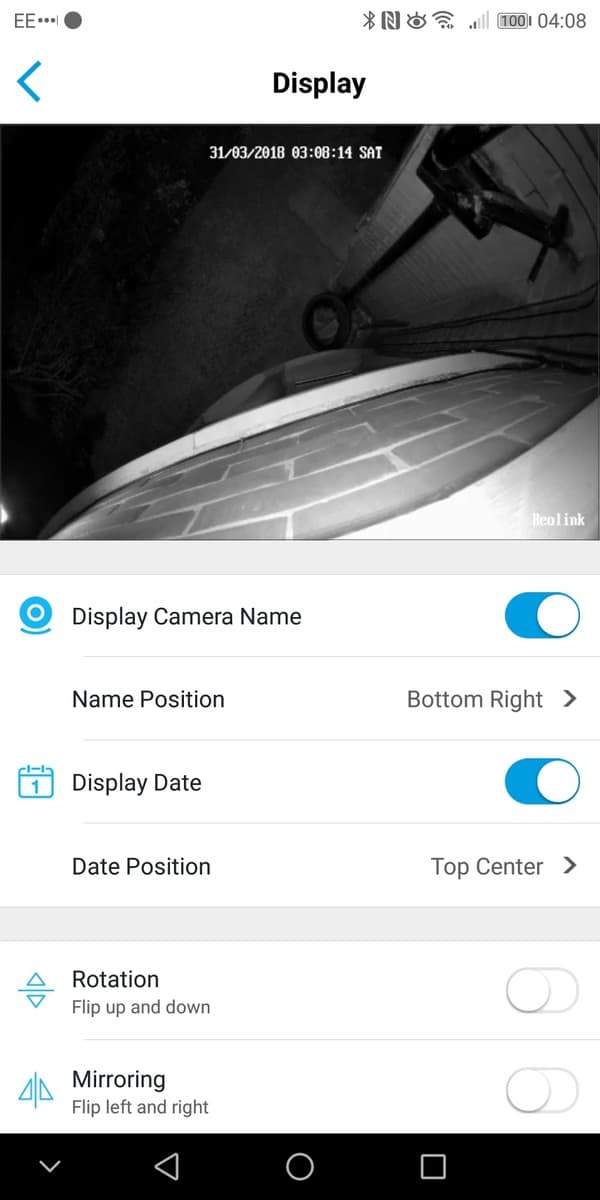
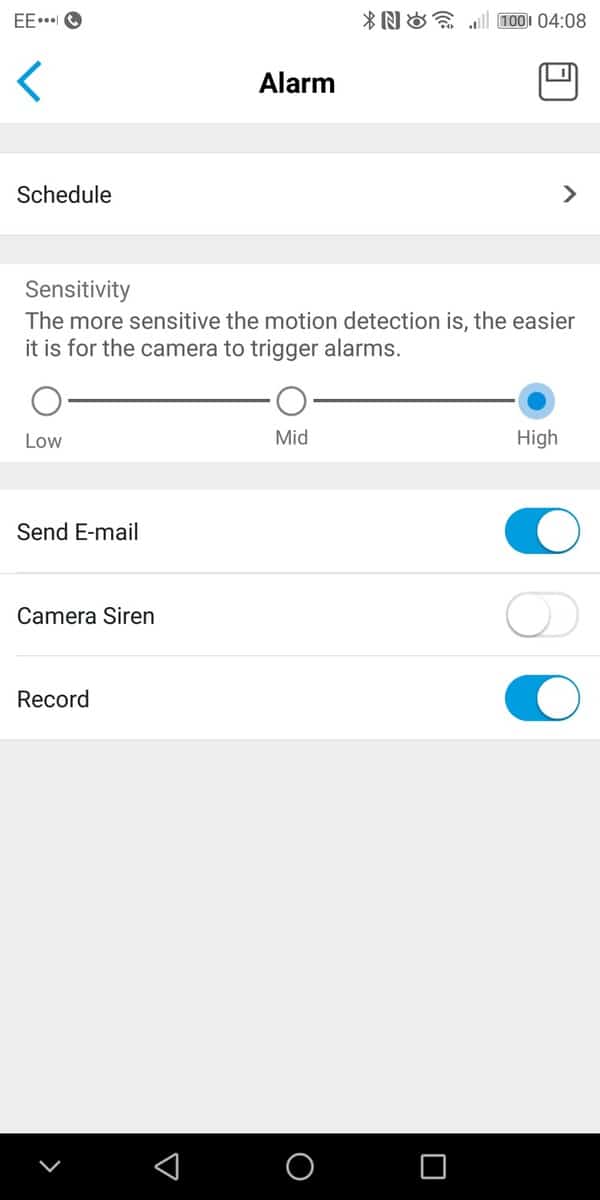
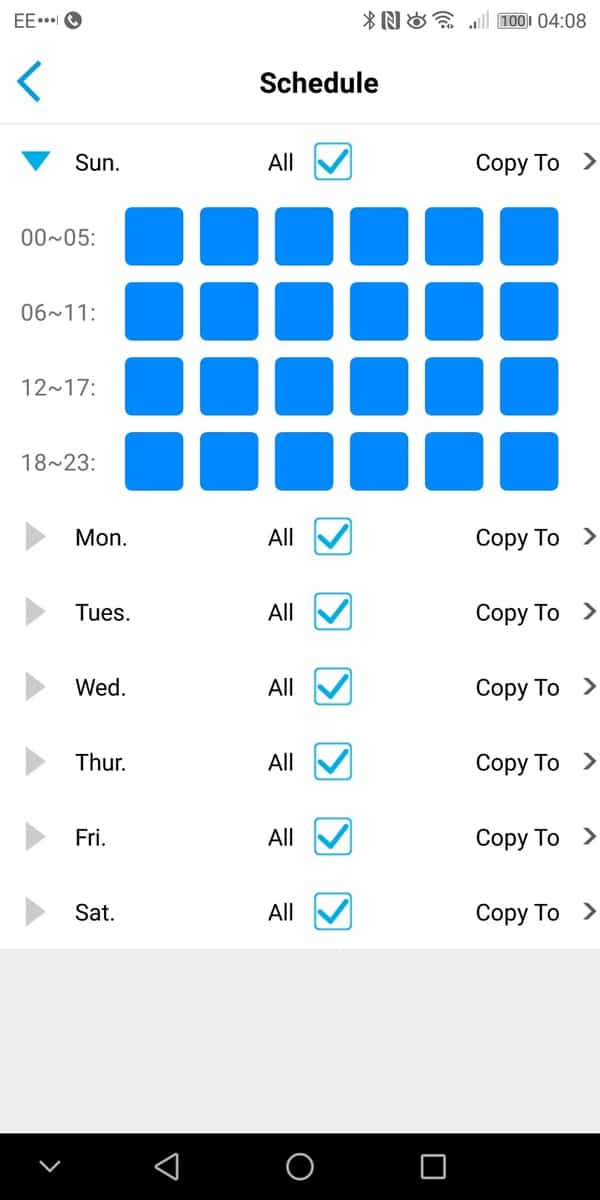
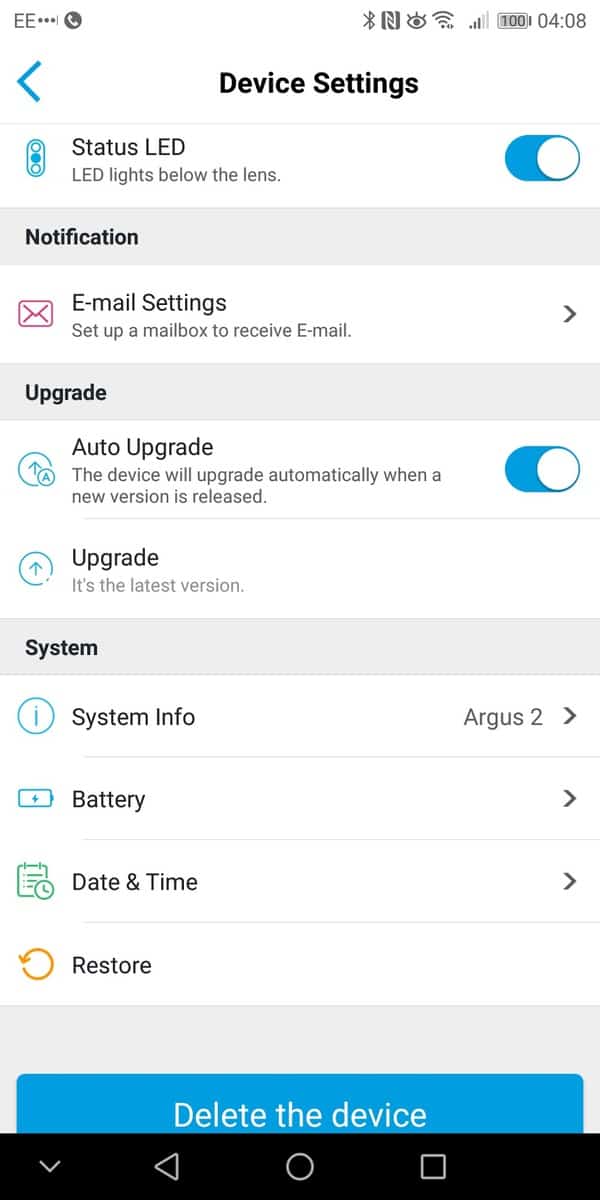
As I used the Mate 10 Pro as my primary phone, my review is restricted to the Android App. I am pleased to say it works well and navigating all the options in intuitive.The main screen shows all your cameras, in my case just one. Then within the camera you can enable live view, I found establishing the connection to be within a reasonable amount of time, it took maybe 1-2 seconds. I was also able to reliably establish remote connections when needed. During the live view, you can optionally take a screenshot or start a recording.The camera has a speaker built in so you can also optionally speak to people. Due to the placement, I didn’t test this extensively, but the speaker during setup was loud enough and clear. This would be a great feature if the installation is close to your front door, you can then speak to delivery drivers if you are not in.You can manage the PIR settings and have it set up on a schedule if you choose. There are three sensitivity options, and you will need to play with this to get reliable recordings. I tried the high setting, and even a slight shadow would trigger a recording. Within the PIR settings, you can have the camera enable a siren and/or email you.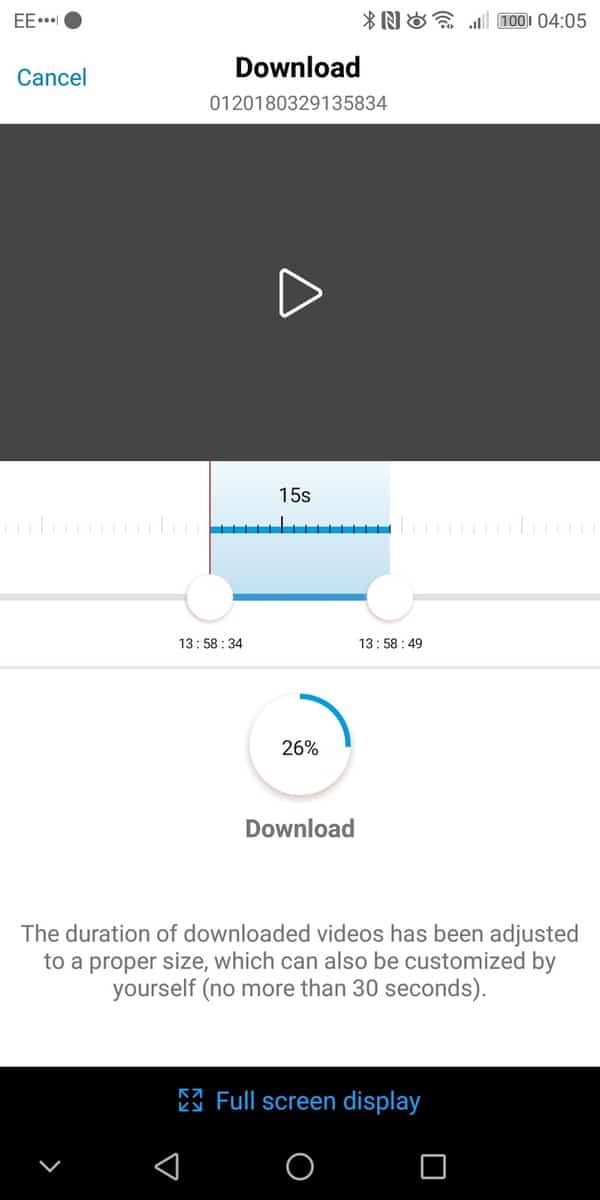
Recordings
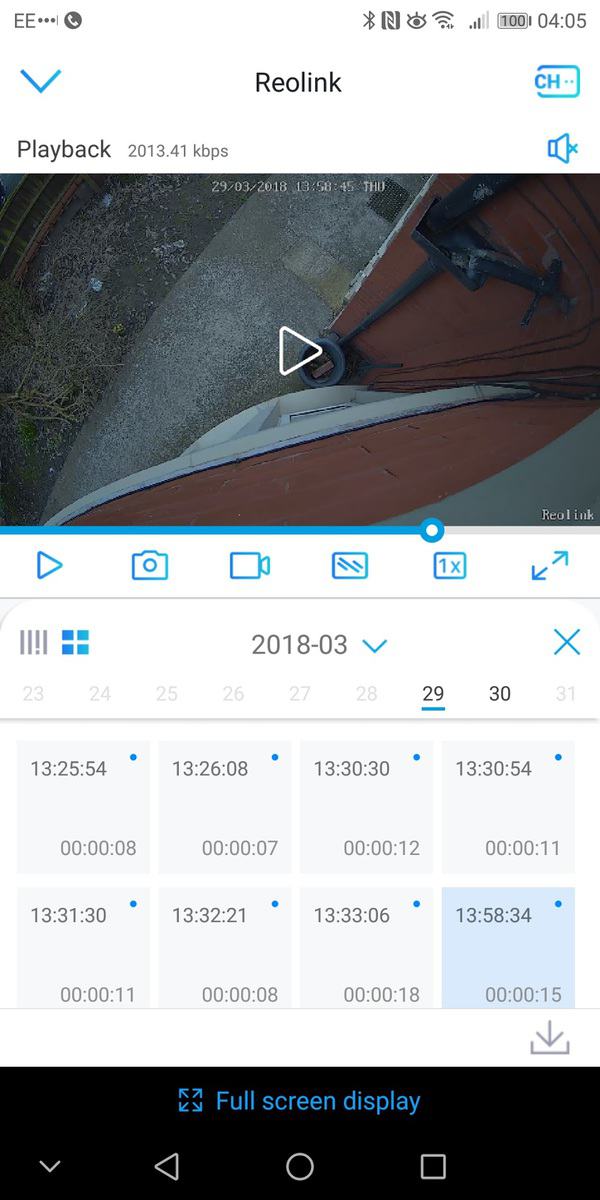
The most important part of a security camera is good quality and reliable videos, and the Realink manages this well. During some of the daytime recordings, there appears to be some overexposure as the video starts recording but it settles down and the quality of the video is excellent, and it is easy to make out features of the people it records.Night time performance is equally as good; again it was easy to make out details of any person the camera picked up.Overall
I would say the overall performance is not quite as good as the Blink XT, downloading videos can be a little temperamental, and the PIR isn’t as accurate.However, this is £20 cheaper, uses rechargeable batteries, has a built-in speaker, and the overall build quality is much better. In particular, the mounting options are fantastic compared to the Blink.For a budget wire-free security camera this performs very well indeed. Video quality is superb, the accessories make it stand out from the crowd, and the overall performance should be more than adequate for anyone wanting some simple security improvements.Reolink Argus 2
-
Build & Accessories - 95%95%
-
App - 70%70%
-
Video Performance - 85%85%
-
Price - 95%95%

I am James, a UK-based tech enthusiast and the Editor and Owner of Mighty Gadget, which I’ve proudly run since 2007. Passionate about all things technology, my expertise spans from computers and networking to mobile, wearables, and smart home devices.
As a fitness fanatic who loves running and cycling, I also have a keen interest in fitness-related technology, and I take every opportunity to cover this niche on my blog. My diverse interests allow me to bring a unique perspective to tech blogging, merging lifestyle, fitness, and the latest tech trends.
In my academic pursuits, I earned a BSc in Information Systems Design from UCLAN, before advancing my learning with a Master’s Degree in Computing.
I’m proud to share that Vuelio has consistently ranked Mighty Gadget as one of the top technology blogs in the UK. With my dedication to technology and drive to share my insights, I aim to continue providing my readers with engaging and informative content.
I work directly with the companies he reviews products for or their chosen PR agency.
For Social Media, you can find me on: