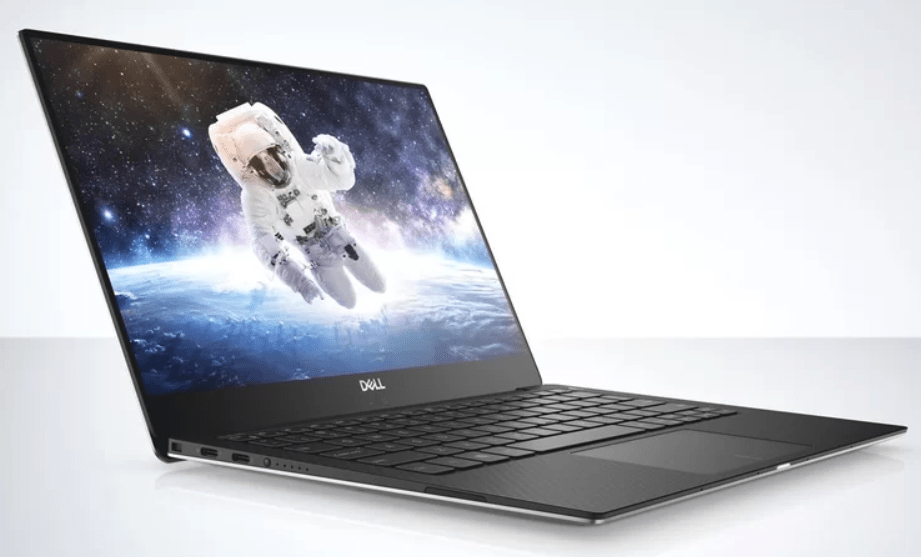
Dell XPS 13 Review – Rose Gold – Model 9370 with i7-8550U
Specification
- 8th Generation Intel® Core™ i7-8550U Processor (8M Cache, up to 4.0 GHz)
- 3” FHD (1920 x 1080) InfinityEdge display
- 16GB LPDDR3 2133MHz
- 512GB PCIe Solid State Drive (Toshiba XG5 KXG50ZNV512G)
- Intel® UHD Graphics
- Killer 1435 802.11ac 2×2 and Bluetooth
- Weight – Starting at 21Kg
- Width 302mm : Depth 199mm : Height 7.8mm-11.6mm
 Looking on the Dell website this specification will set you back £1,448.72, but there is a decent i5-8250u model for £1,148.68.
Design and Build
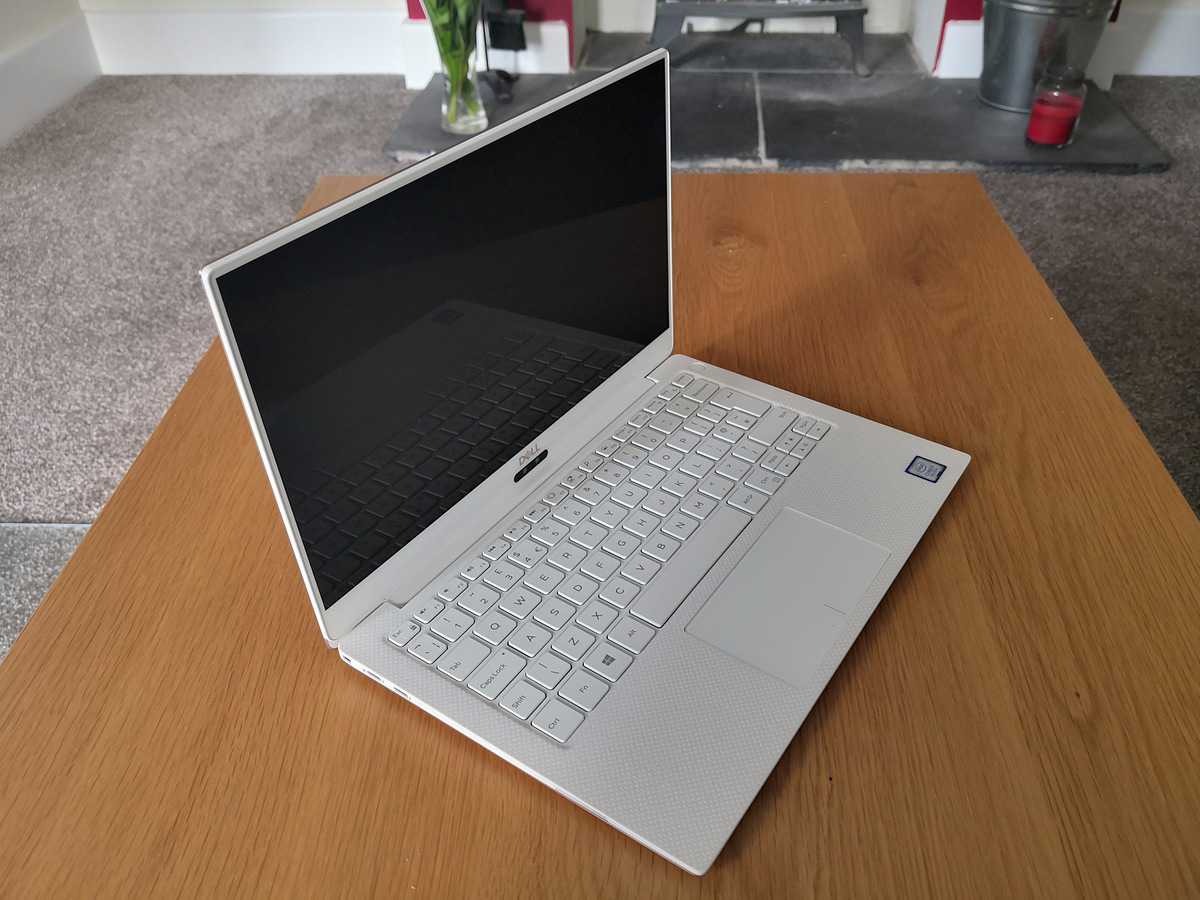
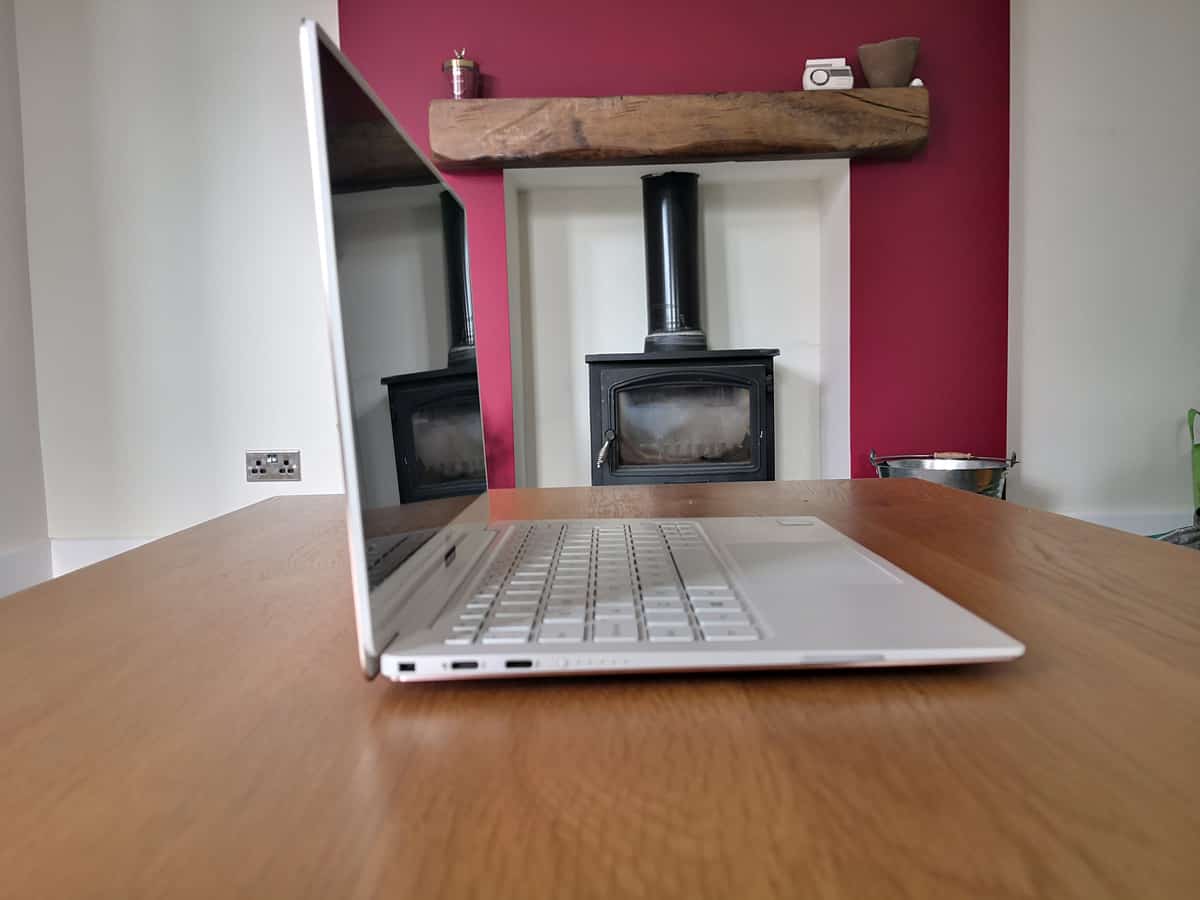
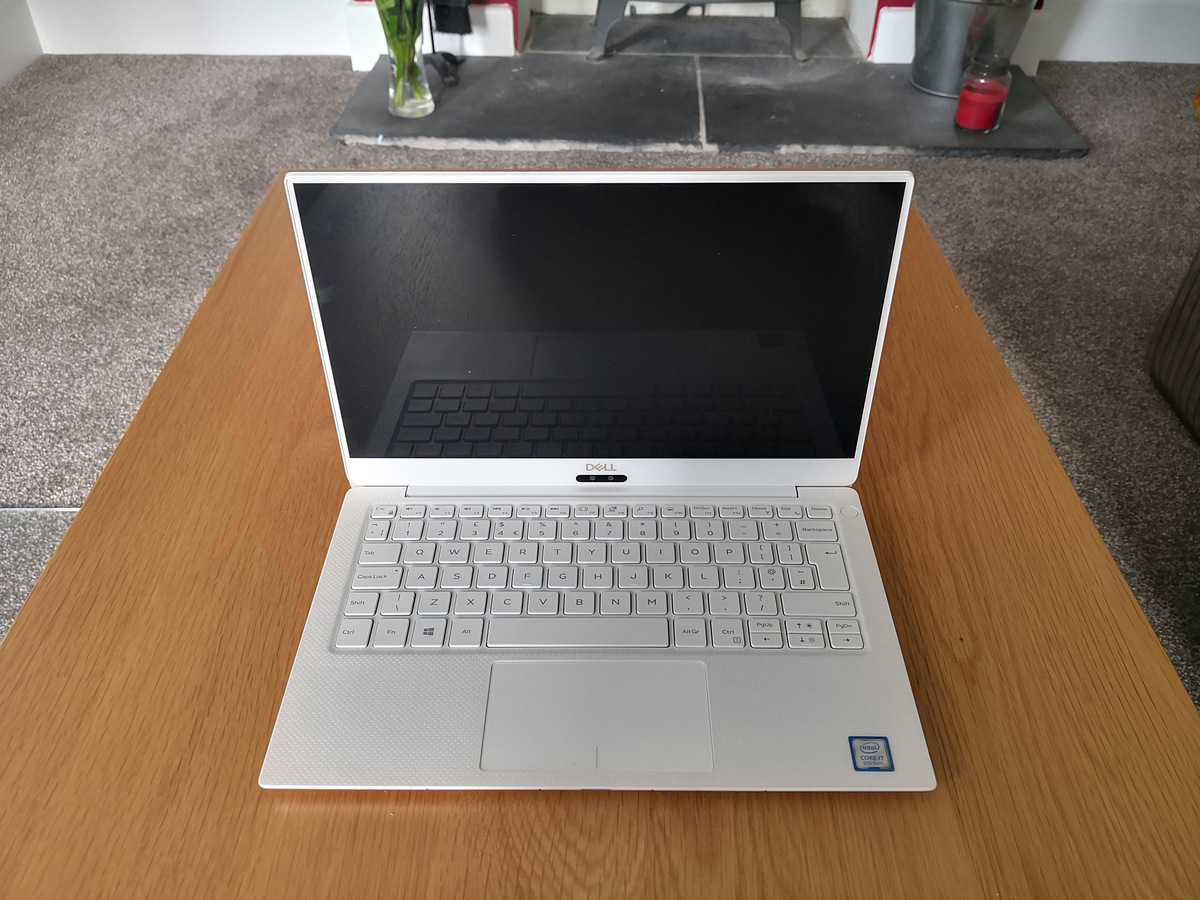
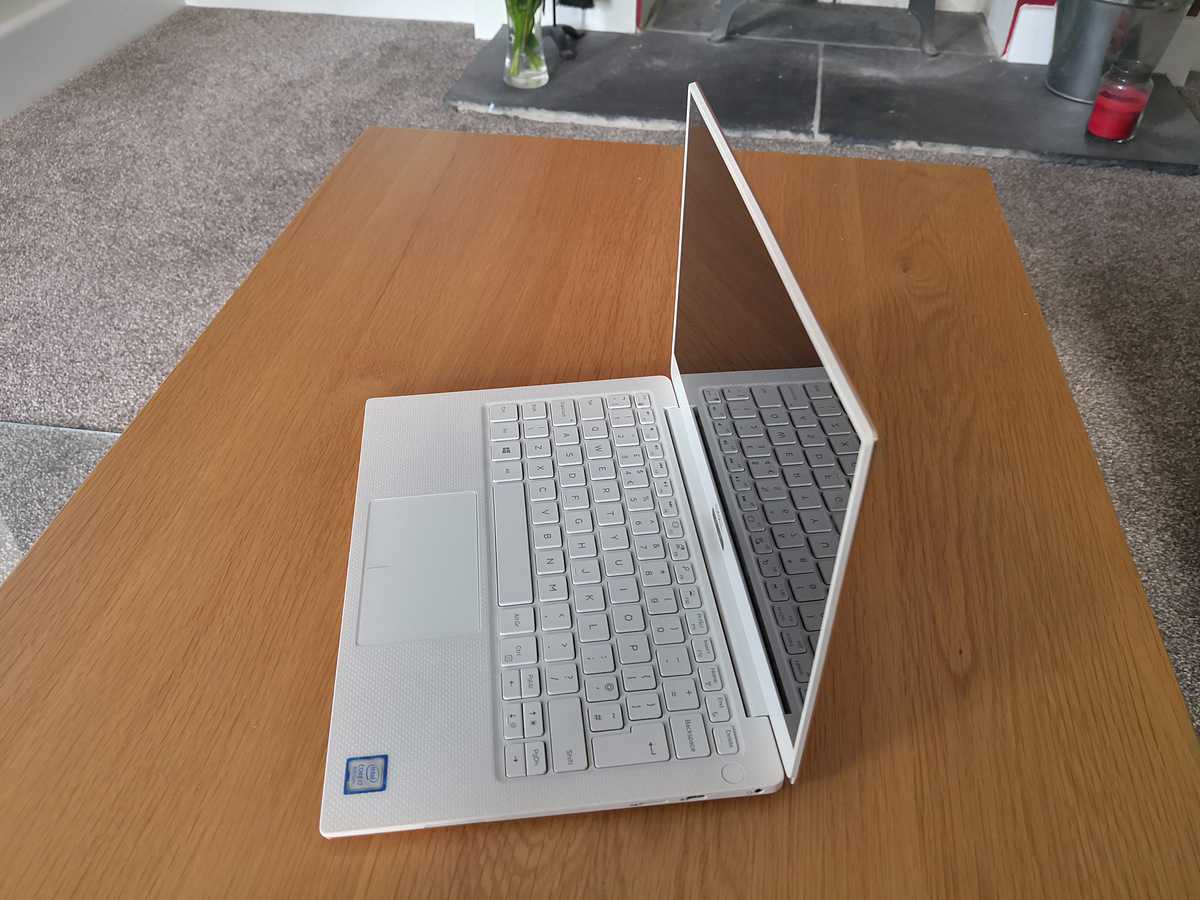

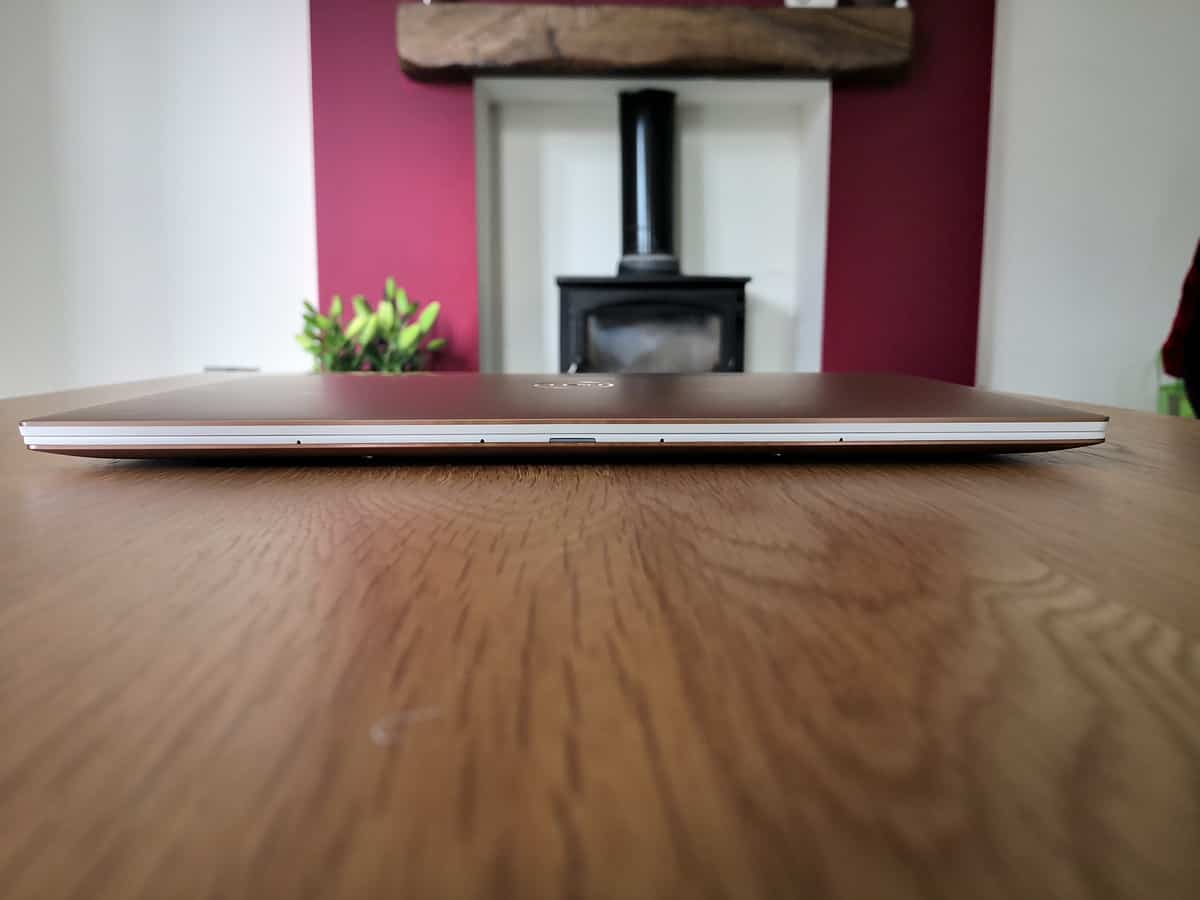
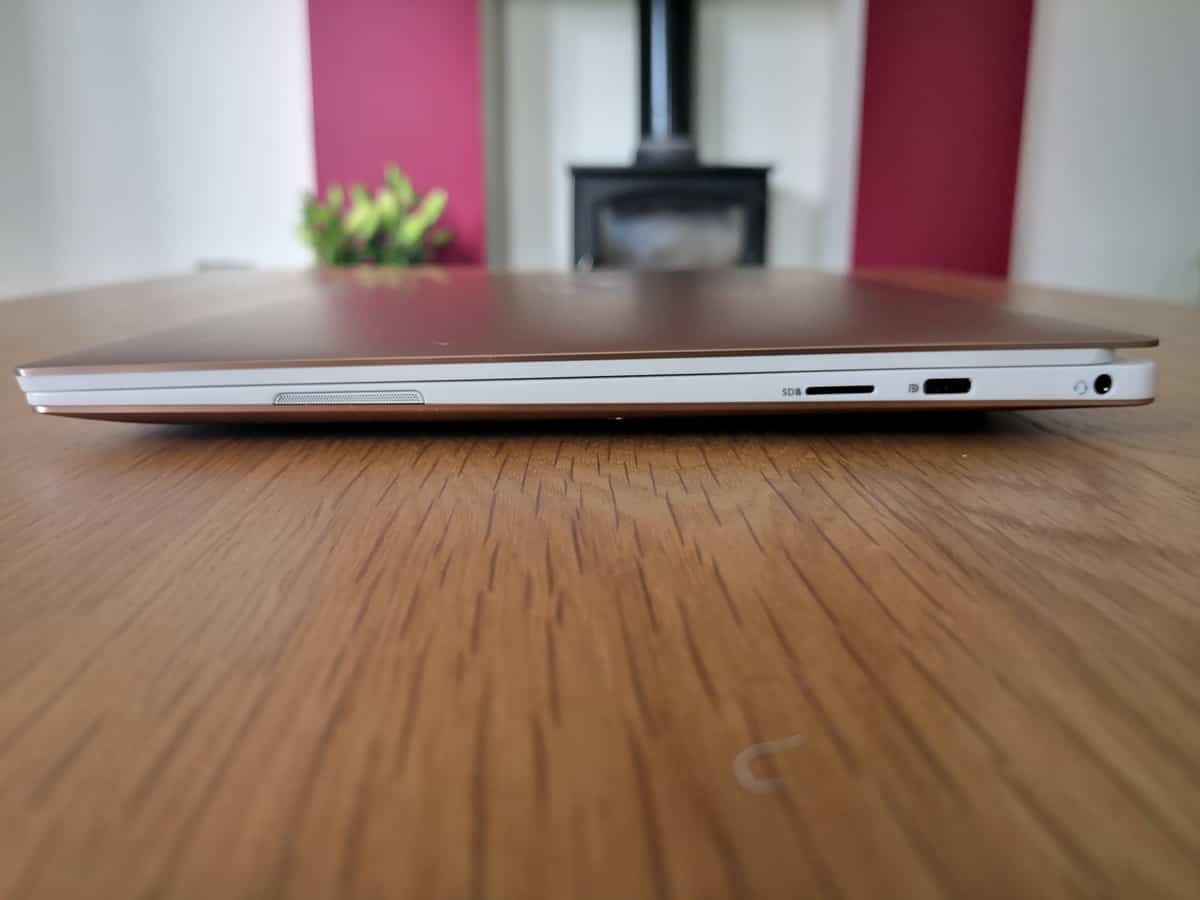
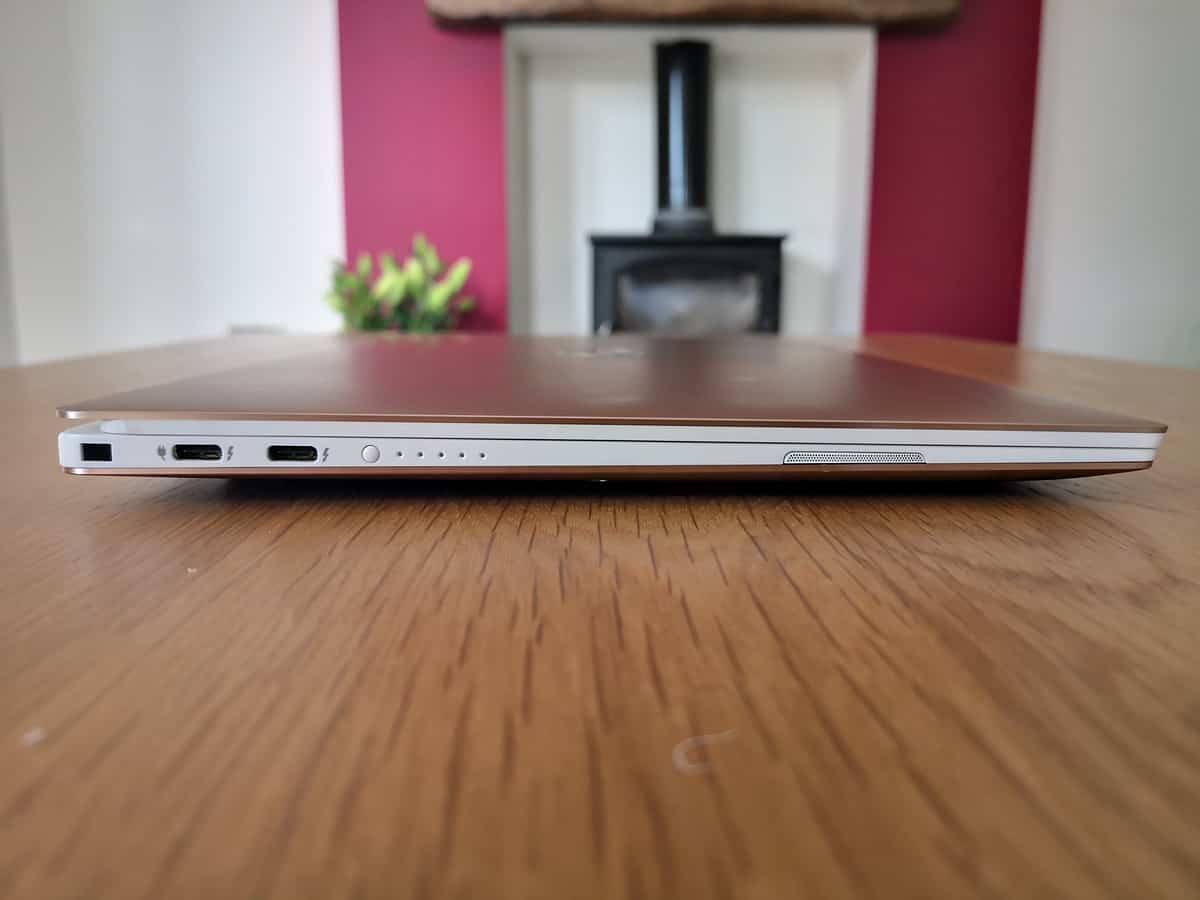
- 23% thinner InfinityEdge border—just 4mm wide for an 80.7% screen-to-body ratio.
- 100% sRGB color and a 1500:1 contrast ratio
Performance
With this using the latest generation Intel mobile chip combined with a Toshiba NVMe solid state drive, day to day performance is wonderful. The laptop flies through my daily tasks and can handle all media I throw at it.Interestingly this still uses LPDDR3 for the RAM compared to the faster DDR4 found on the XPS 15. I doubt anyone would notice the real-world performance difference though. I daren’t open up such an expensive laptop, but I believe the RAM is soldered on, so when you buy it make sure you think about the amount you need.The Kaby Lake R quad-core Intel Core i7-8550U doesn’t need benchmarking tests, it is well documented and will offer similar performance as every other laptop that uses this CPU. For the sake of completeness, I did run a couple of quick tests to make sure there was nothing glaringly wrong with the set-up with the results shown below.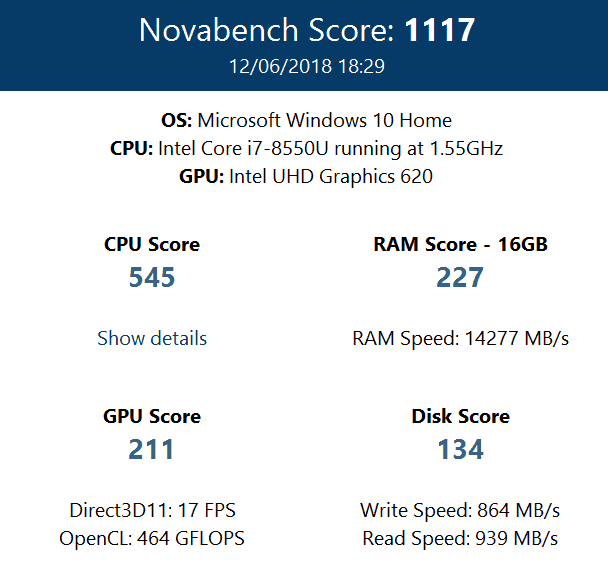
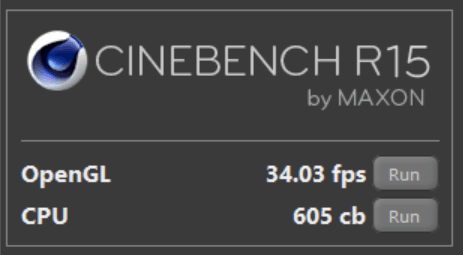
 Using CrytakDiskMark I tested the NVMe drive, and as expected it performs amazingly. It isn’t the same level of performance you would find in a Samsung drive, but it is good enough, and everything loads up with minimal wait.Dell claims a 19 hours 46 minutes battery life when doing office work, I never pushed the battery that far, but it easily handled a full day in the office doing general office work with Spotify streaming.
Competition
Having reviewed the superb HP Envy 13 just a few days ago, it is hard not to make a comparison. Both laptops have similar form factors, but the Envy is much cheaper and has a dedicated graphics card in the form of an MX150. However, it does have an older processor, and while I thought the build quality and overall feel were good, it doesn’t come close to the XPS 13. While the differences in dimensions appear to be negligible, if you want a laptop to be portable, every little helps, and I have found the Dell much more pleasant to use when I am on the move.
Overall
The Dell XPS range has always been the gold standard of Windows laptops for me, and the XPS 13 9370 continues this tradition. The overall build quality and feel are unparalleled from my limited experience.It is the smallest laptop in its class and one of the lightest laptops on the market. While cheaper laptops come in with similar dimensions if find that every gram and bit of space counts when carrying around a laptop all day.Unfortunately, if you want the best, you have to pay for it, and the cheapest model starts at £1,148.68 going all the way up to £1,849.00. In comparison, the MacBook Pro starts at £1,249.00 and goes to £1,949.00 while using an older 7-th gen processor, so in this regard, the XPS 13 is well priced.Dell XPS 13 9370
-
Build & Design - 98%98%
-
Performance - 90%90%
-
Price - 80%80%

I am James, a UK-based tech enthusiast and the Editor and Owner of Mighty Gadget, which I’ve proudly run since 2007. Passionate about all things technology, my expertise spans from computers and networking to mobile, wearables, and smart home devices.
As a fitness fanatic who loves running and cycling, I also have a keen interest in fitness-related technology, and I take every opportunity to cover this niche on my blog. My diverse interests allow me to bring a unique perspective to tech blogging, merging lifestyle, fitness, and the latest tech trends.
In my academic pursuits, I earned a BSc in Information Systems Design from UCLAN, before advancing my learning with a Master’s Degree in Computing.
I’m proud to share that Vuelio has consistently ranked Mighty Gadget as one of the top technology blogs in the UK. With my dedication to technology and drive to share my insights, I aim to continue providing my readers with engaging and informative content.
I work directly with the companies he reviews products for or their chosen PR agency.
For Social Media, you can find me on: