Netgear Insight Managed Smart Cloud Switch & Access Point Review (GC510PP & WAC505)
[button link=”https://amzn.to/2BO3fU1″] Buy the Netgear GC510PP POE Switch from Amazon[/button][button link=”https://amzn.to/2Sspy8W”] Buy the Netgear WAC505 Access Point from Amazon[/button]
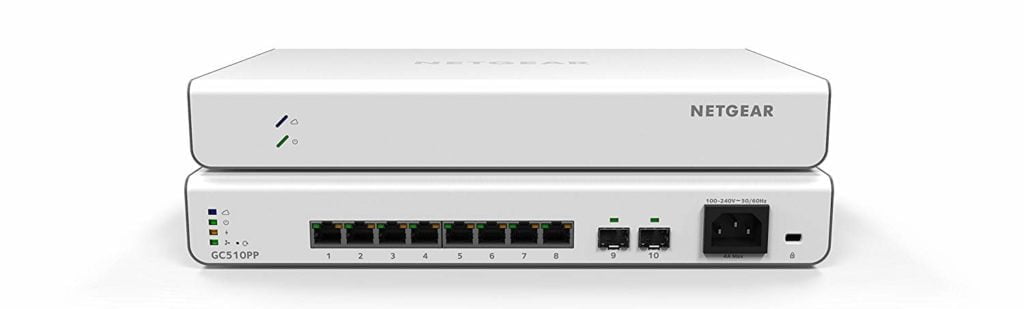 The downside to all this power is that it is no longer fanless and Netgear claim it has a max 28dB @ 25°C / 77°F ambient noise level. In the real world, for me, it is very quiet but too noisy for any living room environment. In a small quiet office environment, the noise shouldn’t be too disturbing. It is however considerably quieter than the Zyxel Nebula NSW100-10P POE switch I have reviewed, which is the loudest thing in my server room which I can still hear with the door closed.It is worth noting Netgear has four other switches that look very appealing, the GC510P has a 134W POE+ rating but retains the fanless design of the 62W GC110P I previously reviewed. If you don’t need POE then the GC110 is just £56.99 on Amazon which is an insane price, not only is it the cheapest cloud managed switch on the market but it is so cheap it is almost not worth buying unmanaged/web managed switches. Then there is the GC752X which is £297.99 for the non-POE model or £697.12 for the POE model and these offer 2 x SFP+ ports providing you with a relatively low-cost way to implement 10Gbe on your network.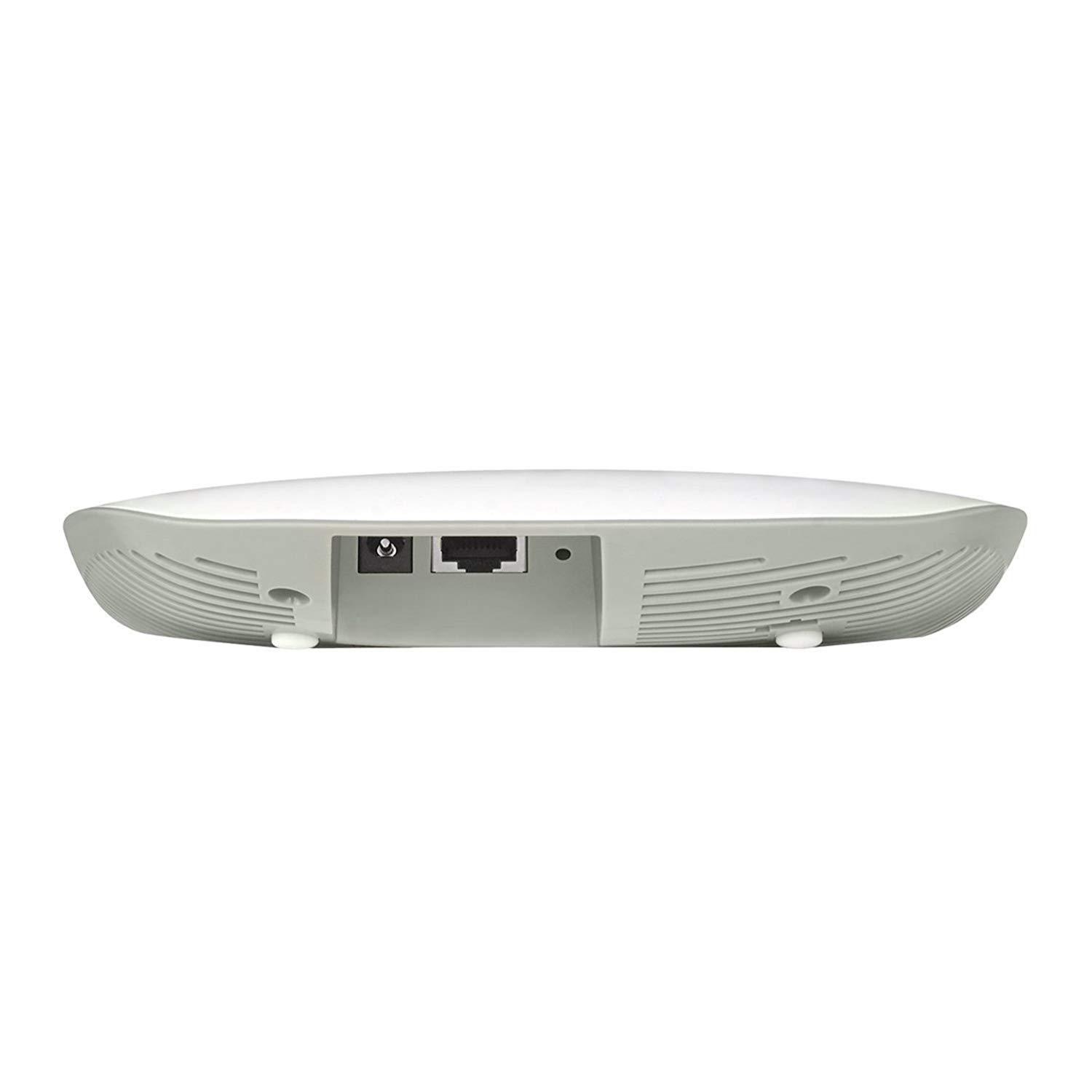
Cloud-managed price comparisons
For home users and small businesses, the price is going to be a major factor in choosing a cloud-managed system. I have made some basic comparisons, these will not be super accurate as it is not always easy to get a like for like comparisons, but I have picked the closest product possible. Similarly, I have tried to find the lowest current prices, this is mainly from Amazon but Open Mesh isn’t really listed on there, and some other prices were taken from Broadband Buyer.8-port non-POE
- Netgear – £56.99
- Zyxel – N/A
- Ubiquiti – N/A
- Cloud Mesh -N/A
8-Port POE
- Netgear – £144.99 – 62W + 2SFP
- Zyxel – £159 – fanless 130W + 2SFP
- Ubiquiti – £130 – fanless 60w
- Open Mesh – £184.81 – fanless 55W
24 or 28 port non-POE
- Netgear – £ 297.99 – 2 SFP and 2 SFP+ 10G Fibre Ports
- Zyxel – £149 – fanless + 2SFP
- Ubiquiti – £210.54 – 2 SFP
- Open Mesh – N/A
24 or 28 port POE
- Netgear – £548.99 – 390W with 2 SFP and 2 SFP+ 10G Fibre Ports
- Zyxel – £291 – 24port + 4 RJ45/SFP Combo – 375W
- Ubiquiti – £303 –150W
- Open Mesh – £500 – 370W + 4 x SFP
Access Point
- Netgear – £67.18– 2×2 2Gbps
- Zyxel – £67.98 – 2×2 2Gbps
- Ubiquiti – £74.95 – 2×2 2Gbps
- Open Mesh – £175.20 – 2×2 2Gbps
Service Fees
- Netgear – £4.47 per year per device for basic, £8.95 for premium (desktop access and POE scheduling)
- Zyxel – From £38.18 per device per year (provides audits, topology, site clone, notifications, config backup, WiFi Analytics)
- Ubiquiti – £70 one-off fee for UniFi Cloud Key or free if you run it on your own hardware
- Open Mesh – Free
Mobile App & Setup
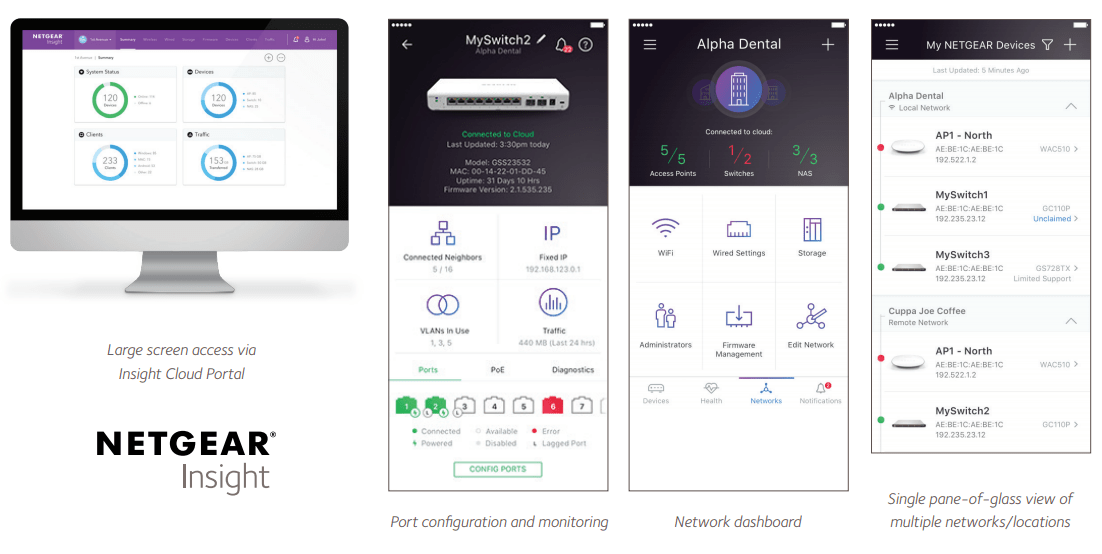
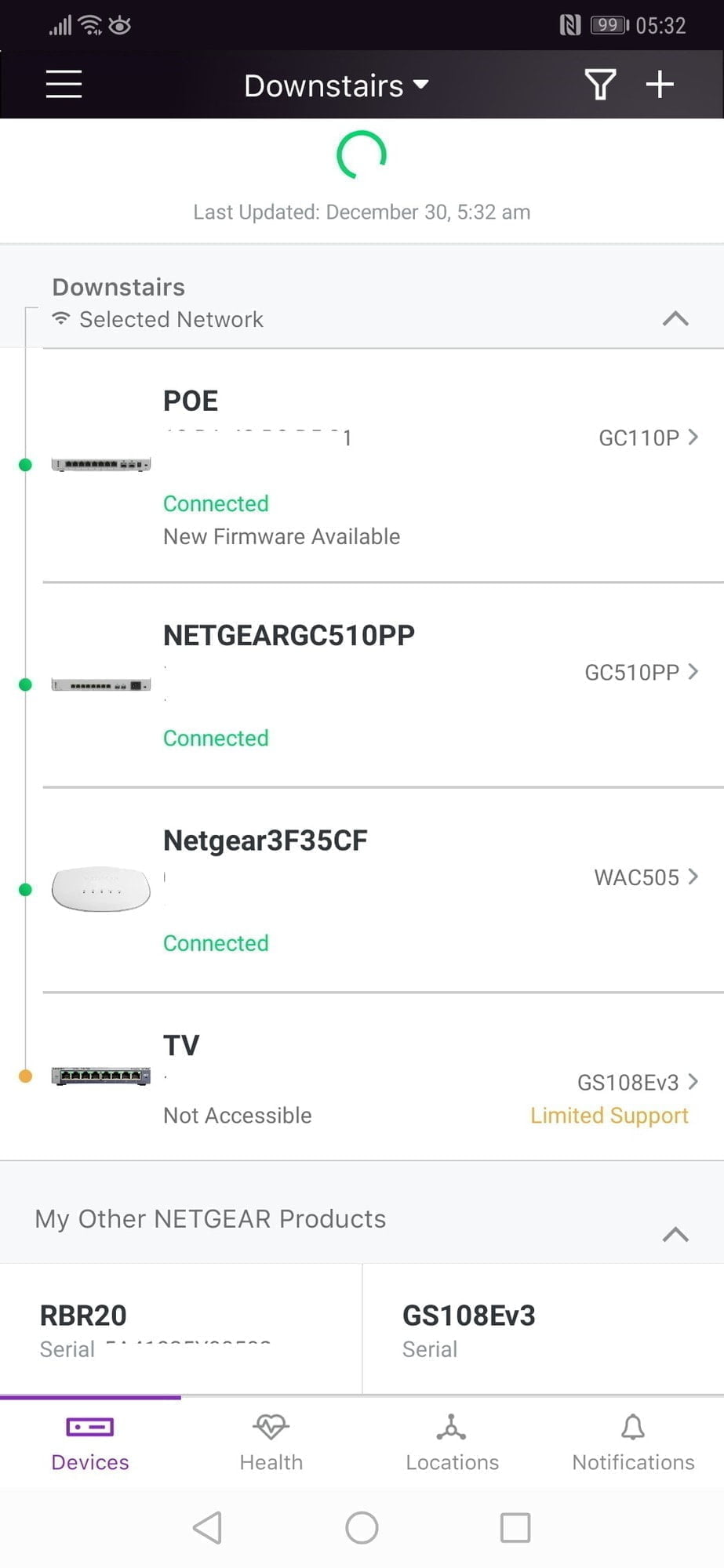
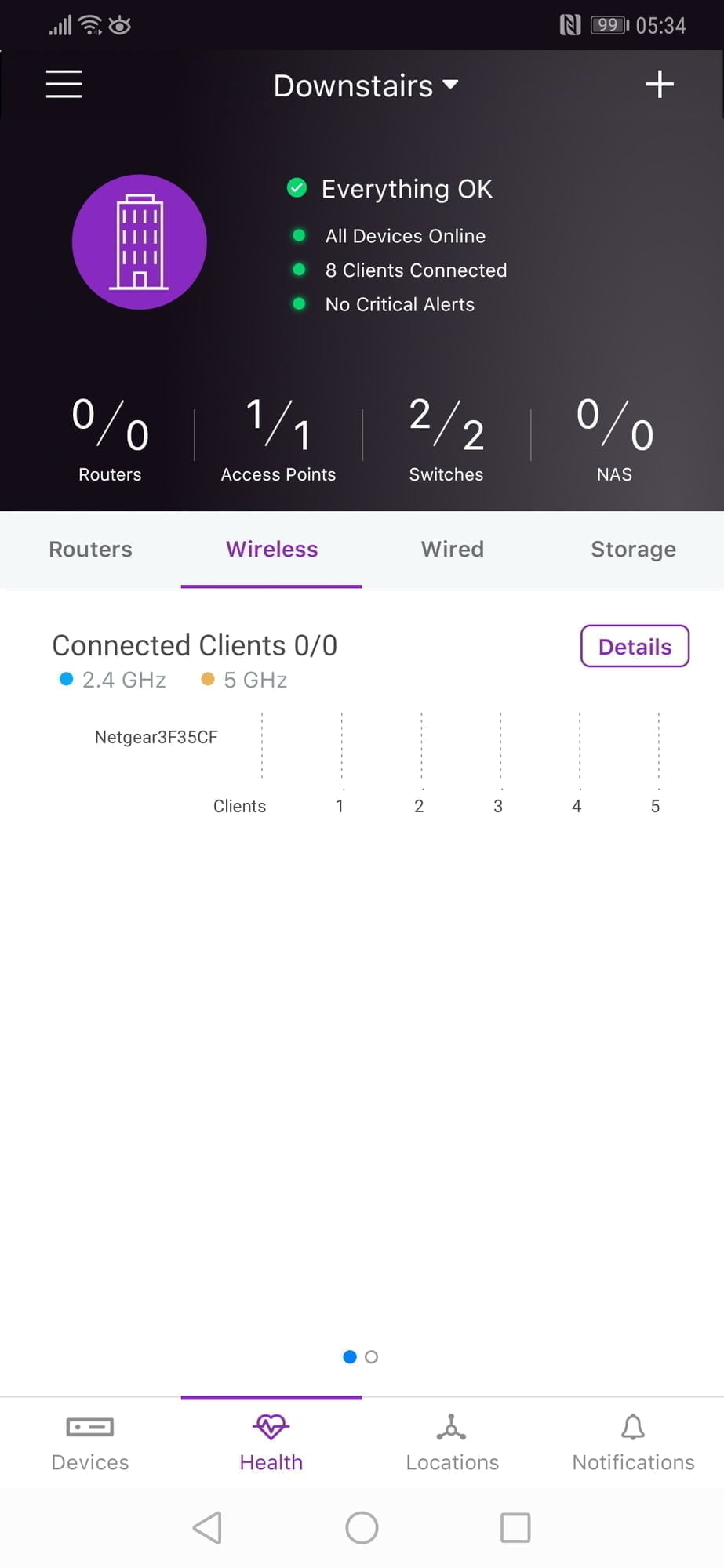
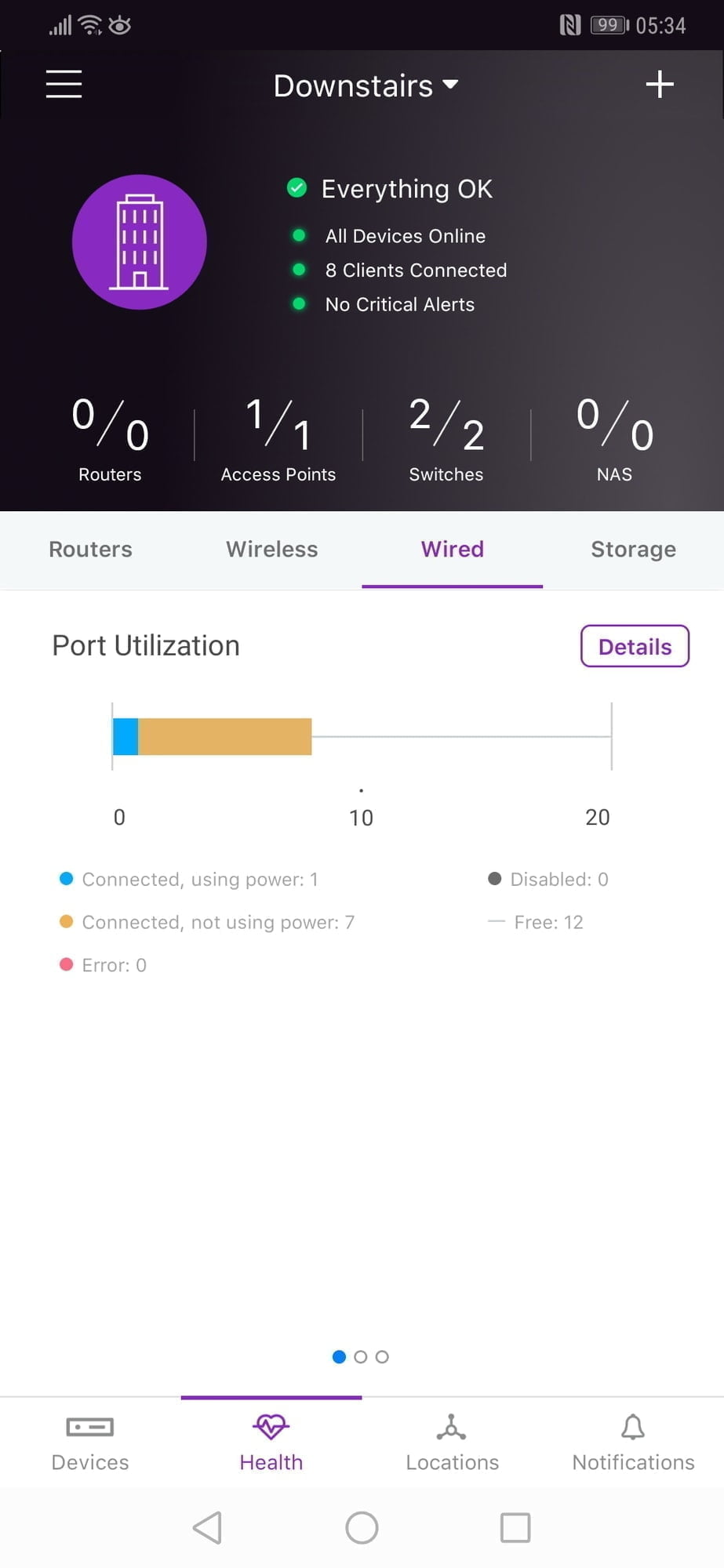
The mobile app is the primary method to control your system though you can manage it the old-fashioned way via logging into each device manually or via a browser if you pay for the feature.As this is the primary method of management, it is far superior to the Zyxel app. You get full management functionality with all devices on the network conveniently in one place. The app will also recognise other Netgear devices that are not Insight enabled; this includes web managed switches and devices such a Netgear Orbi. If you add these to your system, you will be able to via the IP address and allows you to login into the web portal quickly.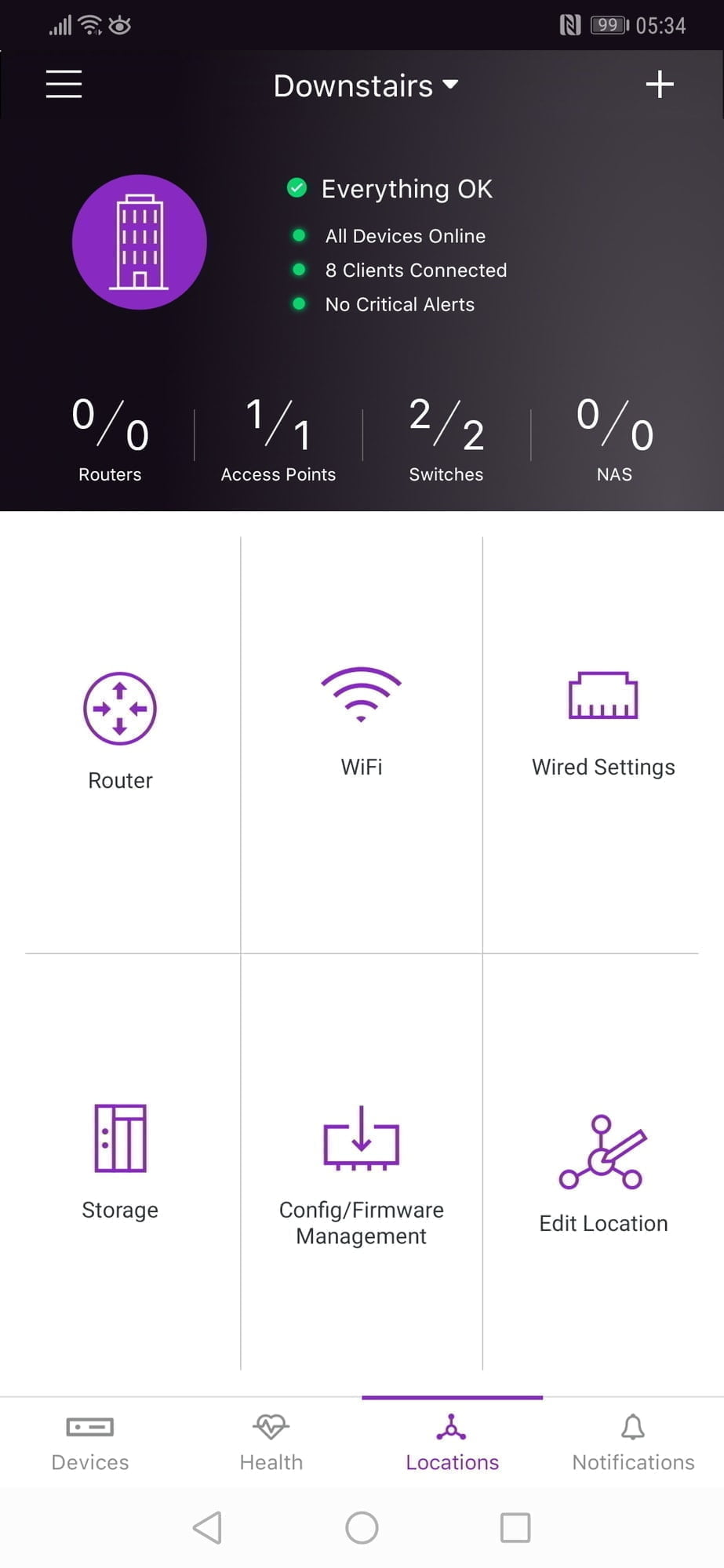
Switch
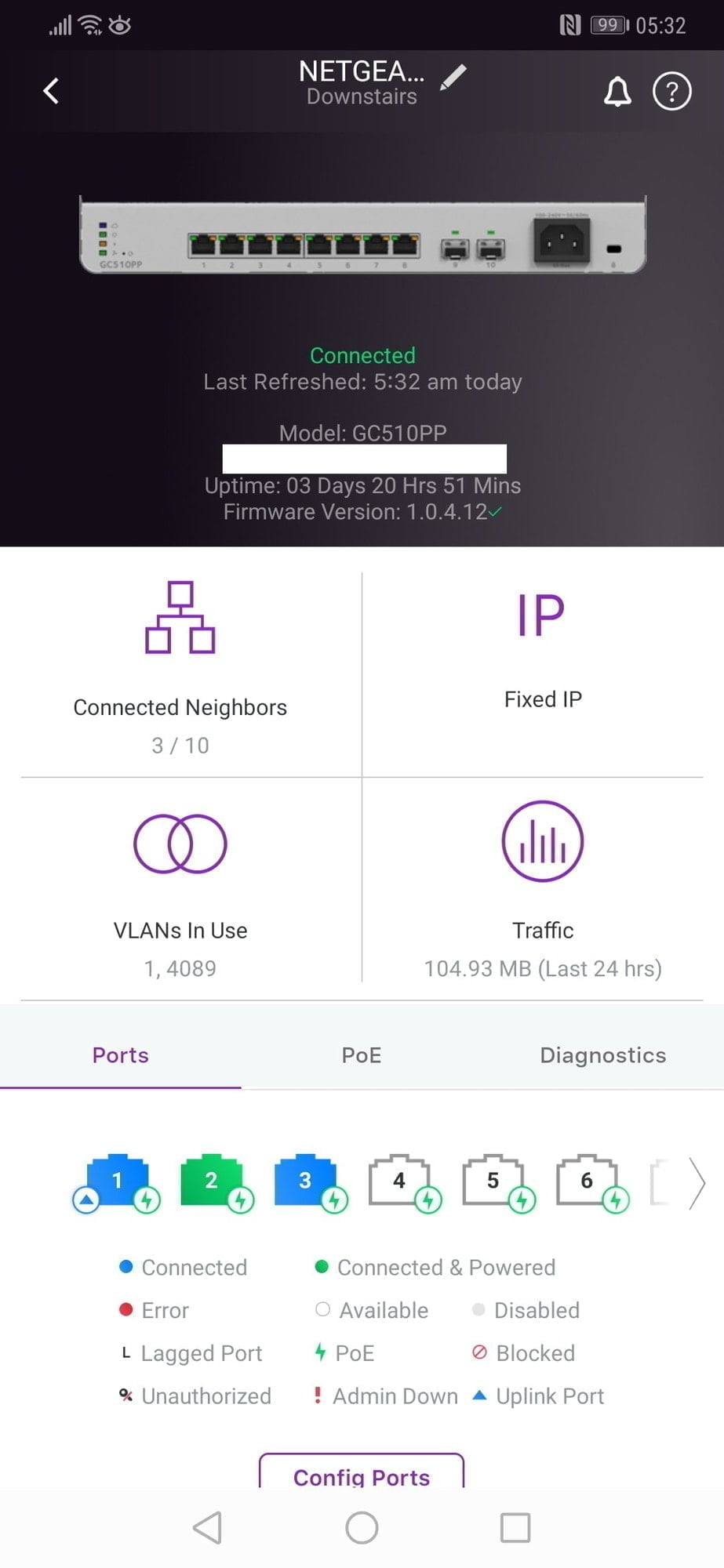
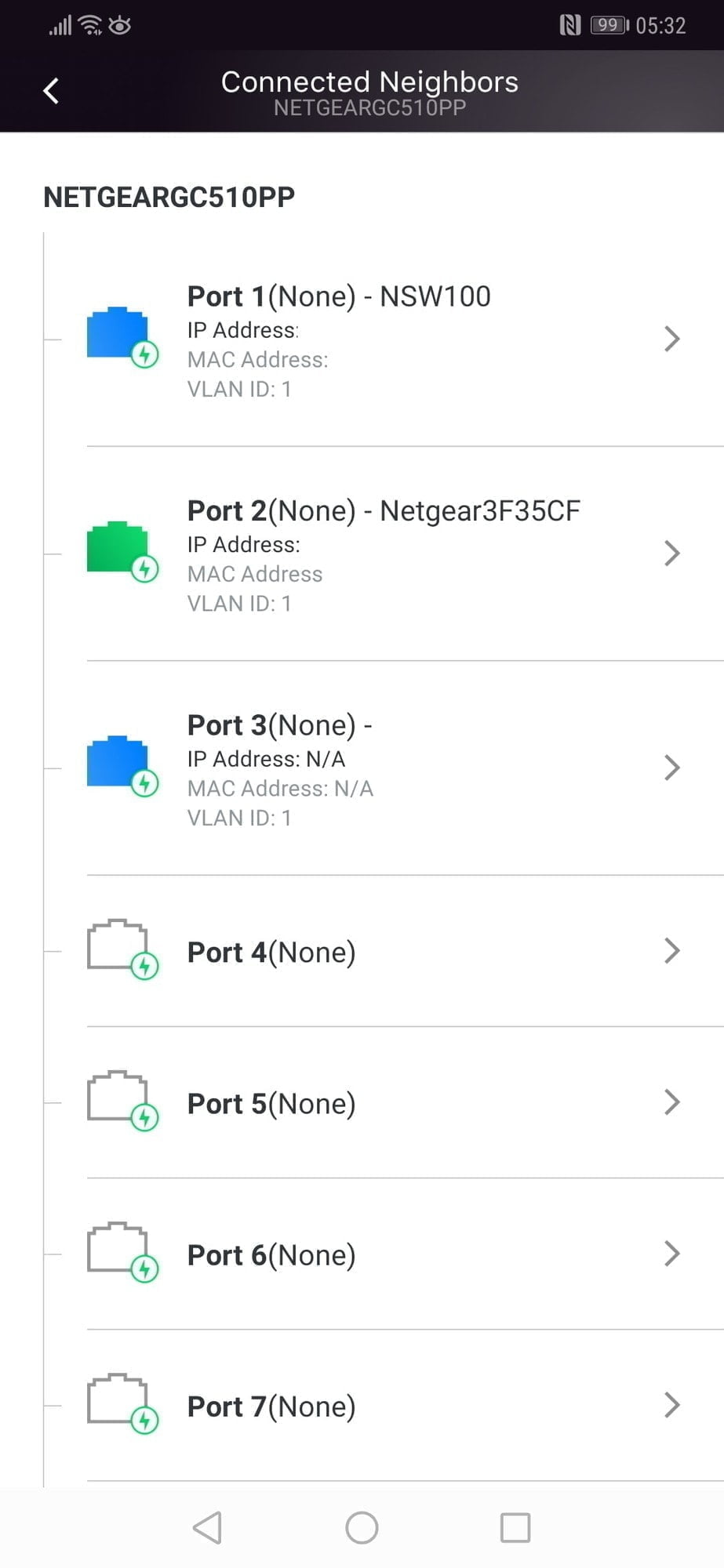
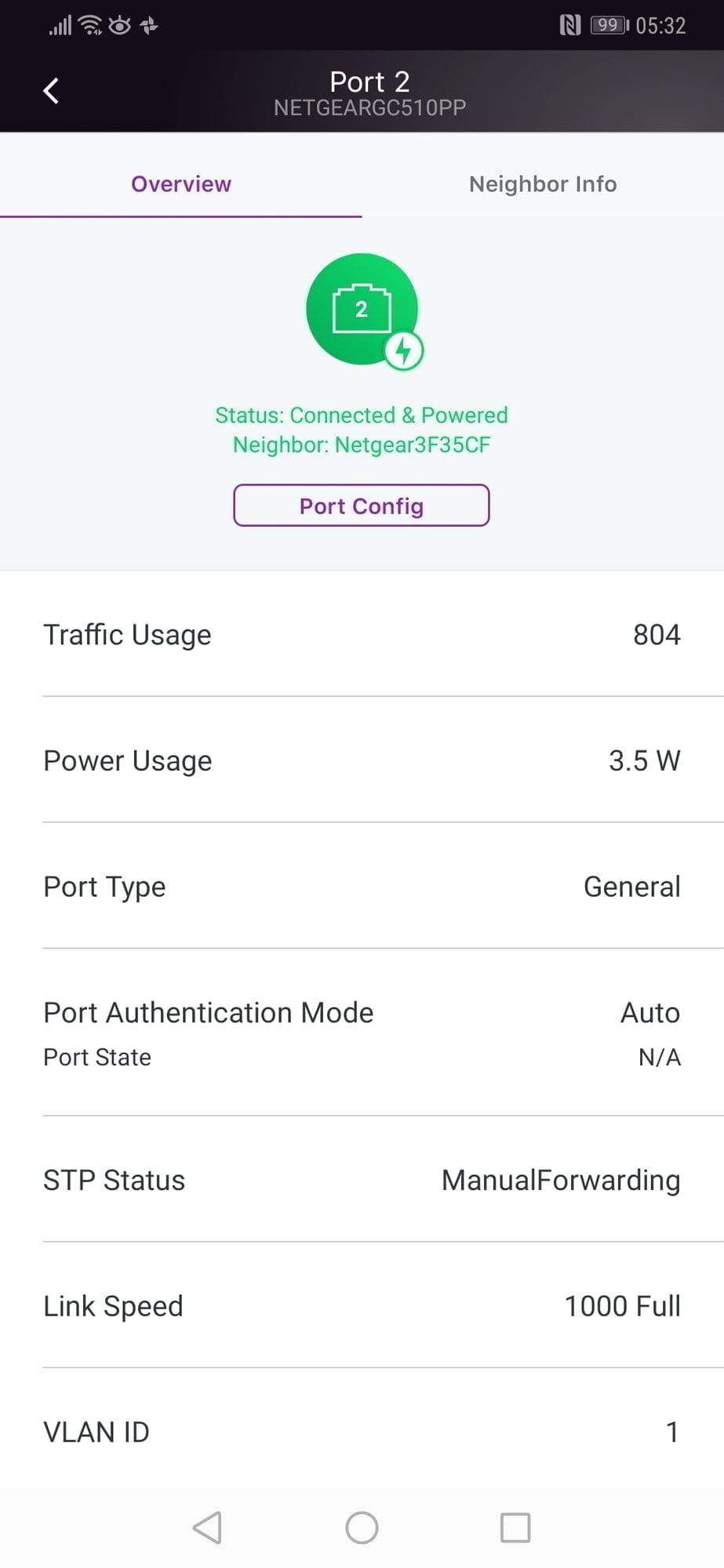
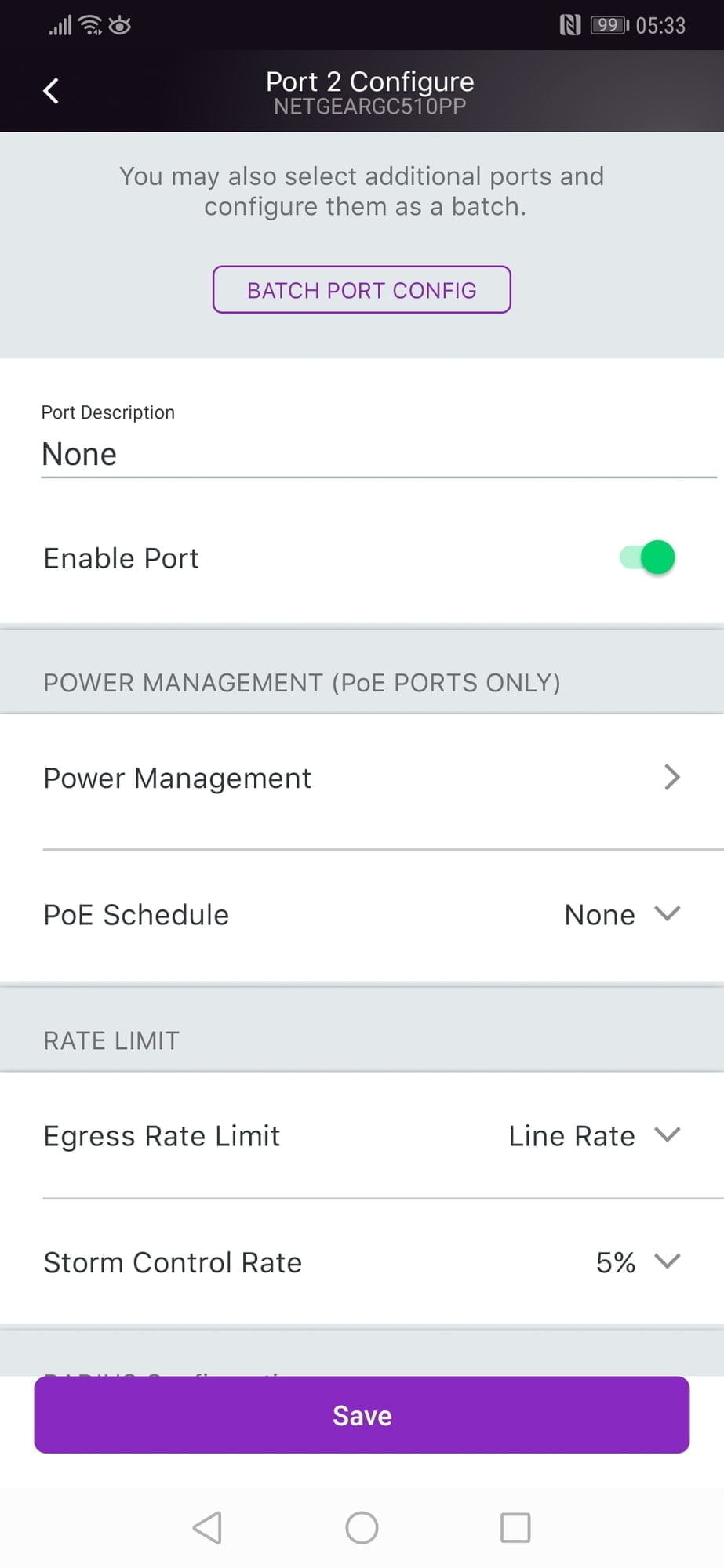
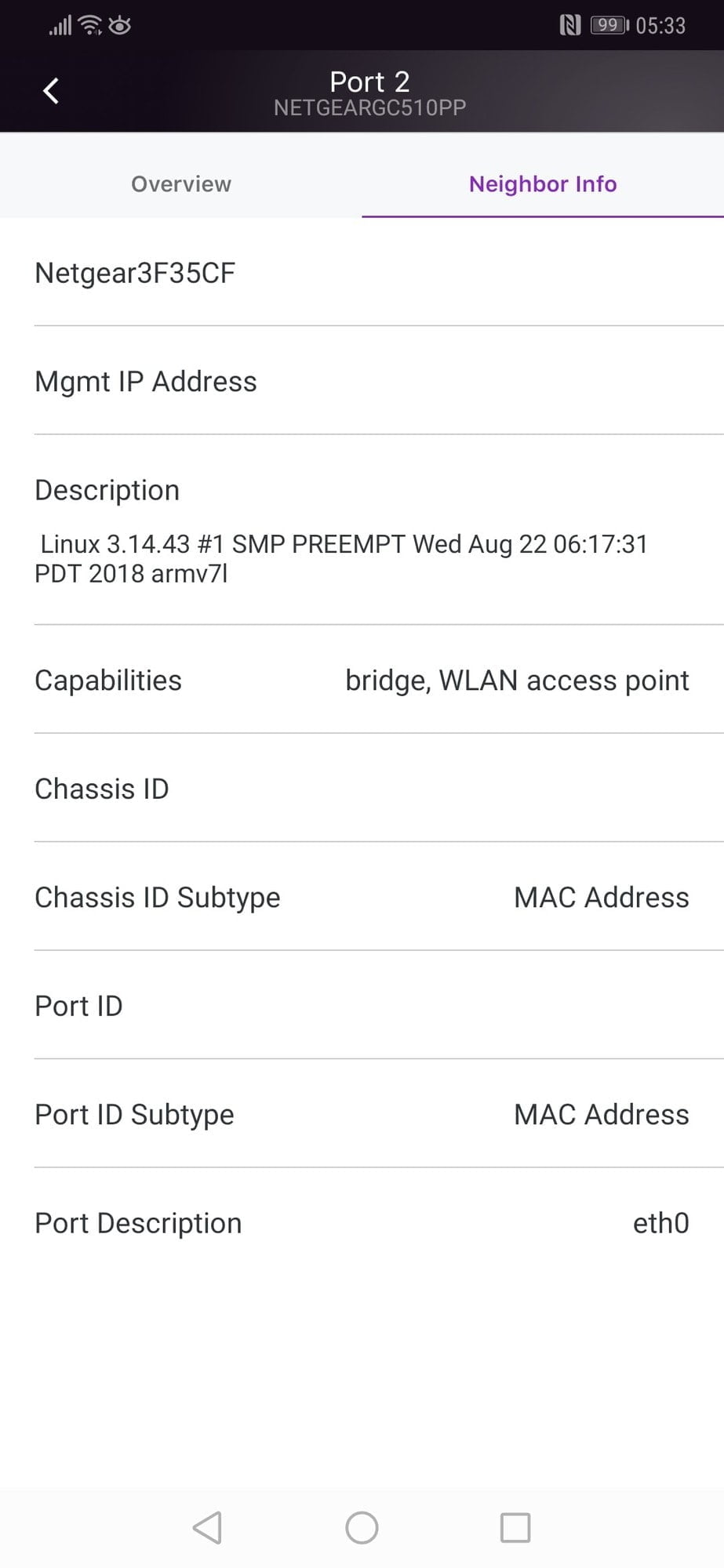
When you select a switch on the network, you will be greeted with an overview of the device, this includes the ports in use and if they are using POE or not. There are details on its IP, traffic over the past 24 hours, and what VLANs are in use. When you select the IP neighbours you will be able to see detailed information about what is connected to each port and then selecting the port gives you statistics about the device on that port including traffic, power used, link speed and the VLAN. You can view its neighbour so it will pull in the name and IP address of what is directly connected to it. All these features allow you to efficiently manage your network and identify any issues such as devices drawing a lot of power or using a lot of data.You can then go into the port settings itself where you can tweak various settings. This includes disabling POE, naming the port, setting up the POE schedule (if you pay for it) and setting the default VLAN.Via the device home page, you can carry out diagnostics such as cable tests and set up port mirroring as well as viewing stats on the device overall.Access Point
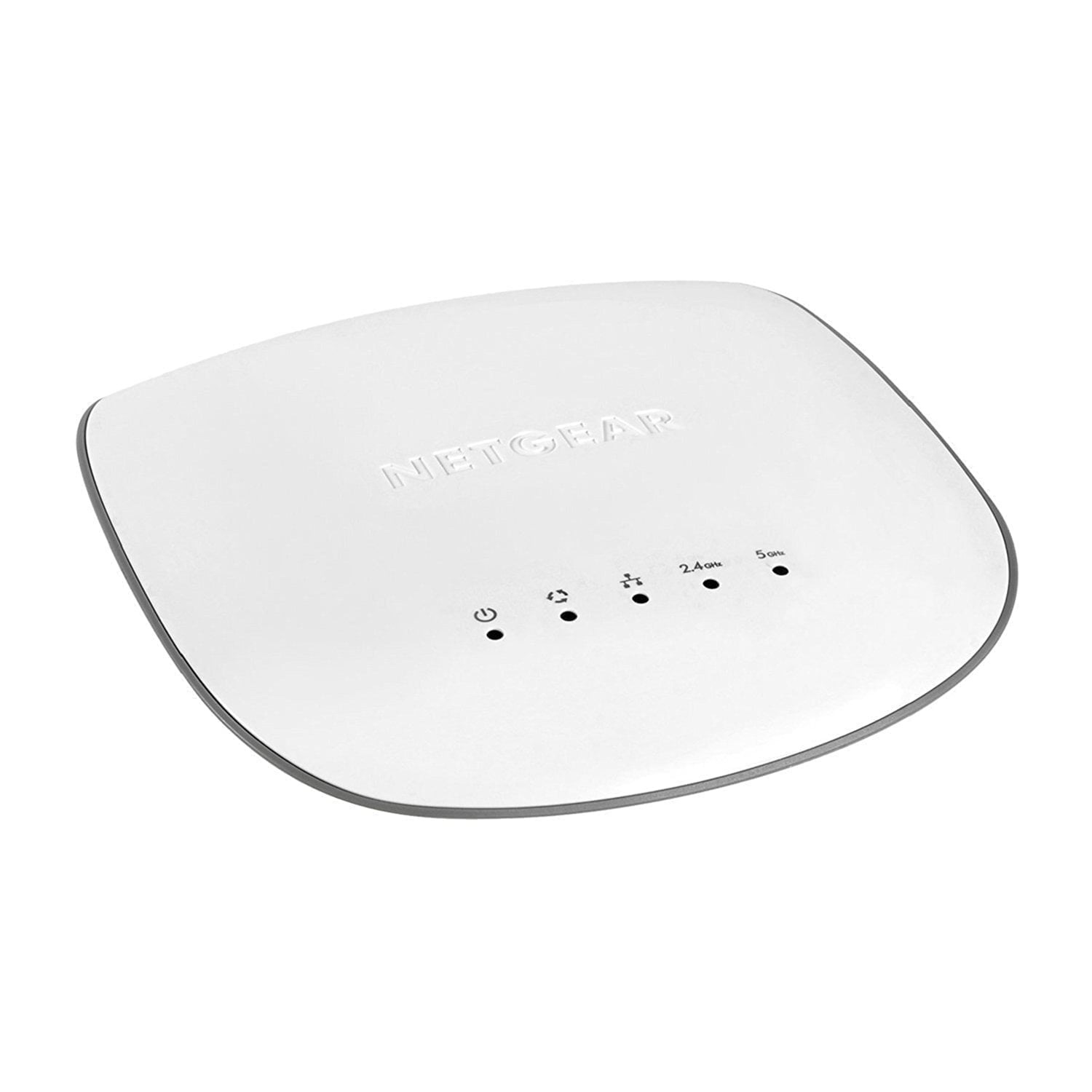
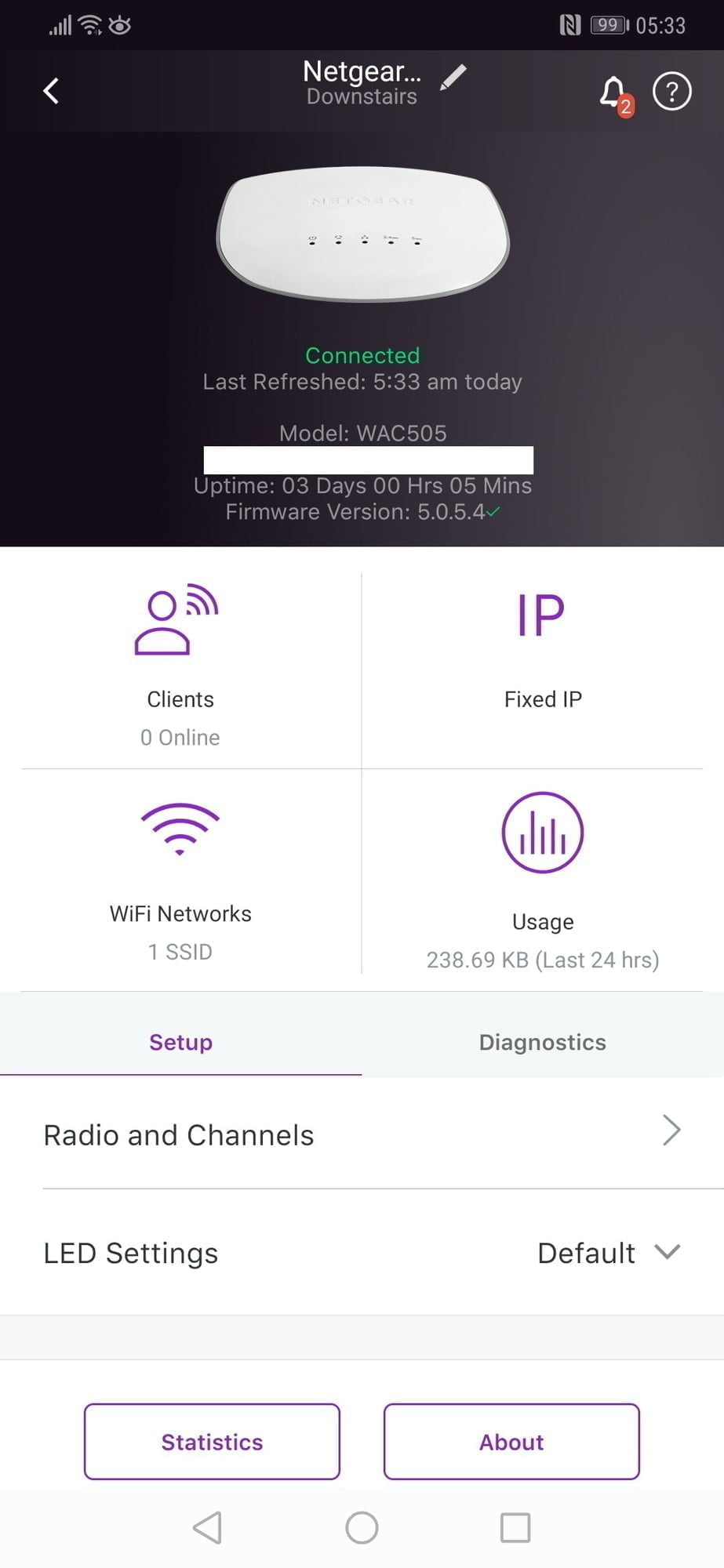
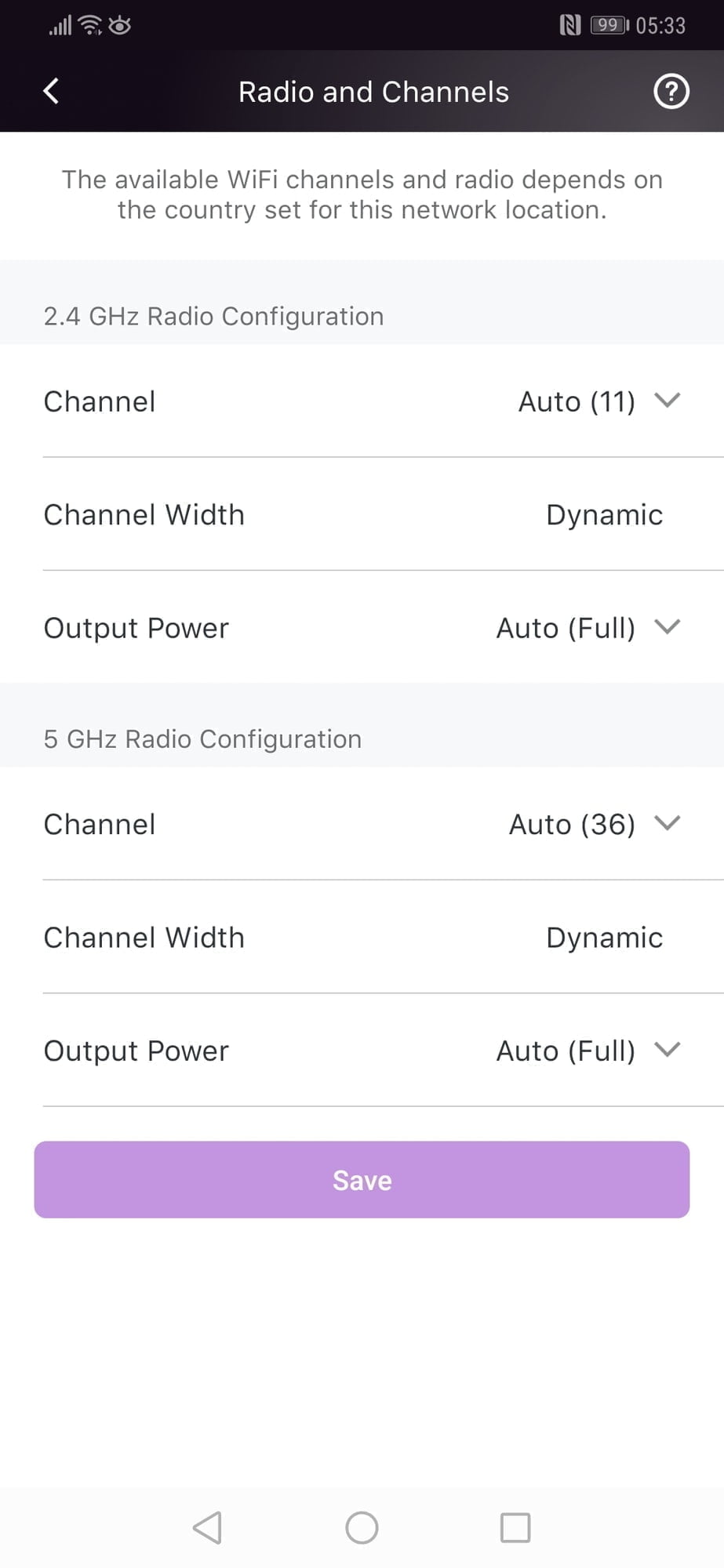
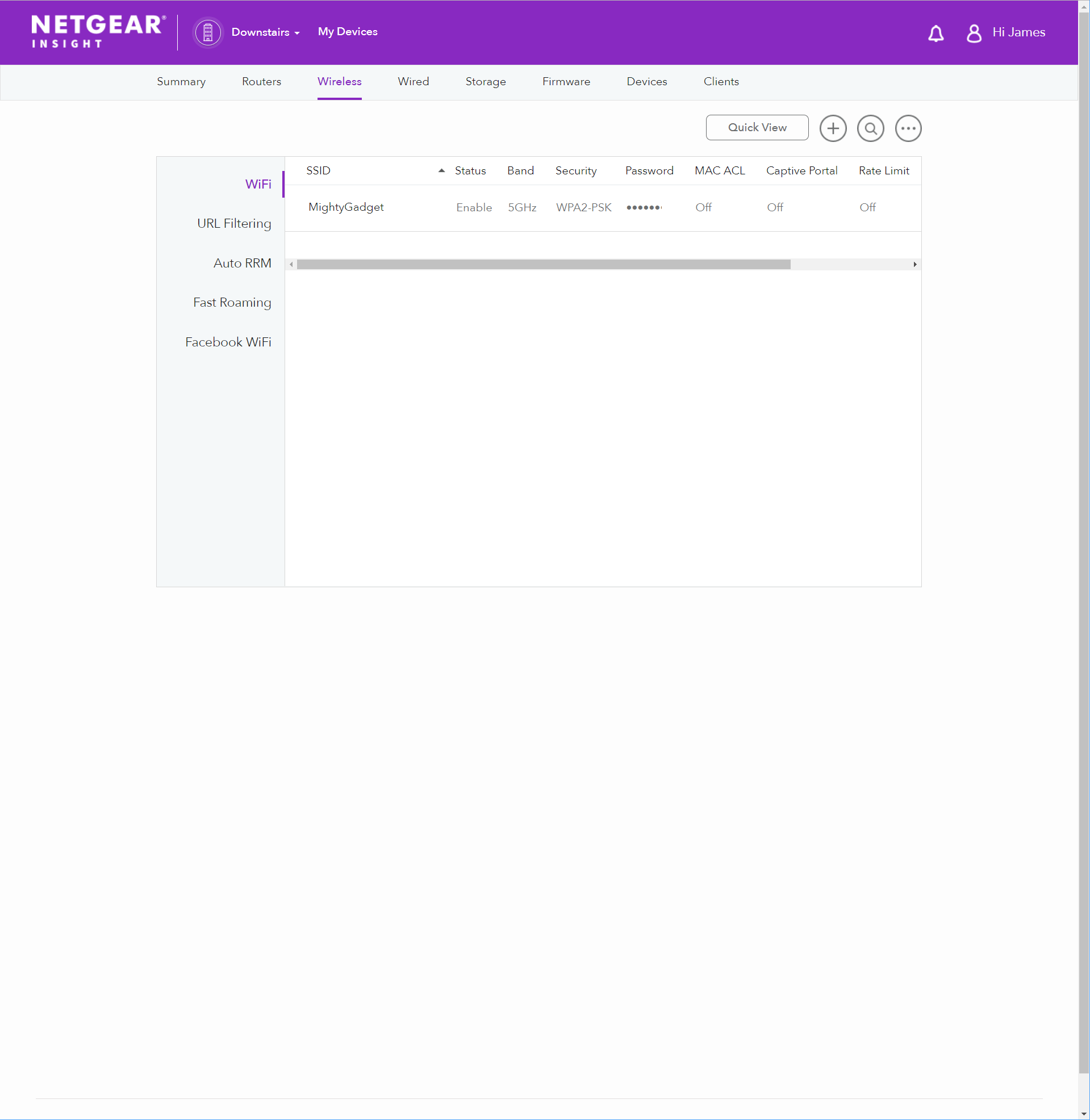
Logging into the AP gives similar features such as statistics, number of clients, number of SSIDs etc.Selecting SSID will allow you to view and edit the current one and set up new ones. Most of the settings are similar to what you would expect, you can select if it uses one or both bands, allow it to do band steering, you can enable a captive portal for guest user access, rate limit the SSID and assign its own VLAN.A lot of the settings are not needed for home users, but VLANs, rate limit and captive portals are excellent for small business, especially somewhere that allows the public to log in to the WiFi.Other Insight Features
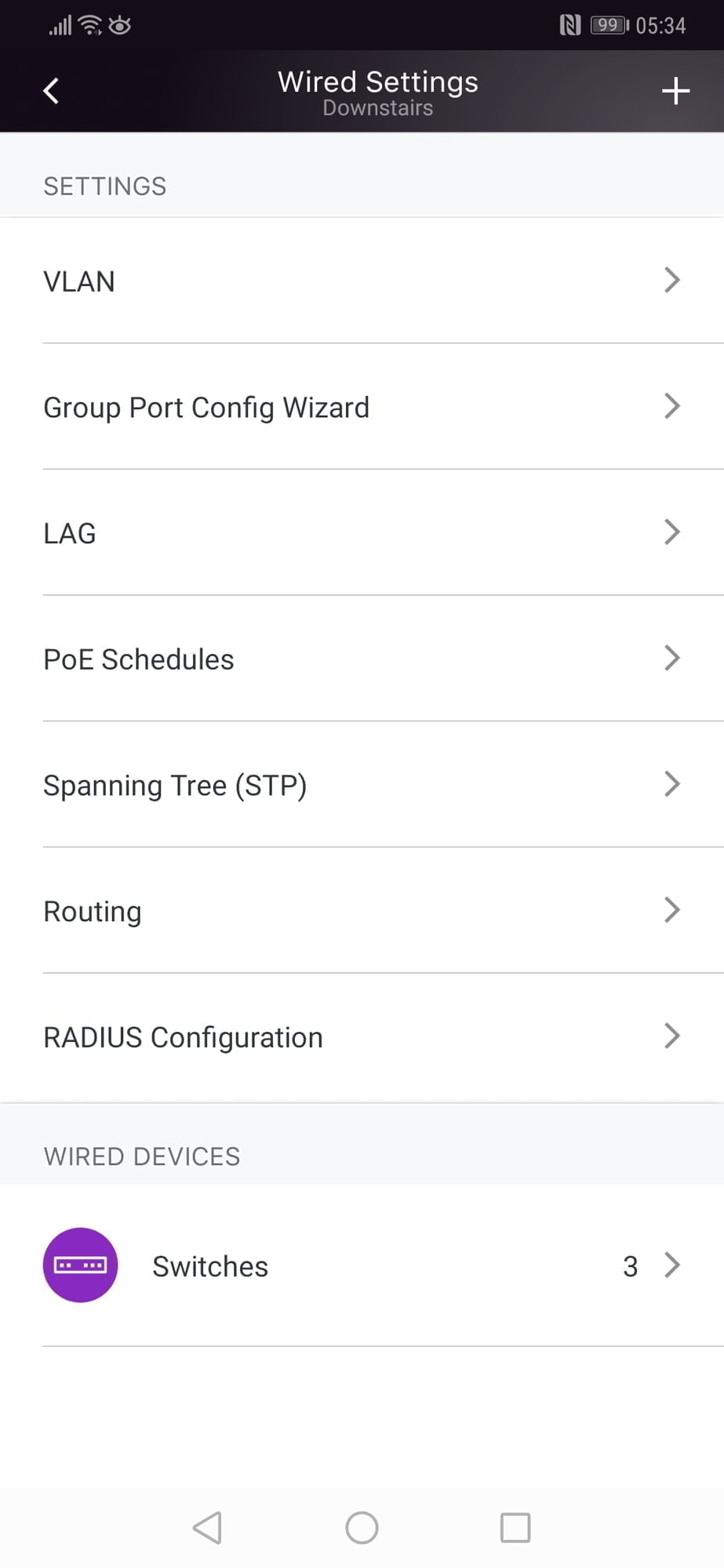
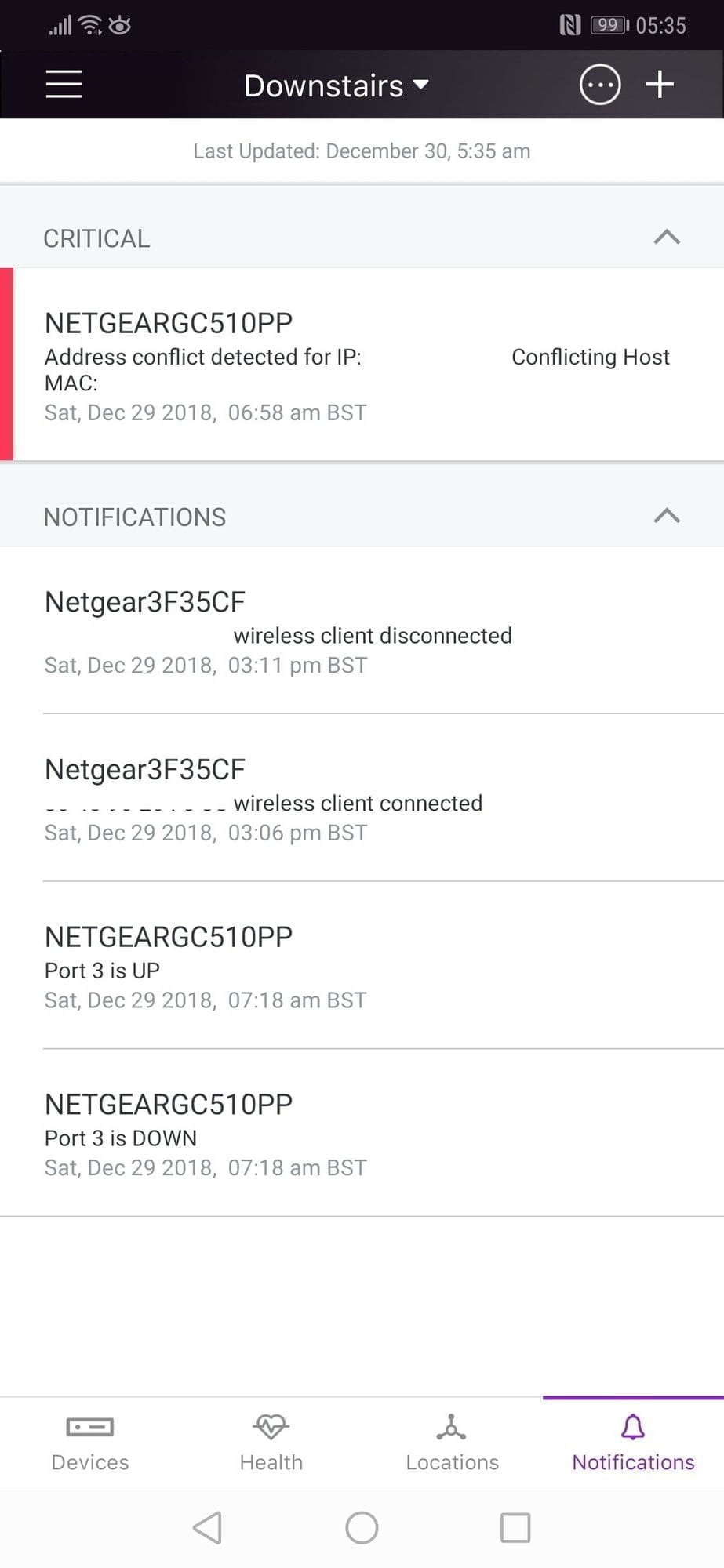
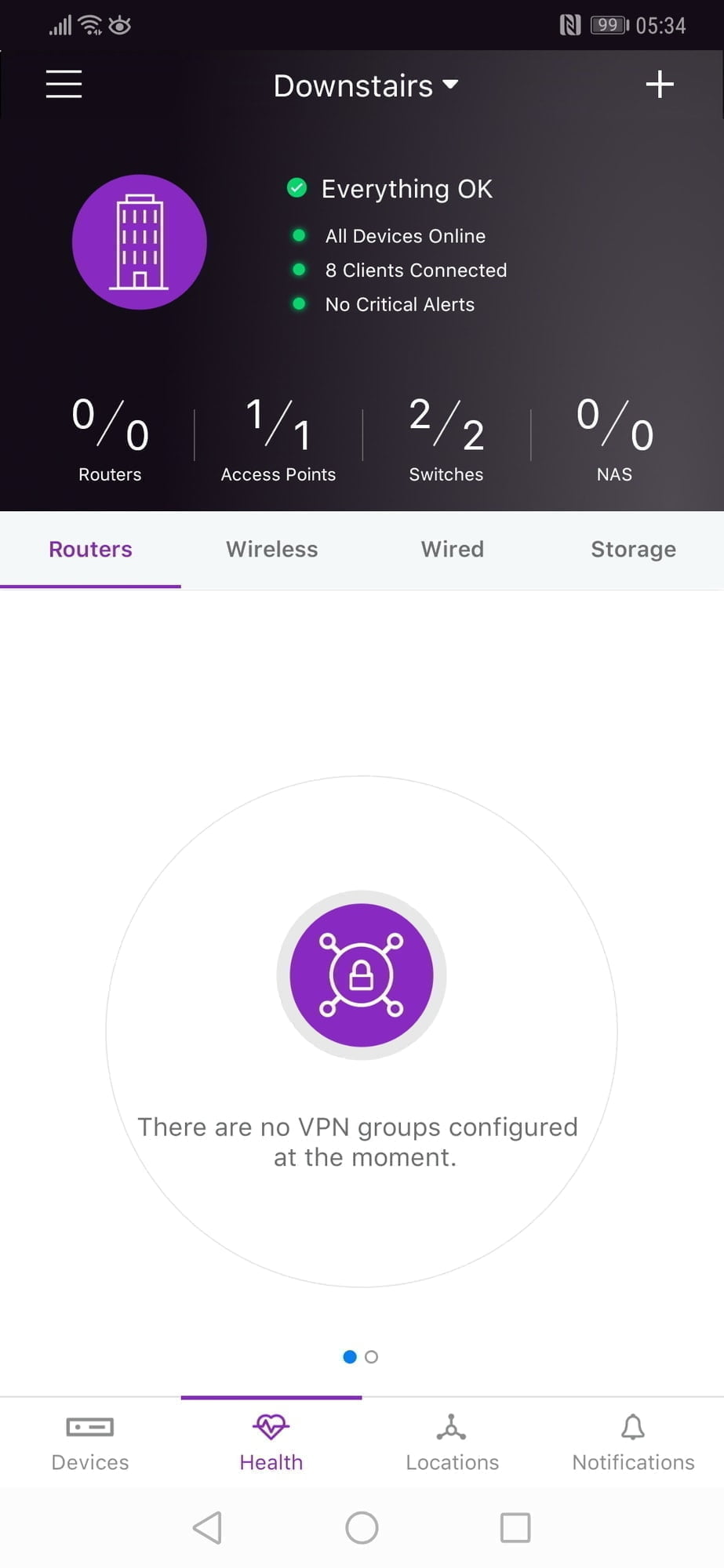
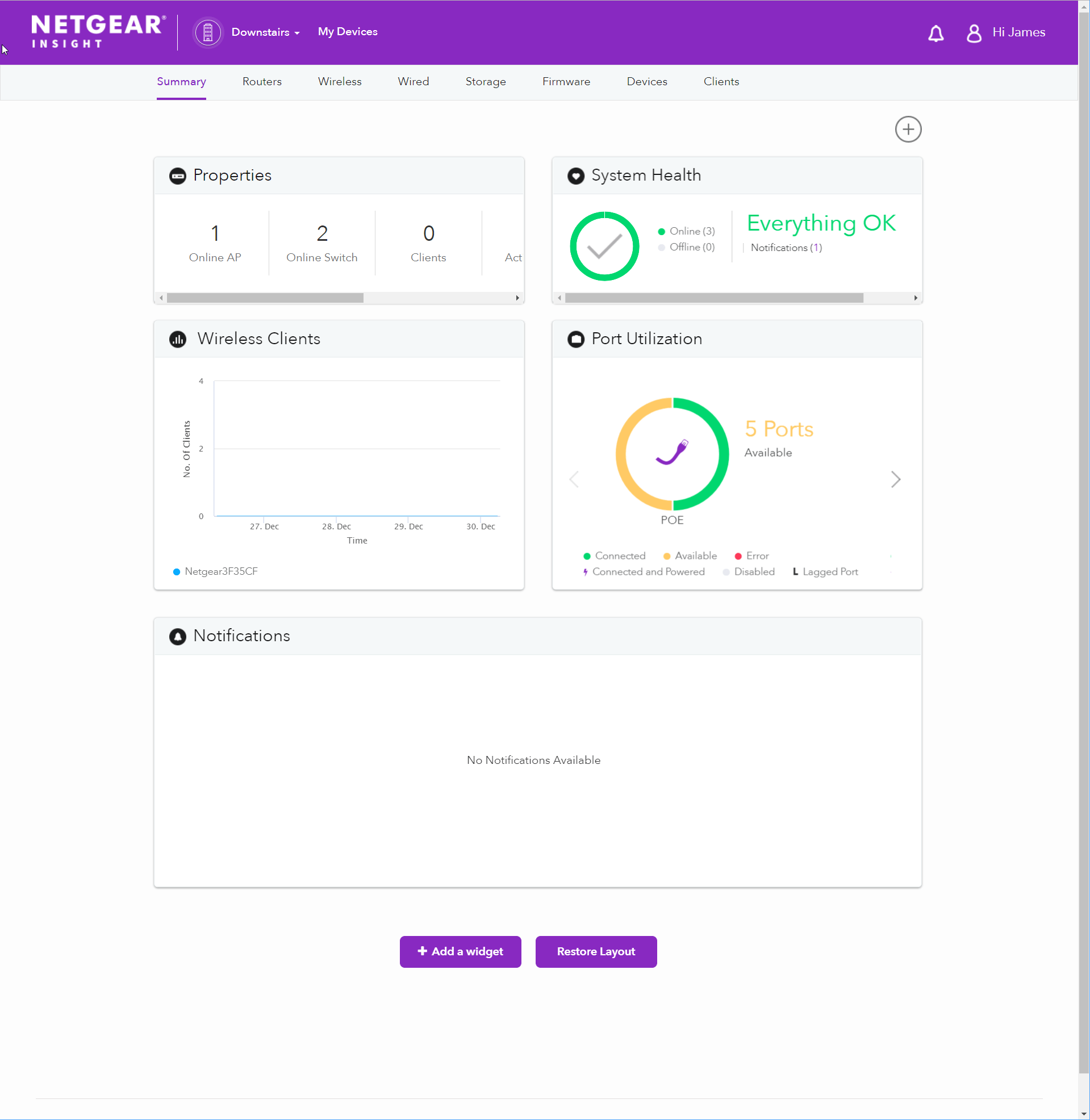
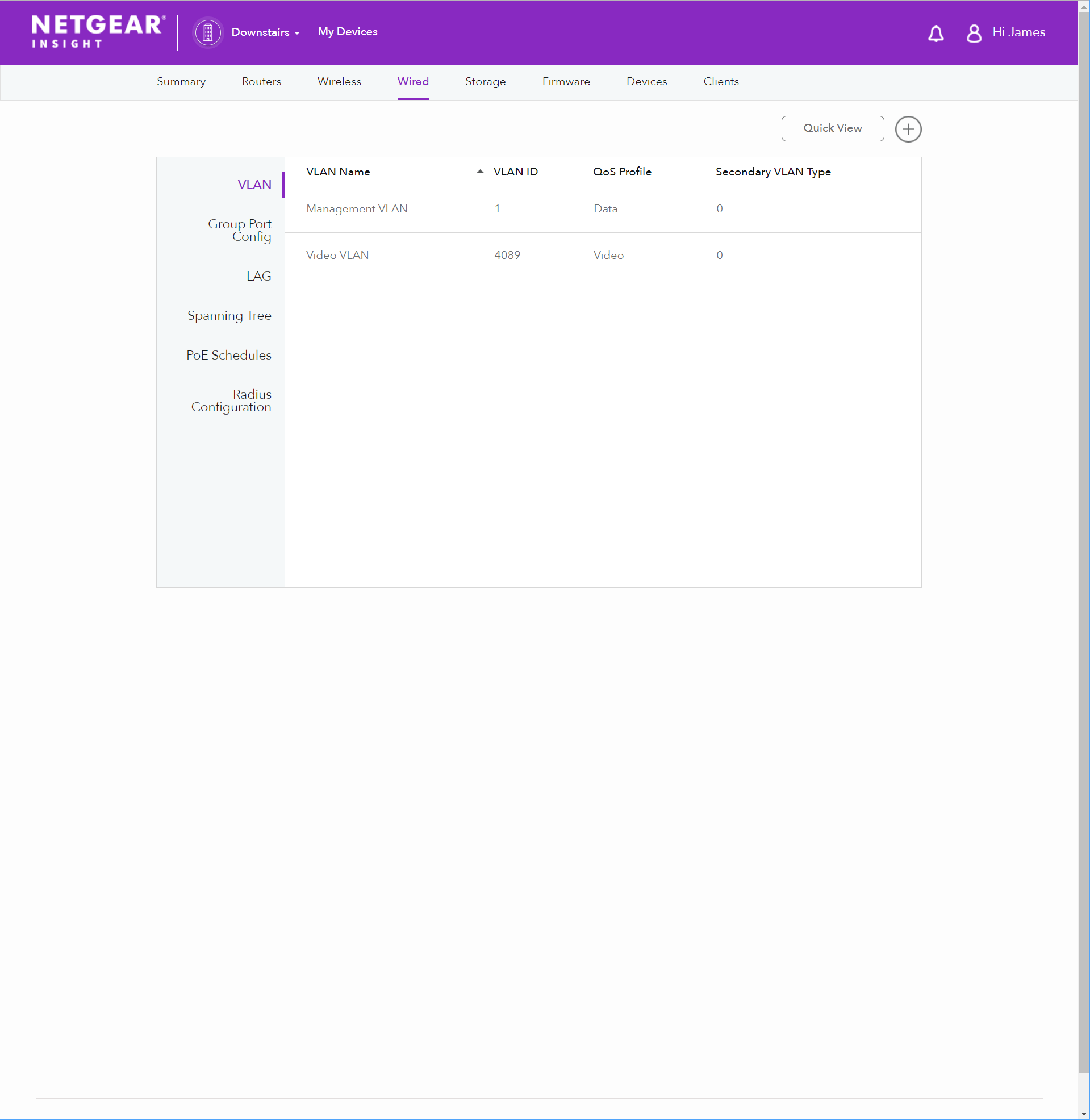
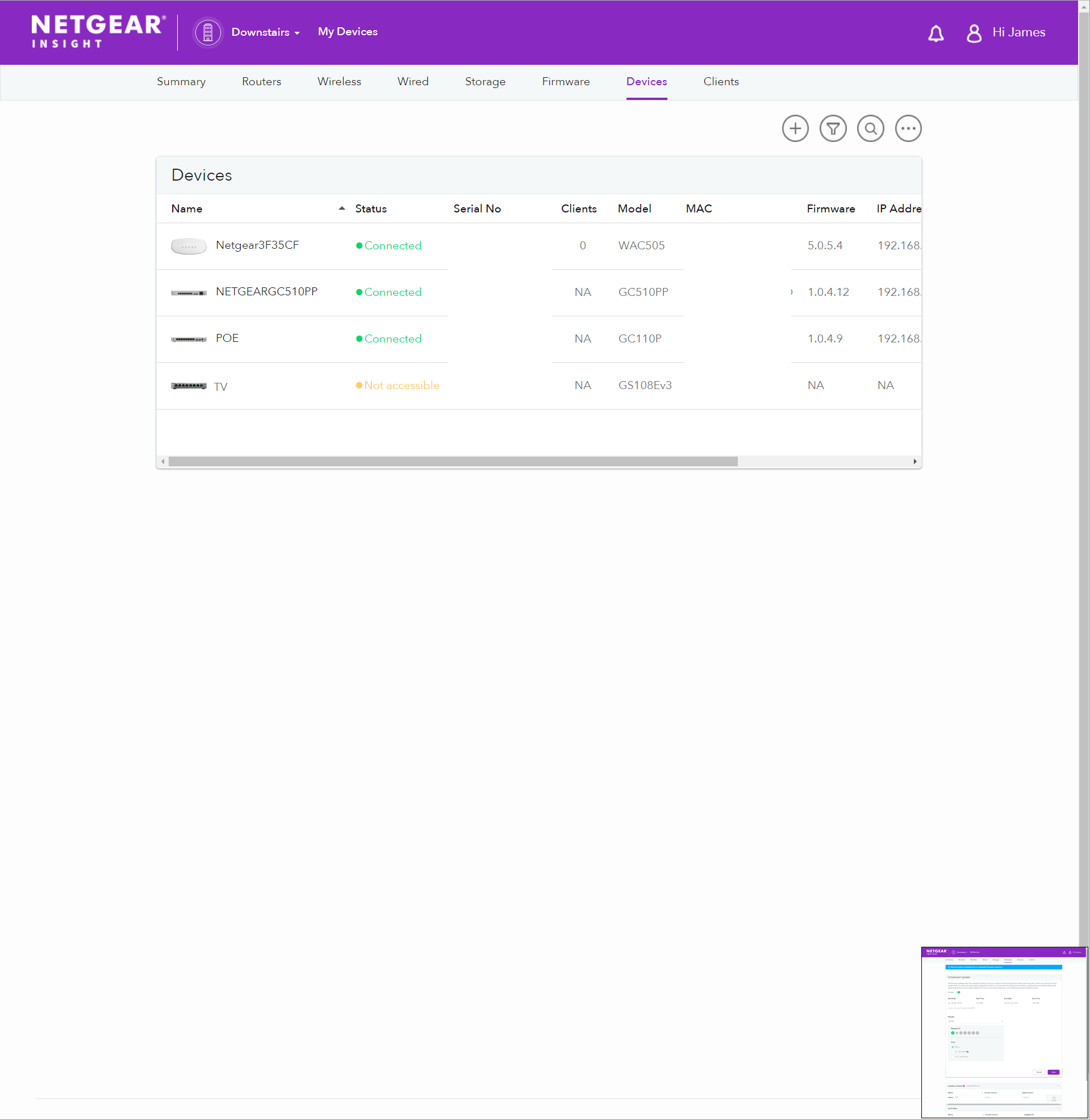
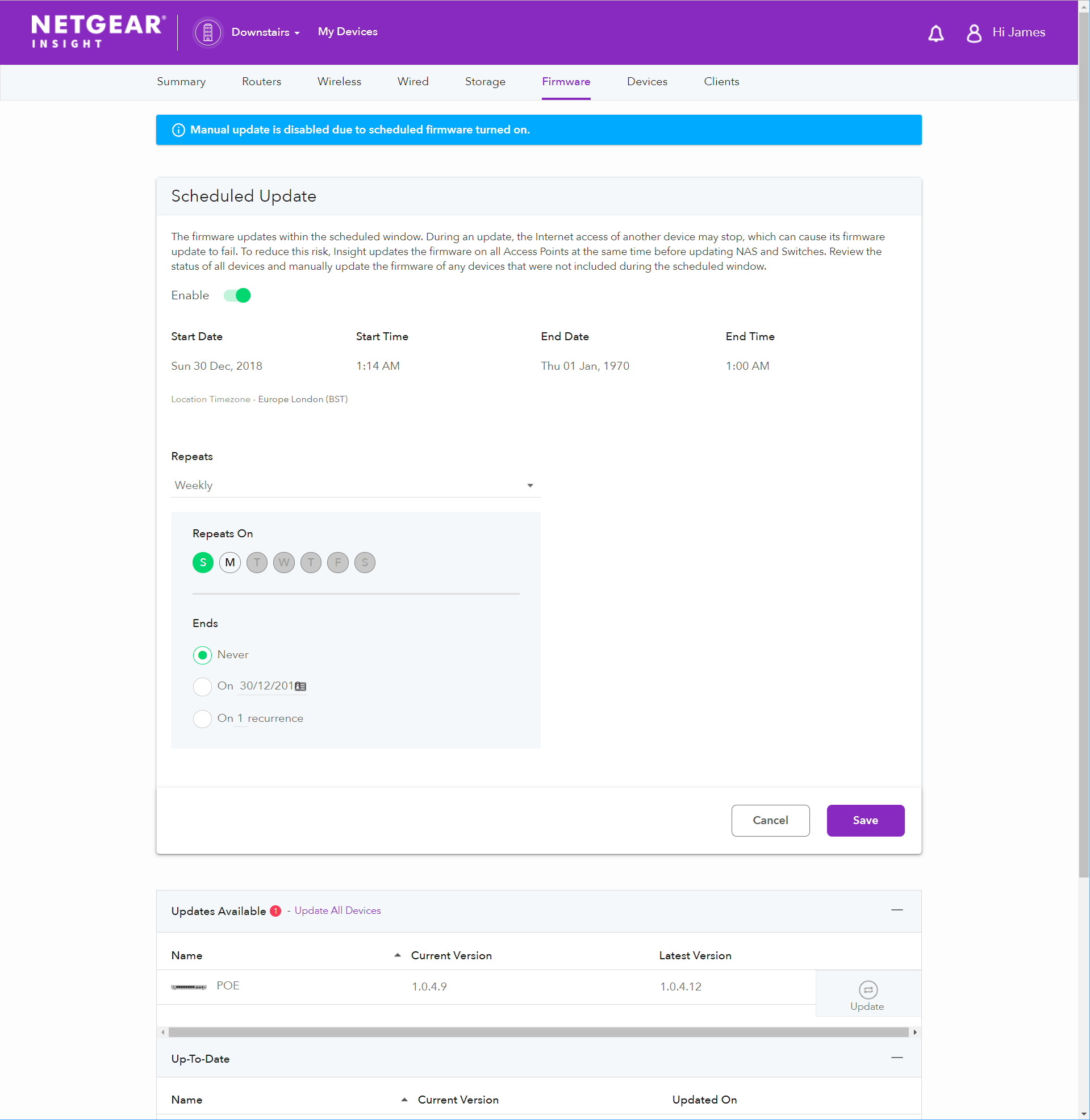
Within the main home page of Insight, you can view the overall network health seeing which devices are online or not, carry out firmware upgrades and then tweak some of the advanced settings.Two of the main settings that will of interest to all users is the ability to set up new VLANs and also LAG. With the VLAN you can separate traffic into their own subnetworks improving the overall performance of the network and security. With LAG you can combine ports effectively doubling the bandwidth available to one device which is very useful in a small office where multiple users maybe access one device such as a NAS.Insight is good at notifying you about network issues; it will push notifications via the app and email you too. This is one area that it excels at compared to Zyxel Nebula as you only get notifications via the quite expensive subscription service.[button link=”https://amzn.to/2BO3fU1″] Buy the Netgear GC510PP POE Switch from Amazon[/button][button link=”https://amzn.to/2Sspy8W”] Buy the Netgear WAC505 Access Point from Amazon[/button]
Web Interface
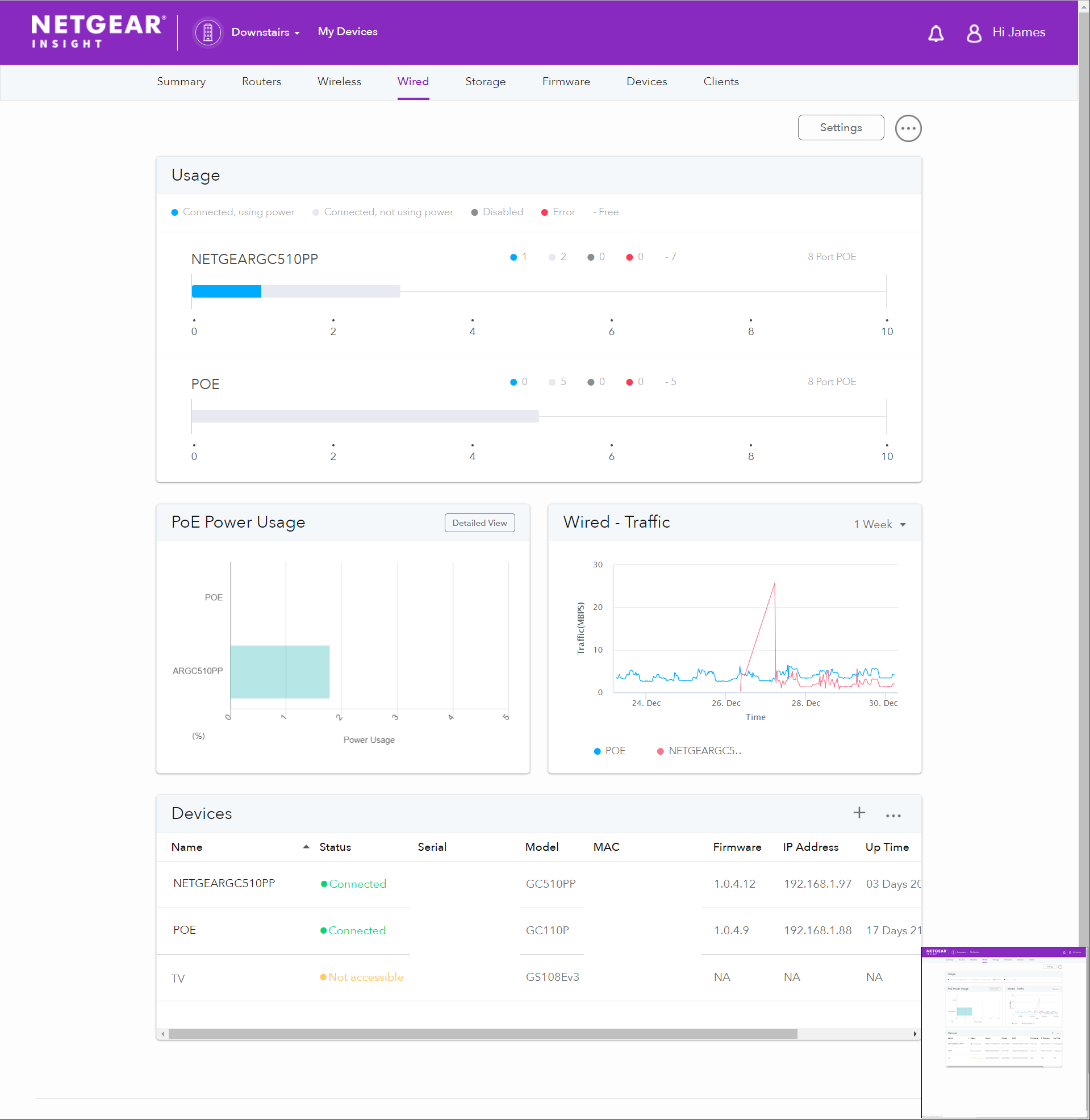
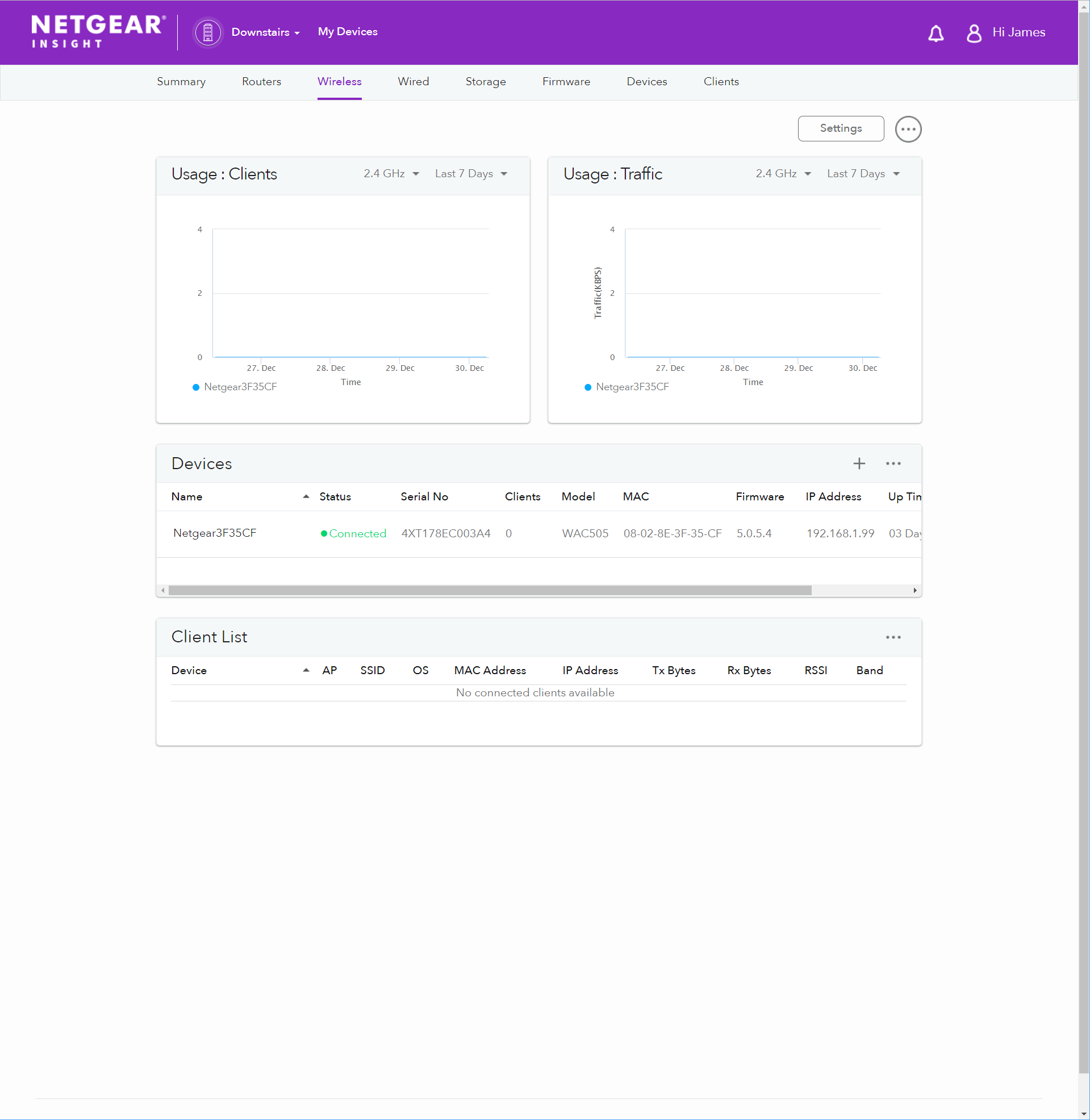
I much prefer to manage a network via a desktop browser and to do this with Insight you will need to pay for the premium service at £8.95 per device per year.Functionally it is almost identical to the mobile app, I prefer the interface, but it is basic compared to Zyxel Nebula. When you log in you get quick access to all the notifications it has pushed recently. So in my case, I had an IP conflict with the switch where it told me the conflicting devices MAC address, using unmanaged switches this would have taken me hours to diagnose whereas I was able to fix the issue in a few minutes thanks to this.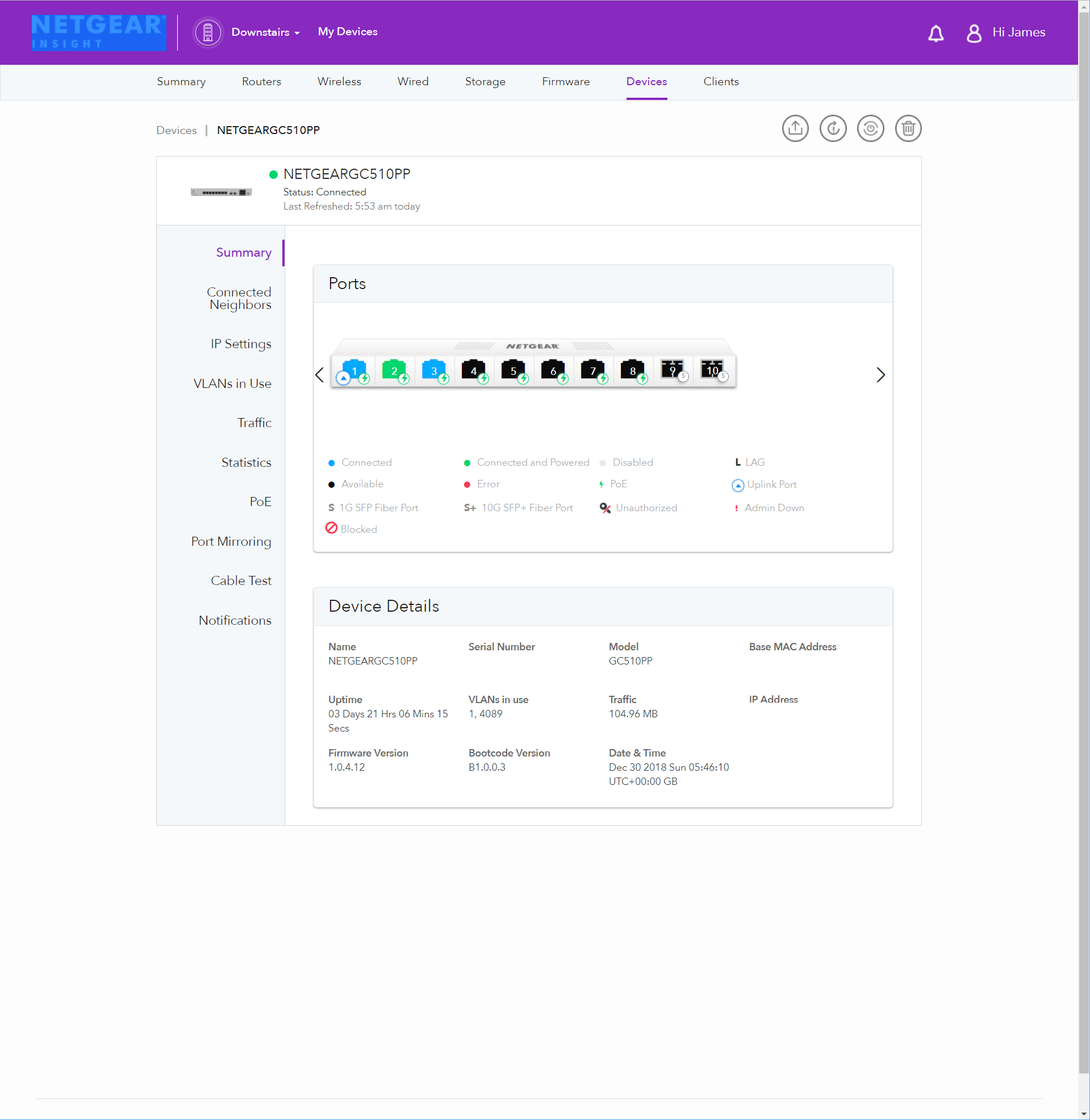
Overall
I liked Netgear Insight the first time I reviewed it, and it has improved since then with a wider range of devices and improved mobile app.Insight offers most of the functionality the competing brands provide but it does lack in some areas. With there being so many features with each system it is hard to identify what is missing and what is not but Insight doesn’t offer quite as much reporting functionality, there are no floor plans, and there is no topology. As a home user and a small business owner, these features are fun to use but hardly a necessity, the requirement will obviously change the larger a business is, but Netgear is clearly aiming this product as a small business solution, and it does this well.Unless you need POE scheduling, for example, if you have a call centre or something, I don’t really think the premium service is worth it. Even though it is very cheap, I don’t think it offers enough to justify twice the price as the basic service. Similarly, I would love to see Netgear expand the free slots to include 4 or 5 devices this means that home users could invest into the system without being bogged down by a yearly fee (even if it is cheap).I love the notifications Insight offers, and this could be a key factor in choosing this system over something like Nebula which as has similar hardware price but would require an expensive service licence for notifications. If you manage a network either for clients or for your own business, being able to identify a problem as soon as it happens is a critical factor in maintaining business continuity. I deal with a few small businesses and if I can identify a fault before they contact me, or are even aware of it, this makes a huge difference in my stress and overall quality of service.The relatively cheap switches with 10Gbe fibre ports is another aspect that could draw users to Netgear. With so many people producing 4K content both as amateurs and professionals the need for 10Gbe has grown exponentially, and being able to transfer data at ten times the speed of gigabit can pay for itself with improved productivity very quickly.[button link=”https://amzn.to/2BO3fU1″] Buy the Netgear GC510PP POE Switch from Amazon[/button][button link=”https://amzn.to/2Sspy8W”] Buy the Netgear WAC505 Access Point from Amazon[/button]
Netgear Insight Managed Smart Cloud Switch & Access Point Review
-
Overall - 84%84%

I am James, a UK-based tech enthusiast and the Editor and Owner of Mighty Gadget, which I’ve proudly run since 2007. Passionate about all things technology, my expertise spans from computers and networking to mobile, wearables, and smart home devices.
As a fitness fanatic who loves running and cycling, I also have a keen interest in fitness-related technology, and I take every opportunity to cover this niche on my blog. My diverse interests allow me to bring a unique perspective to tech blogging, merging lifestyle, fitness, and the latest tech trends.
In my academic pursuits, I earned a BSc in Information Systems Design from UCLAN, before advancing my learning with a Master’s Degree in Computing.
I’m proud to share that Vuelio has consistently ranked Mighty Gadget as one of the top technology blogs in the UK. With my dedication to technology and drive to share my insights, I aim to continue providing my readers with engaging and informative content.
I work directly with the companies he reviews products for or their chosen PR agency.
For Social Media, you can find me on: