Aqara G2h Pro Review – Homekit compatible Zigbee hub and camera
I have previously reviewed several of the Aqara Zigbee hubs, including the Aqara G2h. Aqara currently lists six different hubs on their product page, this would make the 7th. It seems very excessive, but I guess it gives buyers as many options to fit their budget and needs as possible.
Therefore the review of the new Aqara G2h Pro isn’t going to be much different than all the other hubs, so I will focus on what is new.

- 【HomeKit Secure Video】The aqara indoor camera can be controlled through the apple home app when connected to apple homekit. the apple homekit security certification with cloud encryption protection can prevent hackers from stealing data and protect your privacy at home. supports multiple storages including icloud, micro sd card (not included), video clips can be storaged by aqara home app, 2 live streamings, 1 to icloud, 1 to aqara home app.
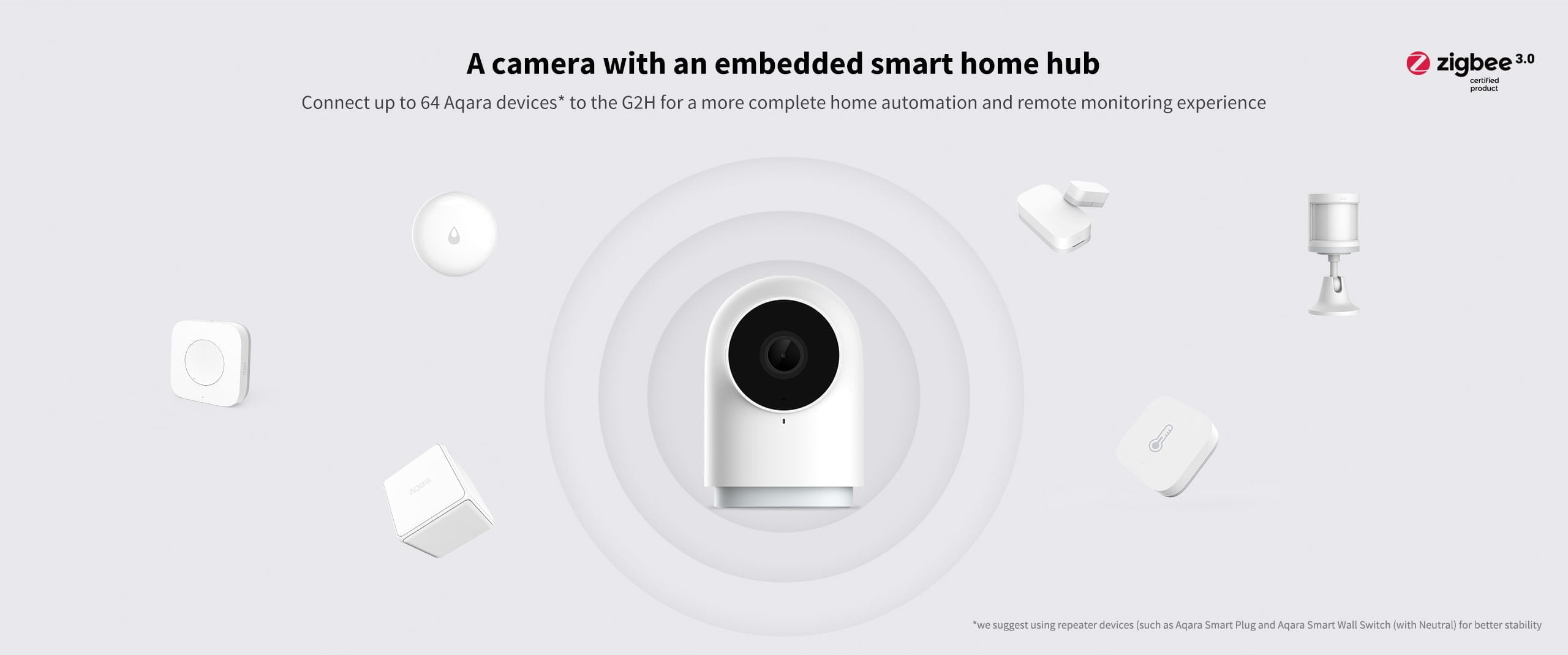
- 【Local Control Center】As a zigbee hub, it can connect aqara zigbee child-devices and allows for seamless integration across aqara’s sensors and home automation devices such as home guard, data reporting and smart control. it requires a secured 2.4 gigahertz wifi network connection.
- 【Voice Call In Real Time】Homekit-enabled 2-way audio, you can make voice calls while viewing real-time video images remotely. the indoor camera is equipped with a microphone for noise reduction. the recording distance is up to 5 meters.
- 【Night Vision & 1080p HD】With 1080p high-definition recording, the G2H provides ultra-clear video quality so you can see exactly what is happening inside your home. With 140-degree wide-angle lens and latest image sensor, the G2H camera is highly sensitive, and its night vision functions allow you to see the images clearly without red led lights that can distract you at night, like many other cameras.
- 【Easy to Set Up】The base of the G2H contains a built-in magnet that can be placed on the surface of metal objects. The package comes with an installation kit, which supports a variety of installation methods such as horizontal placement, wall attachment, or flip installation. In addition, Aqara offers 12 months of after-sales service. If you have any questions, please feel free to contact us.
What’s new?
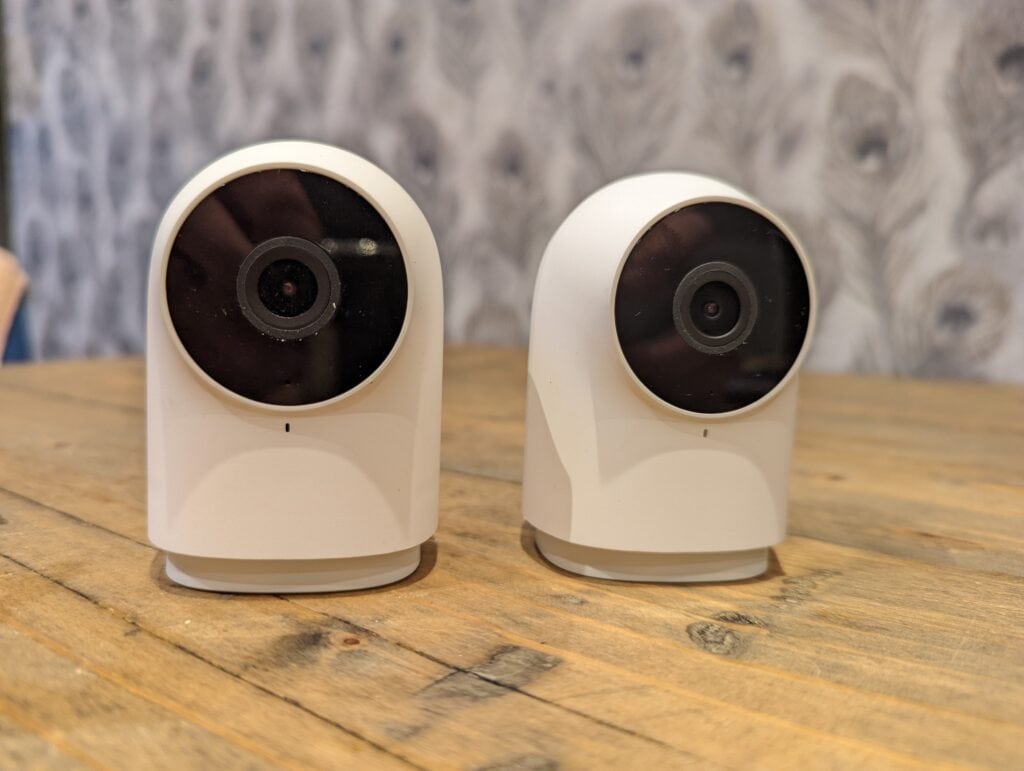
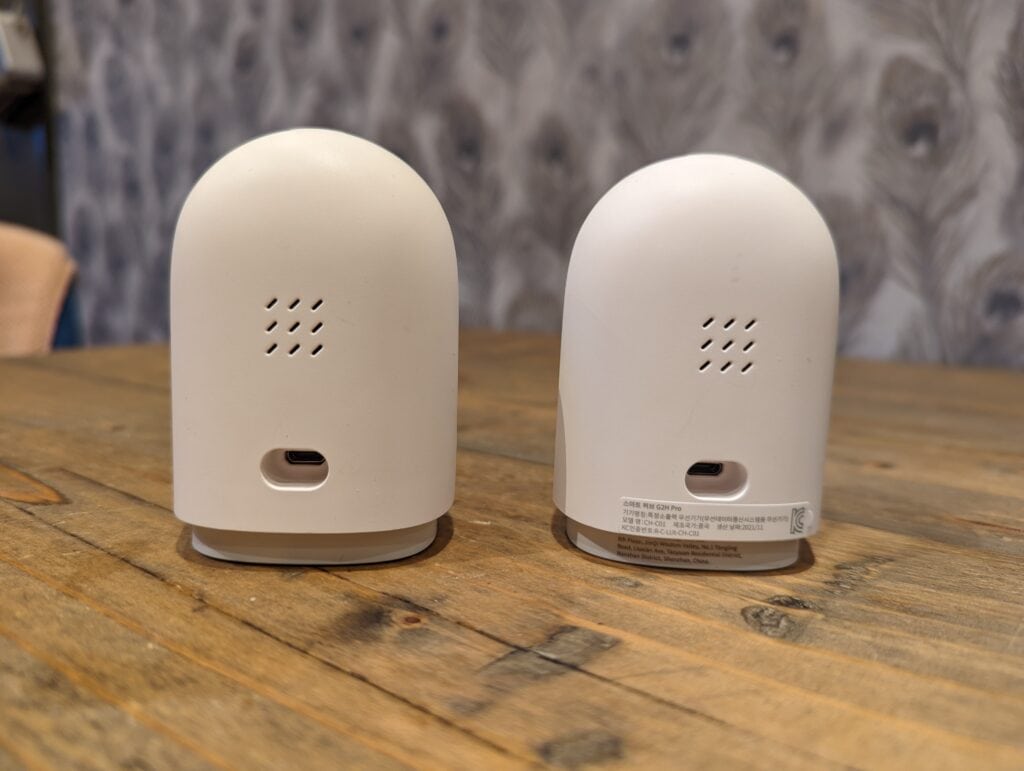
- Same design but with a new LED to let you know about different system functions
- Wider third-party compatibility for HomeKit. It supports HomeKit Secure Video and now HomeKit Security System
- Full compatibility with Amazon Alexa and Google Assistant, including streaming to Alexa and Google smart displays
- Privacy masking zone: configurable on Aqara Home app, the new feature allows users to block certain part(s) of the captured image to be recorded or sent to Aqara server and other third-party servers (e.g. Amazon, Google);
- Field of view increased from 140º to 146º
- MicroSD card compatibility increased to 512GB
- NAS storage via Samba
- Supports WPA3
- Custom ringtones & timelapse
- There is no longer a power adaptor supplied
Set-Up
Set up was identical to the G2h. The Pro model wasn’t listed in the Aqara app, so I had to select the older G2h.
You need to select a 2.4Ghz network then scan in the QR code. That’s about it. I was then informed the hub had new firmware available for it.
Samba NAS video Recording
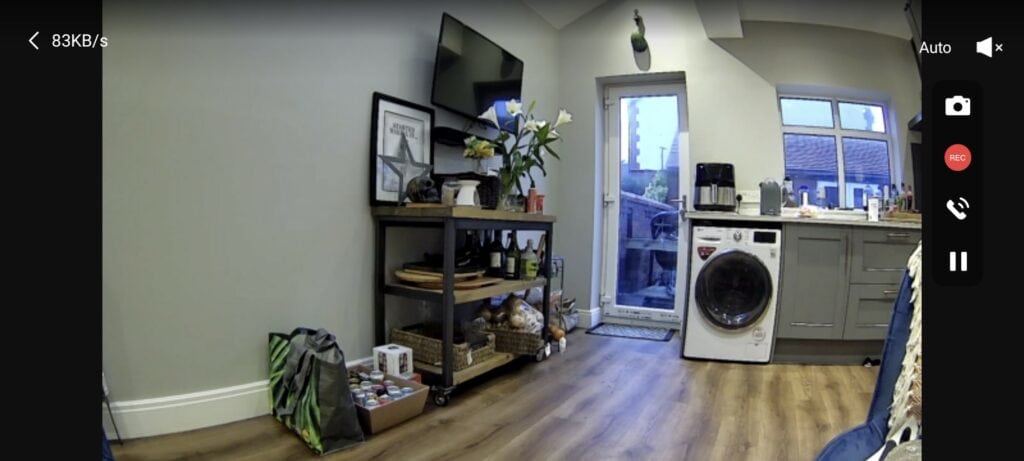
Sadly, at the time of writing, recording to a NAS using a SAMBA share is not available. This is one of the features I would have liked, saving me from buying microSD cards and effectively giving me unlimited storage.
Homekit / Home Assistant
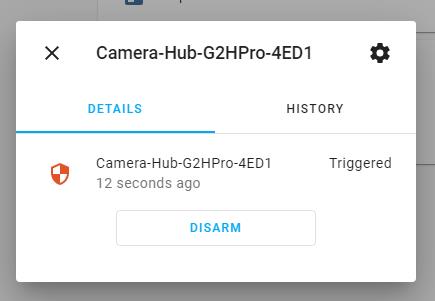
I used Home Assistant via Docker. The camera was quick to set up and register three entities, one for the camera, another a binary sensor for motion detection then the alarm control panel.
On the homepage of Home Assistant, you are given the option to arm/disarm as well as vie its current status. When the alarm is triggered, you will get a flashing notification.
Alexa Streaming
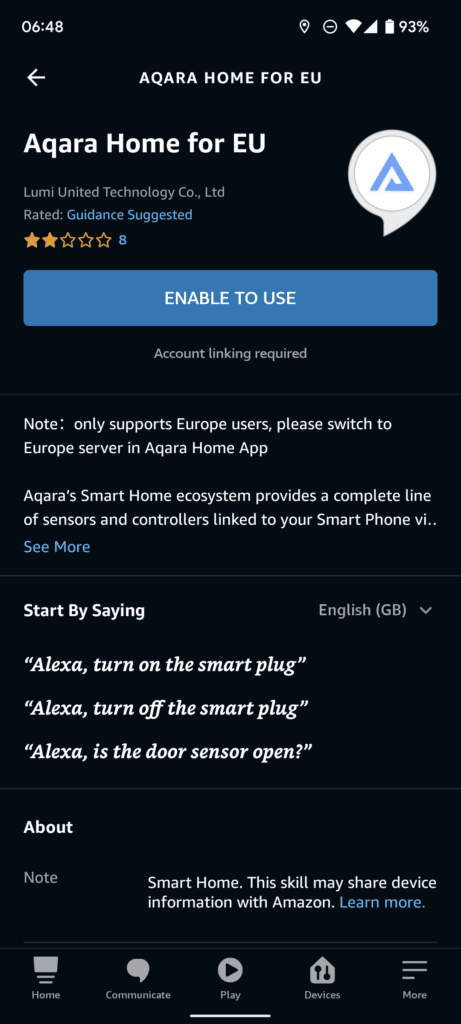
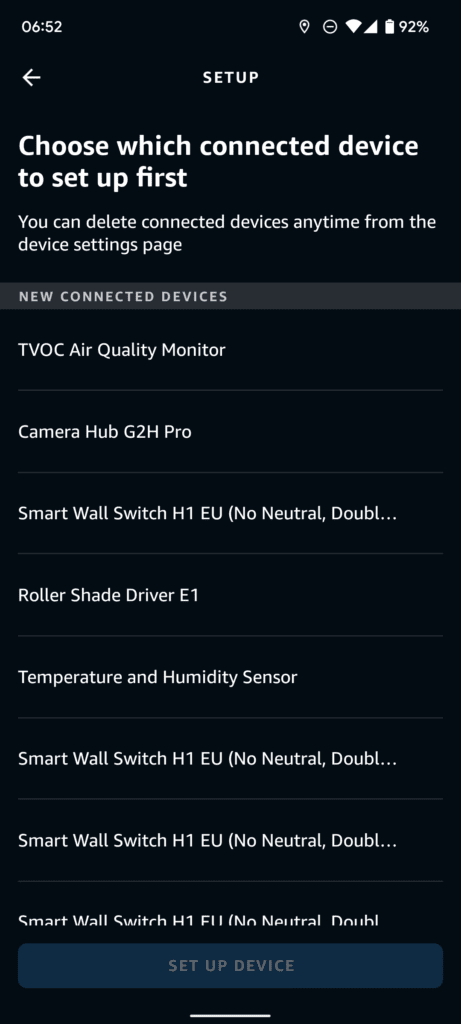
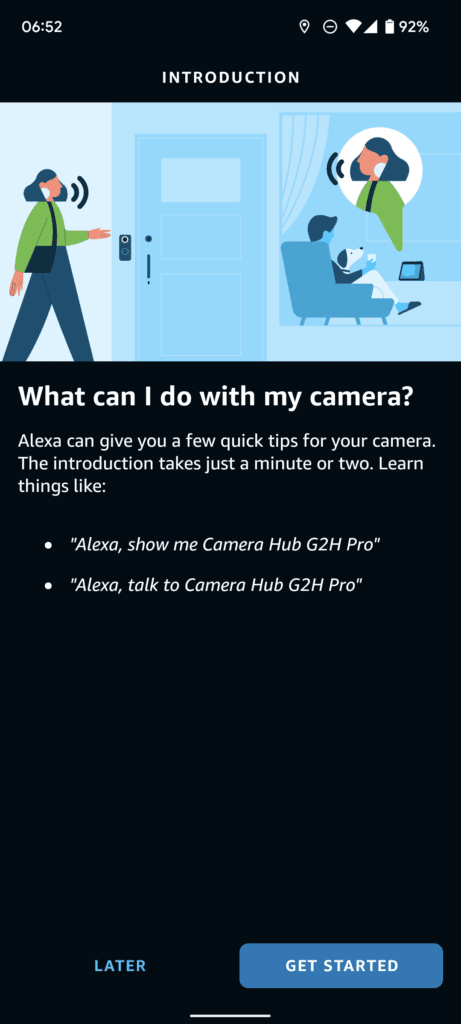
I use Alexa in my home. You will need to enable the Alexa Skill, and it is worth noting that this has quite poor reviews, but then so do most skills.
Enabling this and having Alexa show me the feed from the camera worked well. As usual for Alexa, there is a few seconds of delay, so if you plan to view a critical event, it will have probably passed by the time the feed loads.
Privacy Exclusion Zone
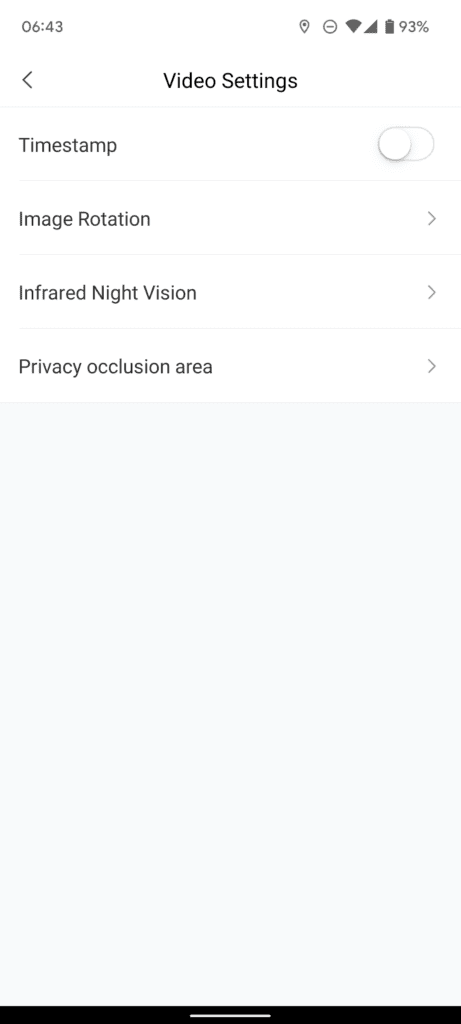
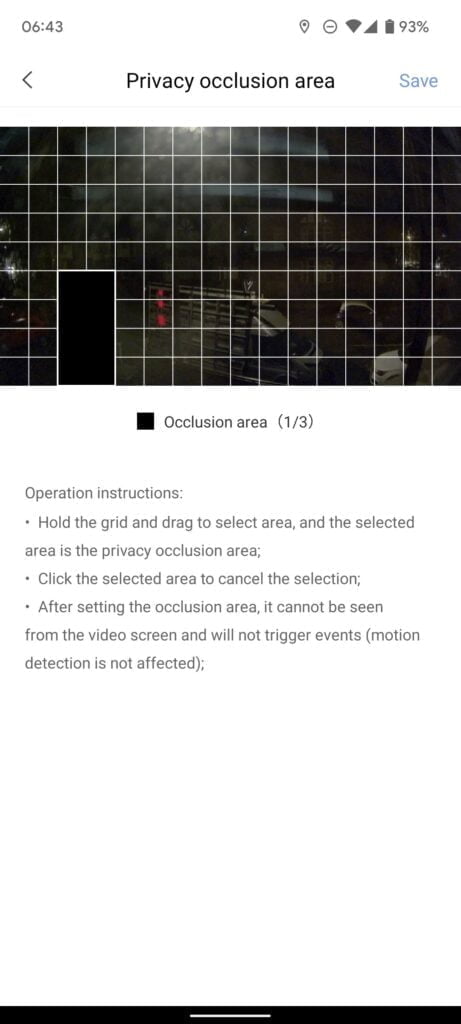
Under the camera settings, then video settings, you can set up the privacy occlusion area. This gives you a grid of squares that you can then exclude from the image.
Price and Availability
- 【HomeKit Secure Video】The aqara indoor camera can be controlled through the apple home app when connected to apple homekit. the apple homekit security certification with cloud encryption protection can prevent hackers from stealing data and protect your privacy at home. supports multiple storages including icloud, micro sd card (not included), video clips can be storaged by aqara home app, 2 live streamings, 1 to icloud, 1 to aqara home app.
- 【Local Control Center】As a zigbee hub, it can connect aqara zigbee child-devices and allows for seamless integration across aqara’s sensors and home automation devices such as home guard, data reporting and smart control. it requires a secured 2.4 gigahertz wifi network connection.
- 【Voice Call In Real Time】Homekit-enabled 2-way audio, you can make voice calls while viewing real-time video images remotely. the indoor camera is equipped with a microphone for noise reduction. the recording distance is up to 5 meters.
- 【Night Vision & 1080p HD】With 1080p high-definition recording, the G2H provides ultra-clear video quality so you can see exactly what is happening inside your home. With 140-degree wide-angle lens and latest image sensor, the G2H camera is highly sensitive, and its night vision functions allow you to see the images clearly without red led lights that can distract you at night, like many other cameras.
- 【Easy to Set Up】The base of the G2H contains a built-in magnet that can be placed on the surface of metal objects. The package comes with an installation kit, which supports a variety of installation methods such as horizontal placement, wall attachment, or flip installation. In addition, Aqara offers 12 months of after-sales service. If you have any questions, please feel free to contact us.
The Aqara G2h Pro has launched for £69.99 and the existing none pro model is £64.99 RRP.
The current model has a 20% off voucher available on Amazon UK.
To celebrate the launch, Aqara now offers a 15% discount for the new G2H Pro on its Amazon brand stores. North American customers will enjoy the offer with the promo code G2HPROPR in the US and Canada, while European customers will enjoy it using the promo code PRG2HPRO in the UK, Germany and France. Both codes will be valid through Mar 5, 2022.
Overall
The Aqara G2h Pro is almost the same as the Aqara G2h, which I thought was excellent. Therefore the same applies here.
Beyond that, it is hard to get overly excited about it because it doesn’t introduce any amazing new features. It feels like most of these improvements could have been done to the existing camera through a firmware upgrade. Perhaps the new camera needs more processing power, but the HomeKit Security System, Alexa/Google streaming, privacy masking, NAS storage, increased microSD size support, WPA3 and ringtones all seem like basic software upgrades.
With the RRP being just £5 different, I would be inclined to choose the Aqara G2h Pro over the standard model. However, this depends on the current discounts available on Amazon.
Aqara G2h Pro Review Rating
-
Overall - 70%70%
Summary
The Aqara G2h Pro is almost the same as the Aqara G2h, which I thought was excellent. Therefore the same applies here. It is not worth upgrading to, but depending on the price, it would be worth buying instead of the Aqara G2h
Pros
- It is the excellent Aqara G2h but a bit better
Cons
- Not much has changed since the Aqara G2h Pro

I am James, a UK-based tech enthusiast and the Editor and Owner of Mighty Gadget, which I’ve proudly run since 2007. Passionate about all things technology, my expertise spans from computers and networking to mobile, wearables, and smart home devices.
As a fitness fanatic who loves running and cycling, I also have a keen interest in fitness-related technology, and I take every opportunity to cover this niche on my blog. My diverse interests allow me to bring a unique perspective to tech blogging, merging lifestyle, fitness, and the latest tech trends.
In my academic pursuits, I earned a BSc in Information Systems Design from UCLAN, before advancing my learning with a Master’s Degree in Computing.
I’m proud to share that Vuelio has consistently ranked Mighty Gadget as one of the top technology blogs in the UK. With my dedication to technology and drive to share my insights, I aim to continue providing my readers with engaging and informative content.
I work directly with the companies he reviews products for or their chosen PR agency.
For Social Media, you can find me on: