Huawei P Smart Review – A budget champion for 2018
Mighty Gadget is reader-supported. Links to retailers may be affiliate links, and I may earn a commission if you buy through them, at no extra cost to you. As an Amazon Associate I earn from qualifying purchases. How I test and review products.
I received this product as part of a review program in return for an unbiased review. It was not provided free of charge, and I either have to return it or pay for it.Having previously reviewed the Huawei Mate 10 Pro which I fell in love with, I have now been given a chance to review the budget-friendly Huawei P Smart.While it is less exciting from a tech geek’s view, this phone has mass market appeal with its wallet-friendly pricing of £229, and that number is often lowered, promotions see it go as low as £179 on a regular basis. This makes it around the same price, or cheaper if on offer as the popular Motorola Moto G5S Plus.Specification and Design
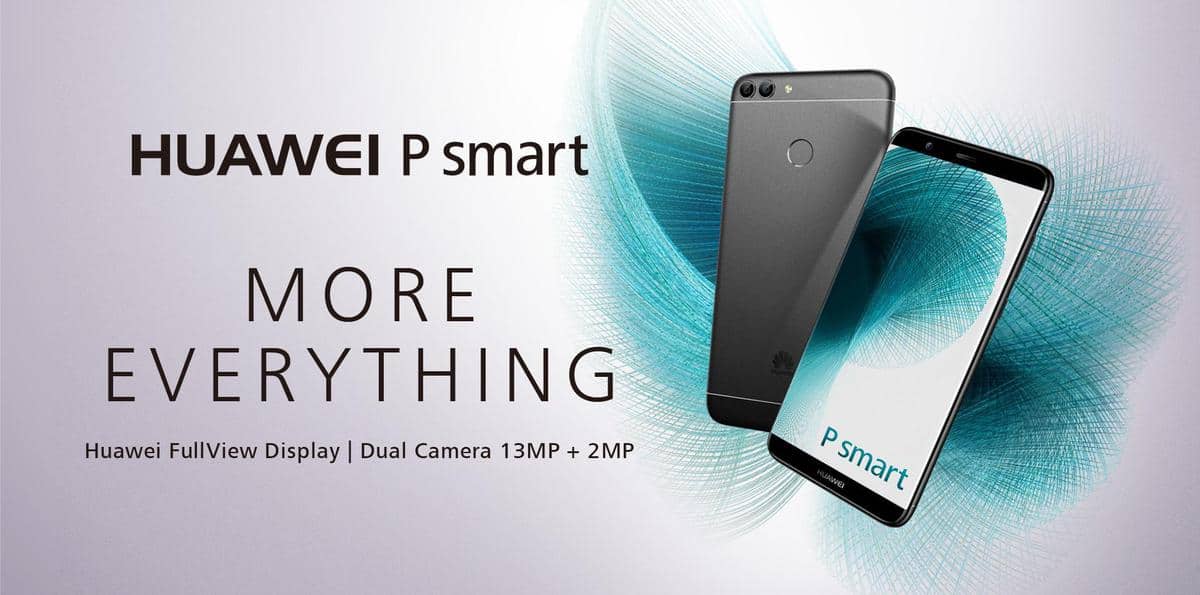
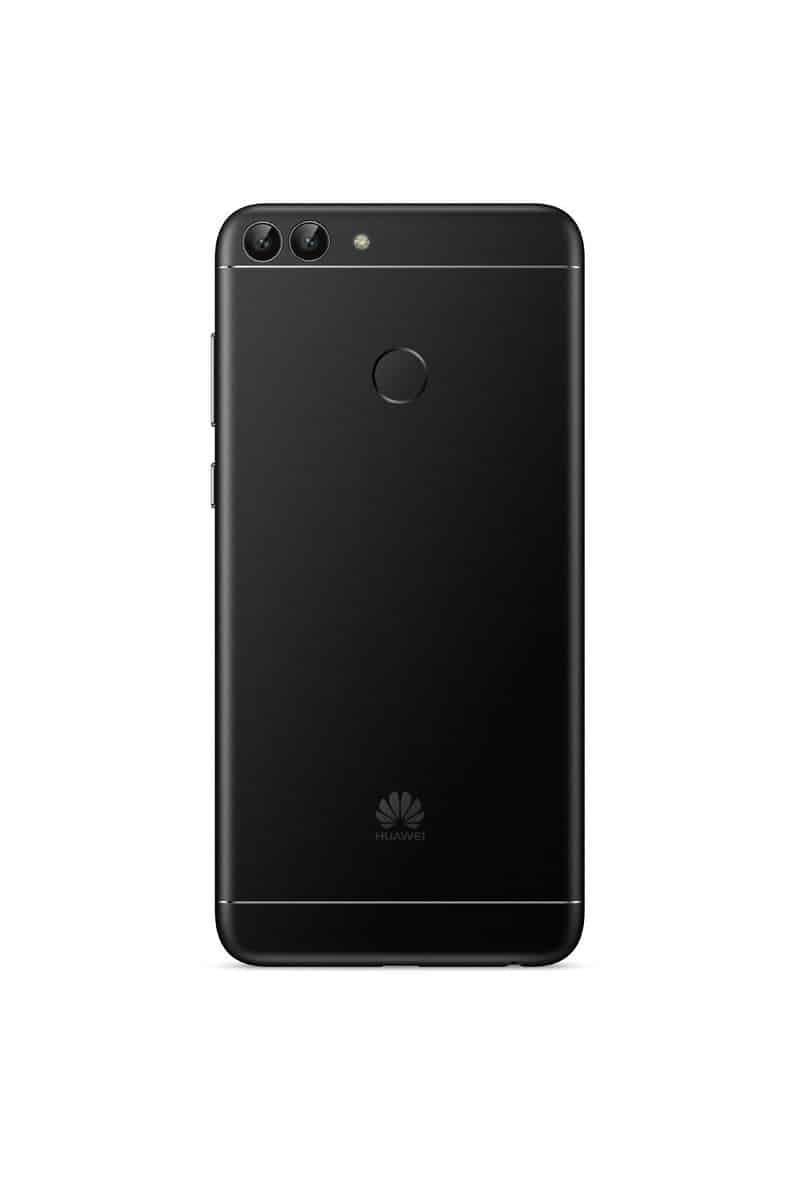
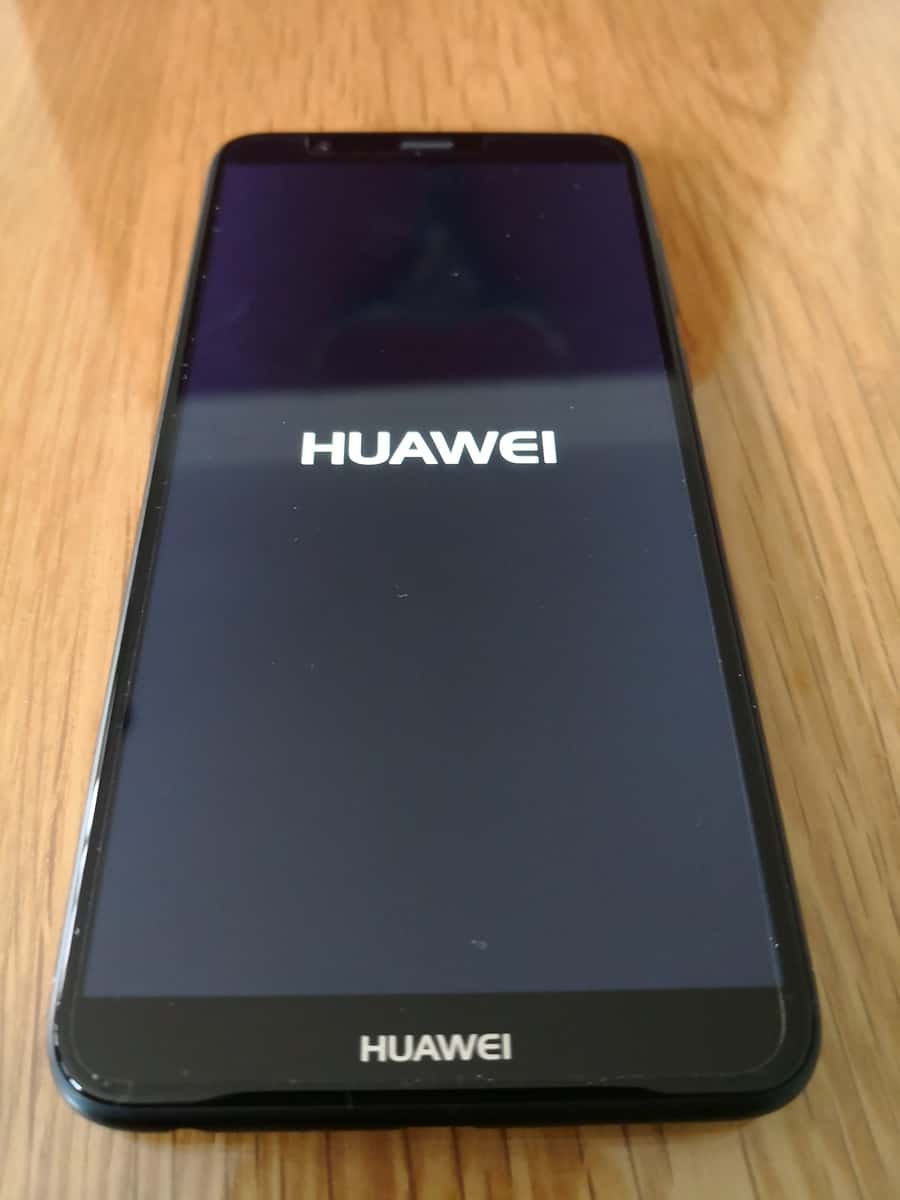
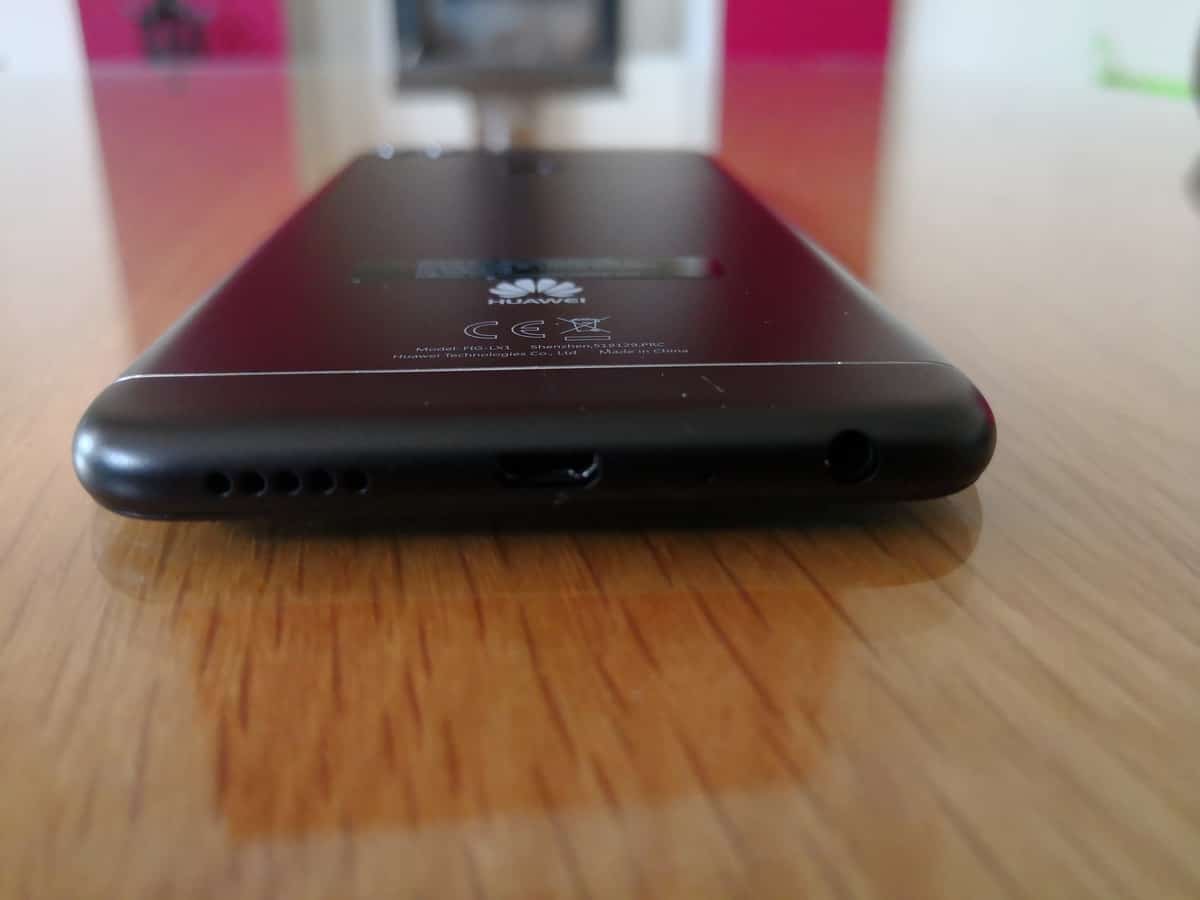
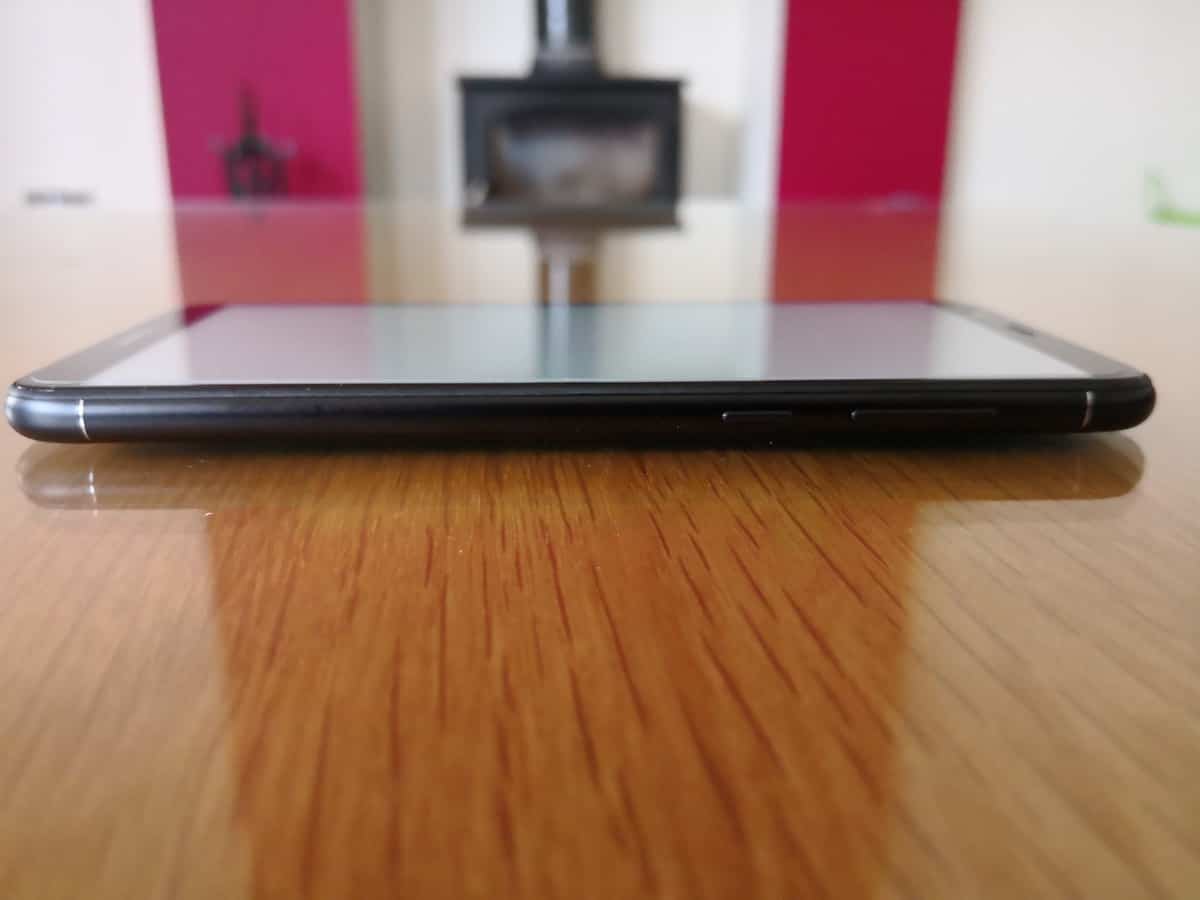
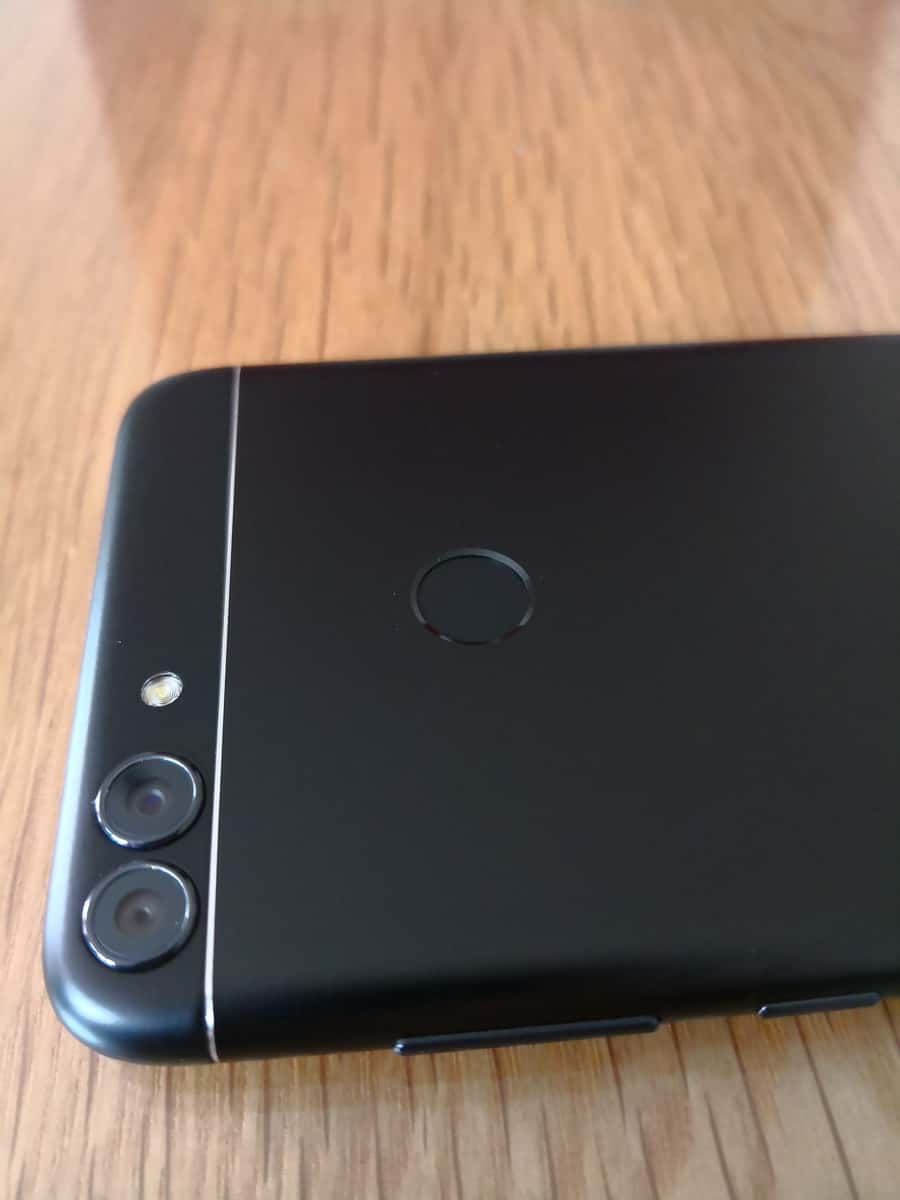
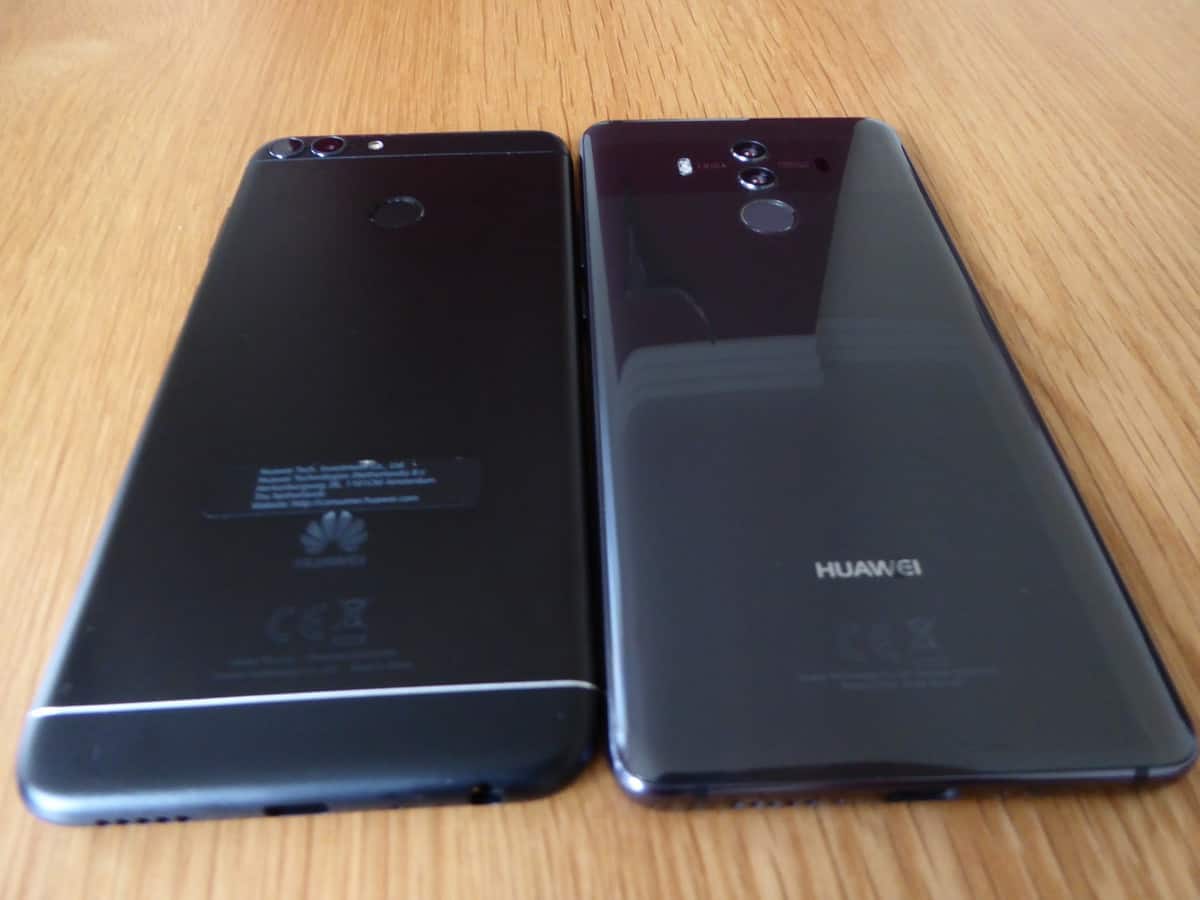
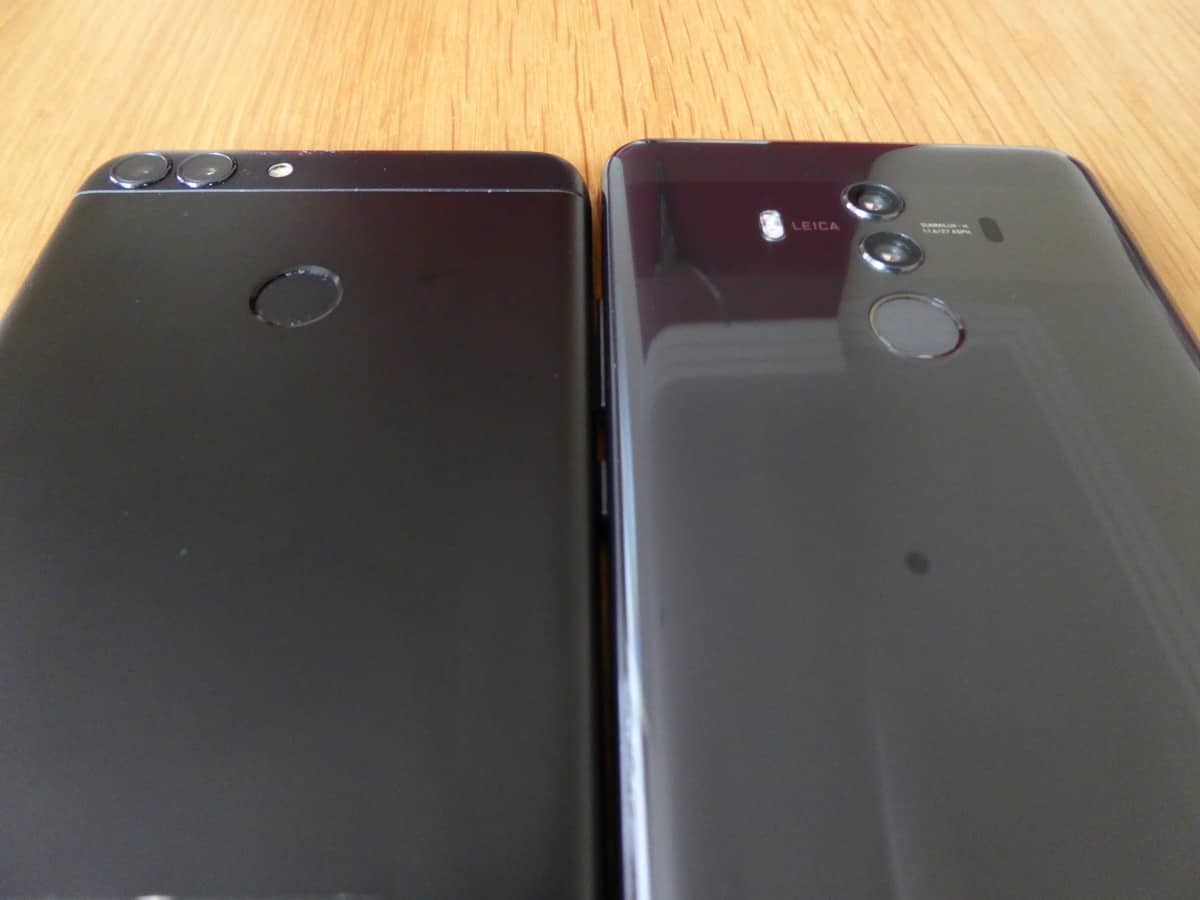
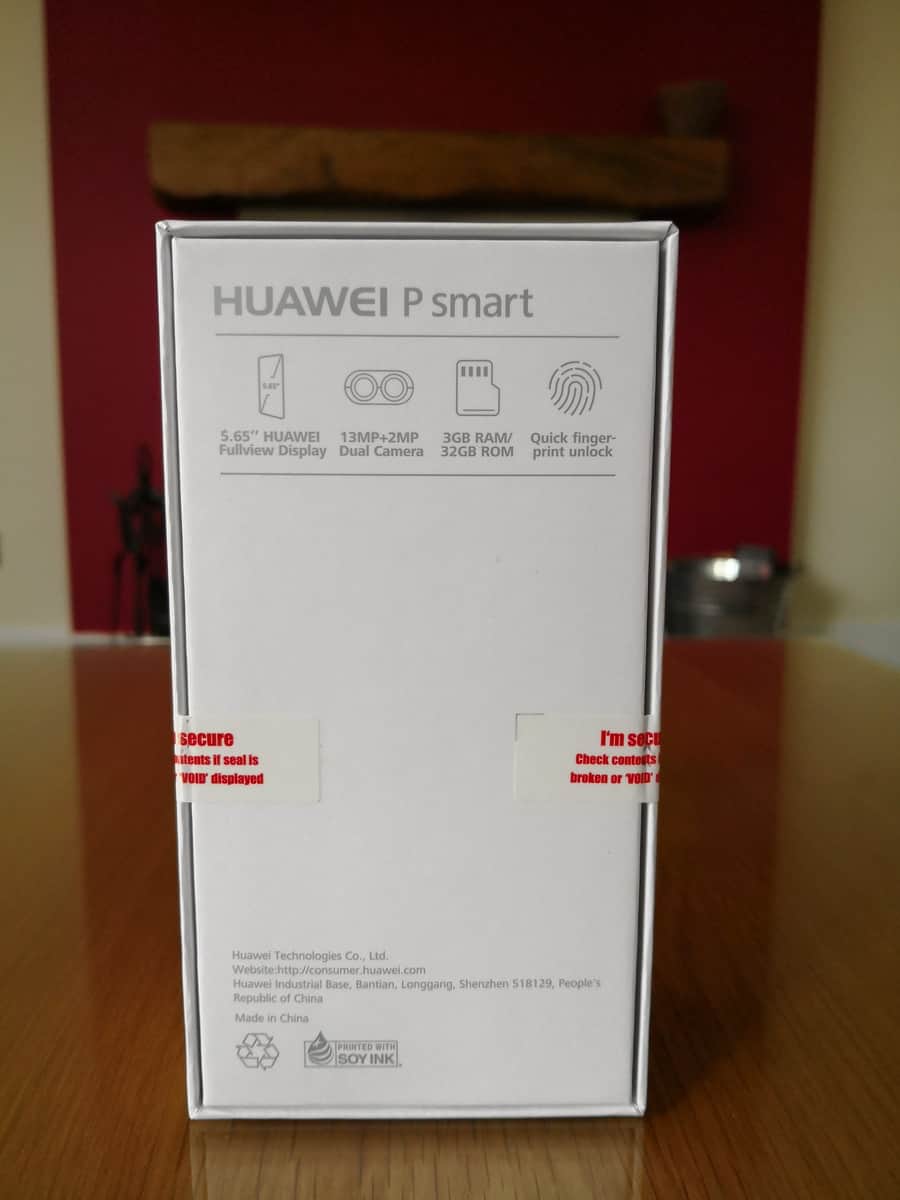
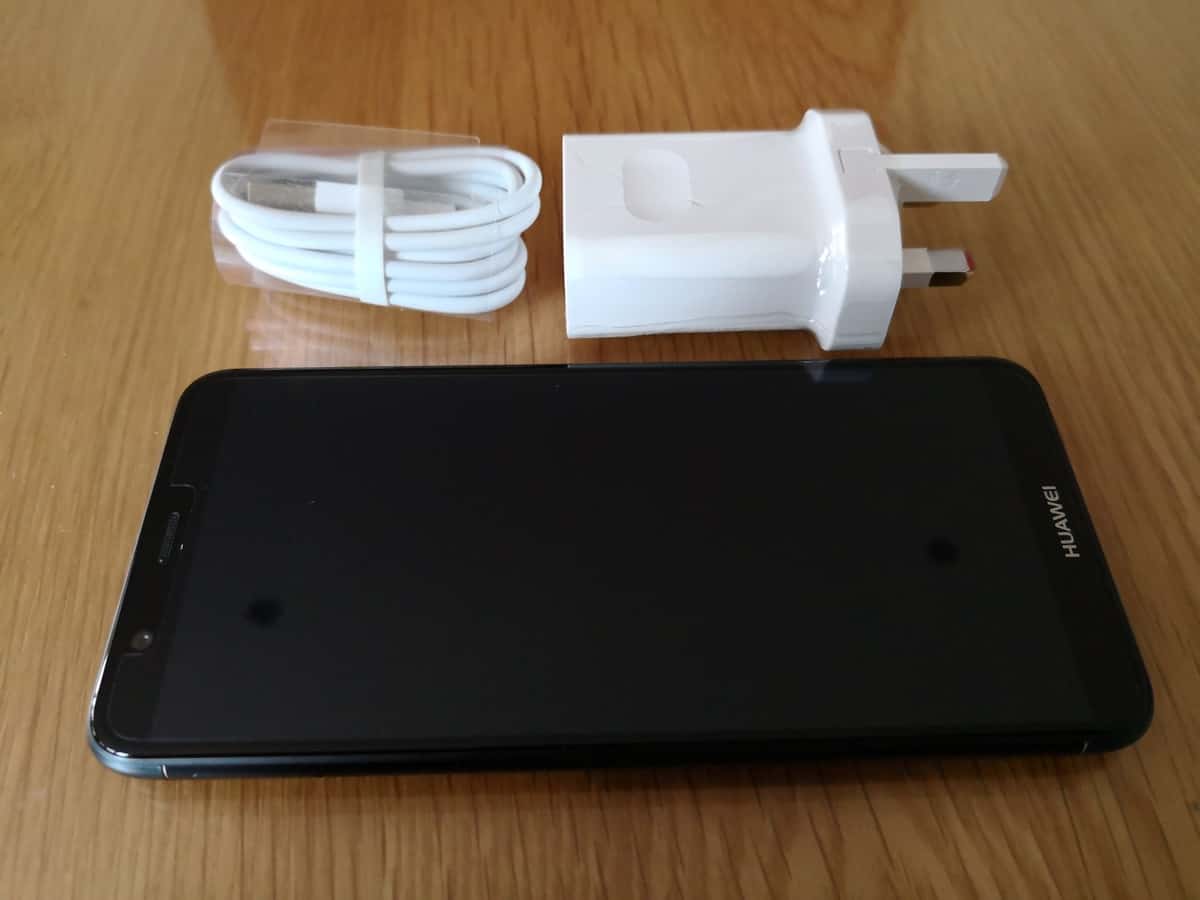
Unlike other budget models, the initial thing you may notice is that 18:9 aspect ratio screen with barely any bezels on the side, and a small bezel top and bottom. Nearly all phones at this price point have much fatter bezels and a 16:9 screen ratio. 18:9 is typically reserved for flagships, but due to its popularity it is now trickling down to mid-range phones such as this.The resolution matches that of the Mate 10 Pro at 1080 x 2160 pixels with a 427 ppi density, unlike the Mate 10 Pro, this uses an IPS LCD capacitive touchscreen rather than AMOLED.The phone uses an aluminium body which gives it a sturdy premium feel, much nicer than the similarly priced Alcatel A7. You can’t really tell the difference between the looks and build of this compared to a phone that costs 3 times as much.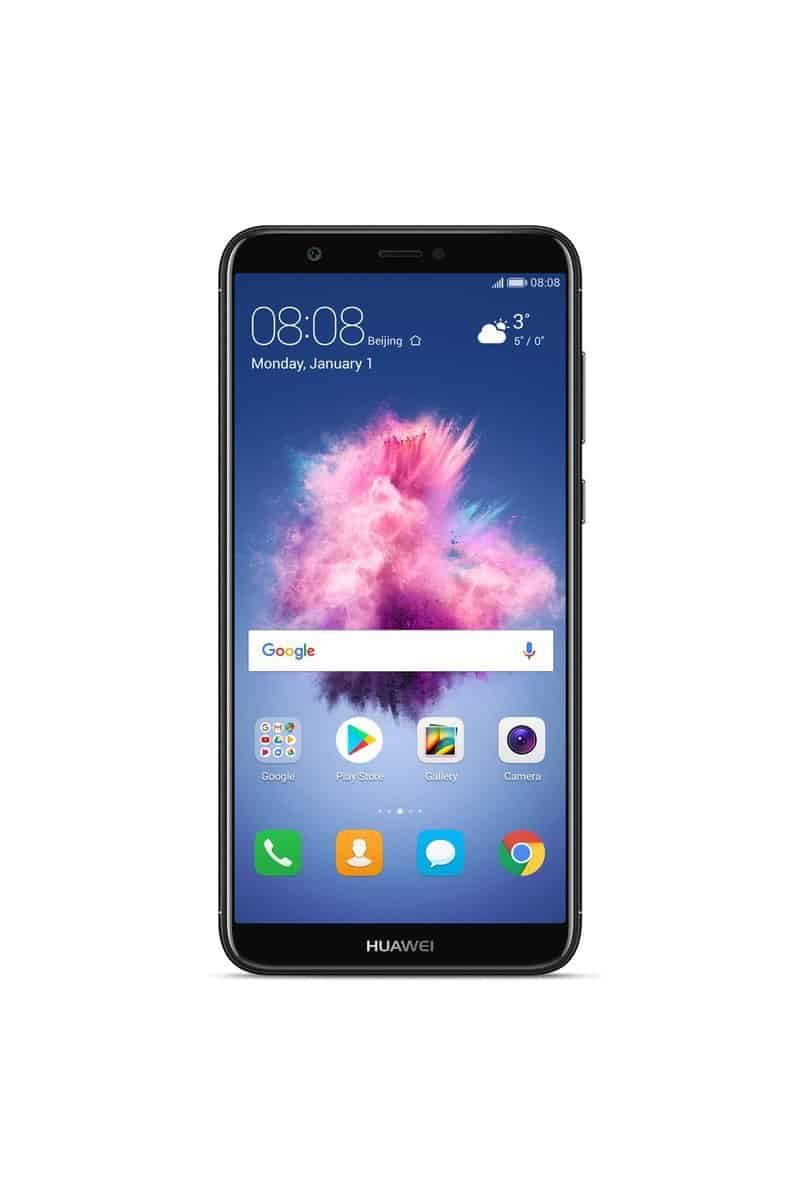
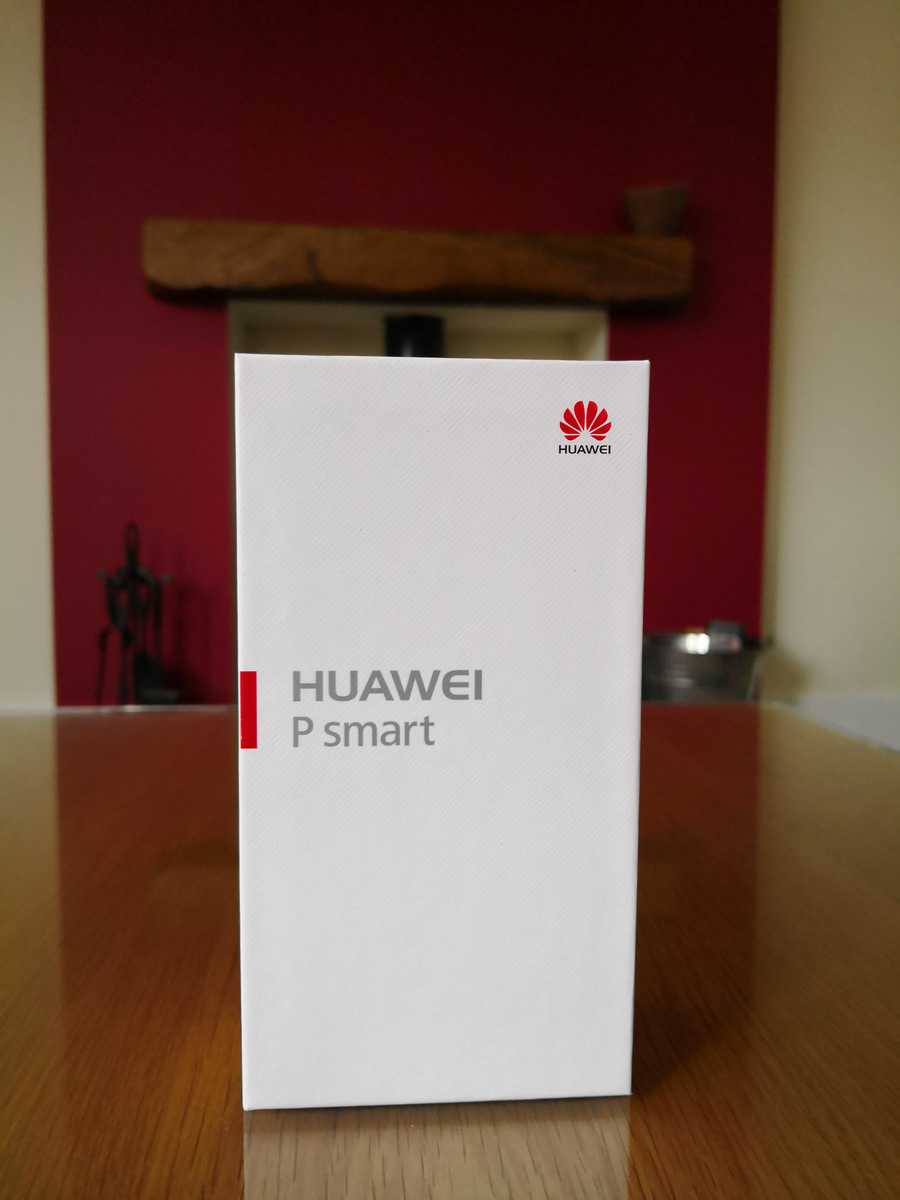
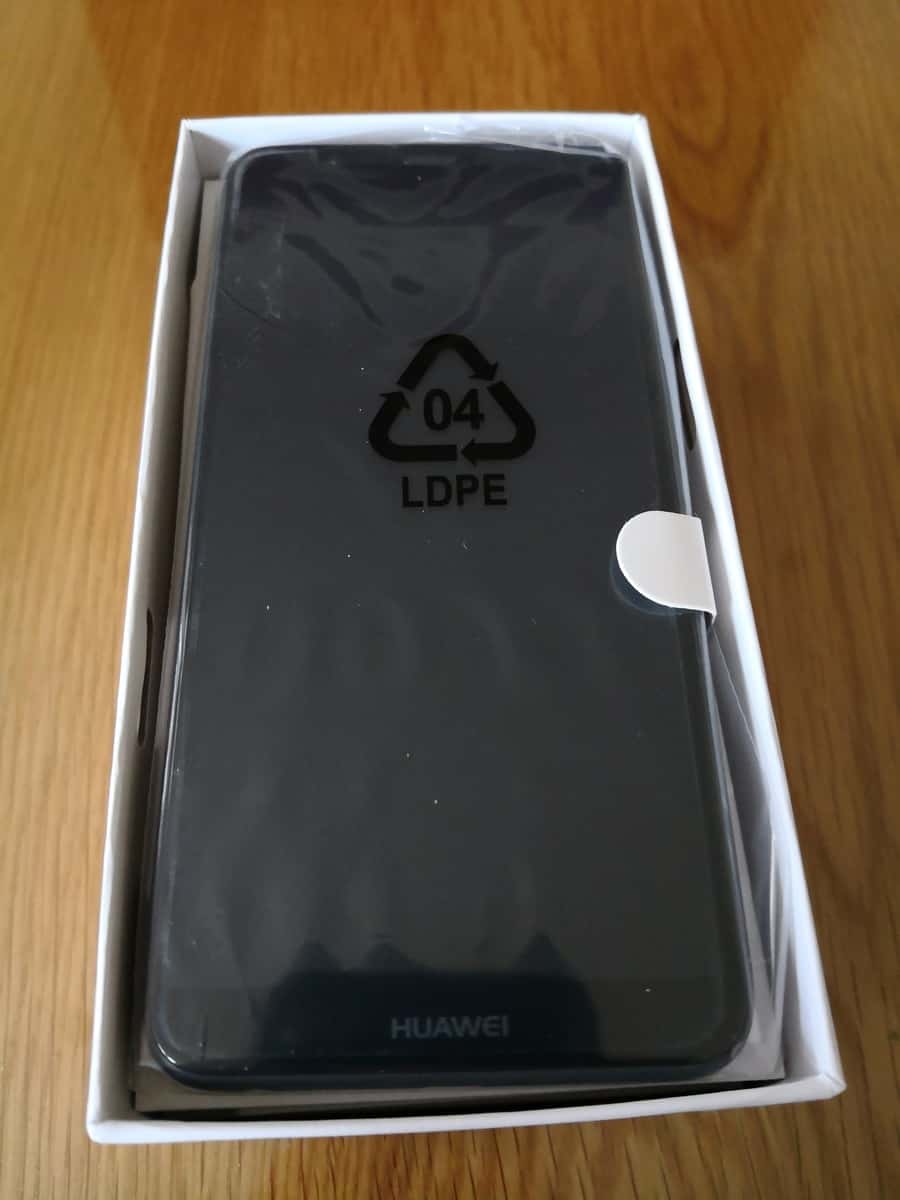
Camera Performance
I am a pretty shocking photographer, and I am thankful that the Huawei Mate 10 Pro makes that side of life much easier, but it does mean my camera assessment may not be the most accurate compared to the likes of dxomark.com.The dual 13MP and 2MP is quite a bit of a downgrade over the Mate 10 Pro, but it is in line with the Moto G5S Plus which uses a dual 13MP too.









Battery Performance
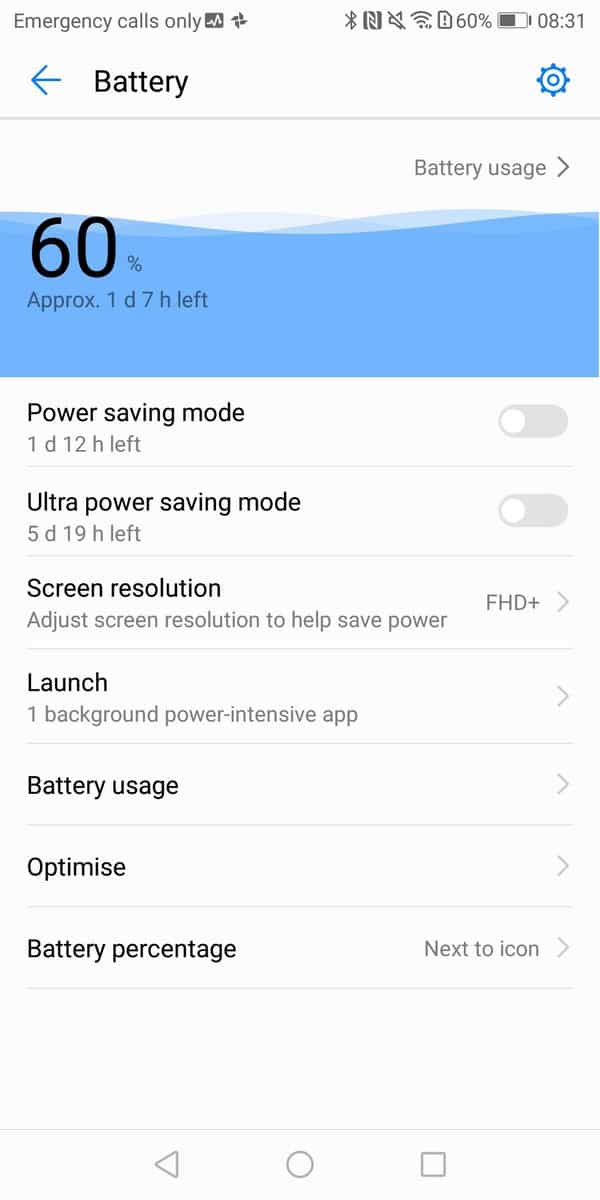
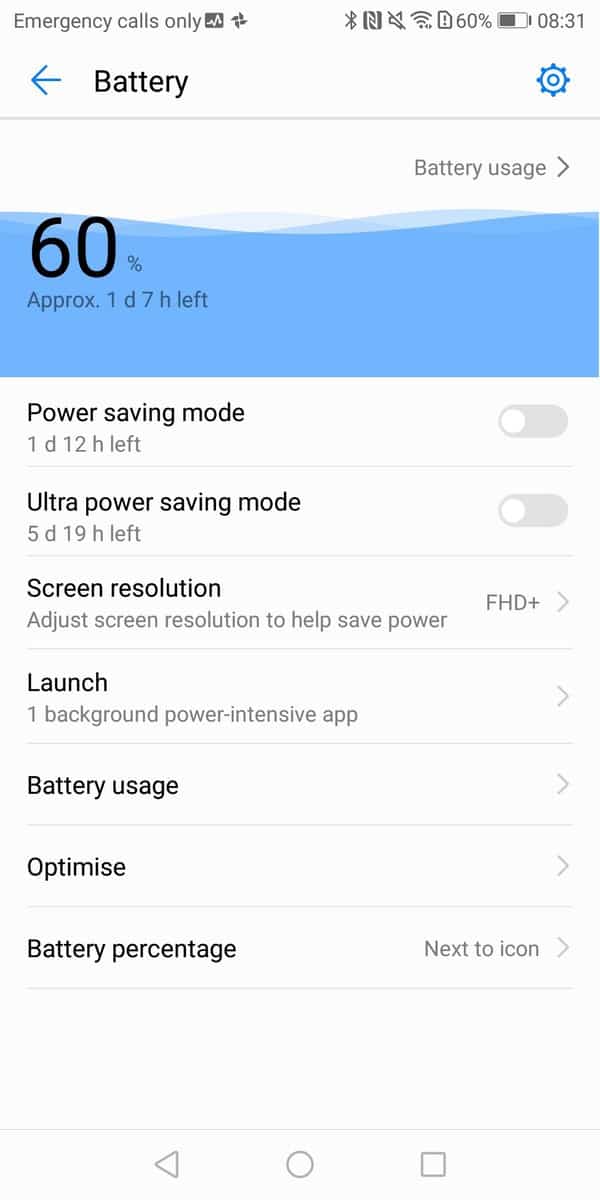
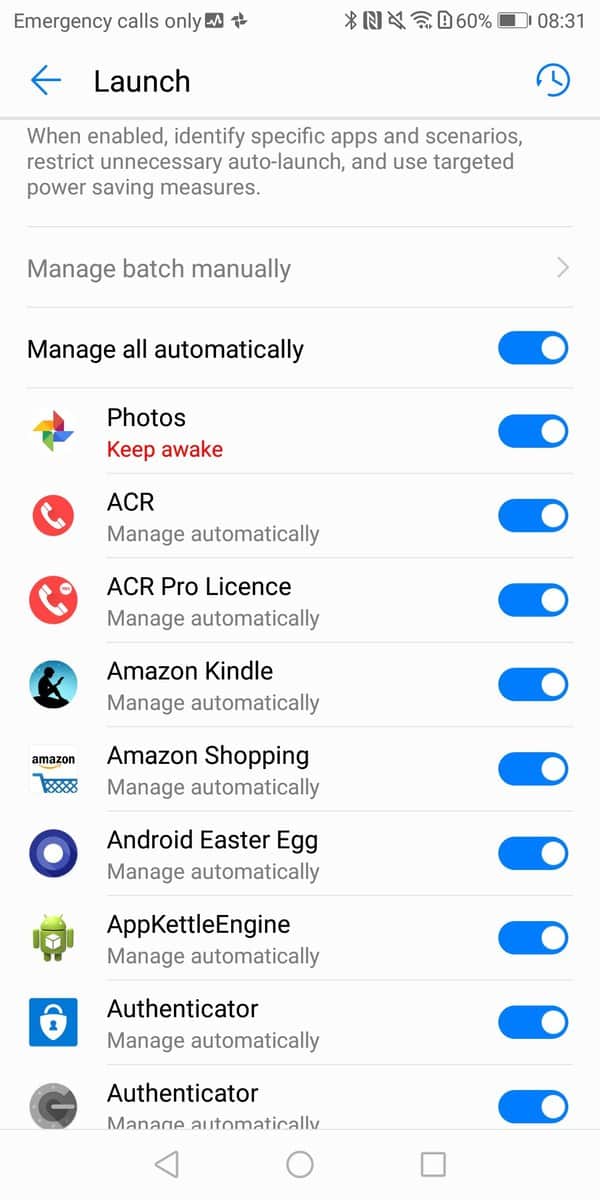
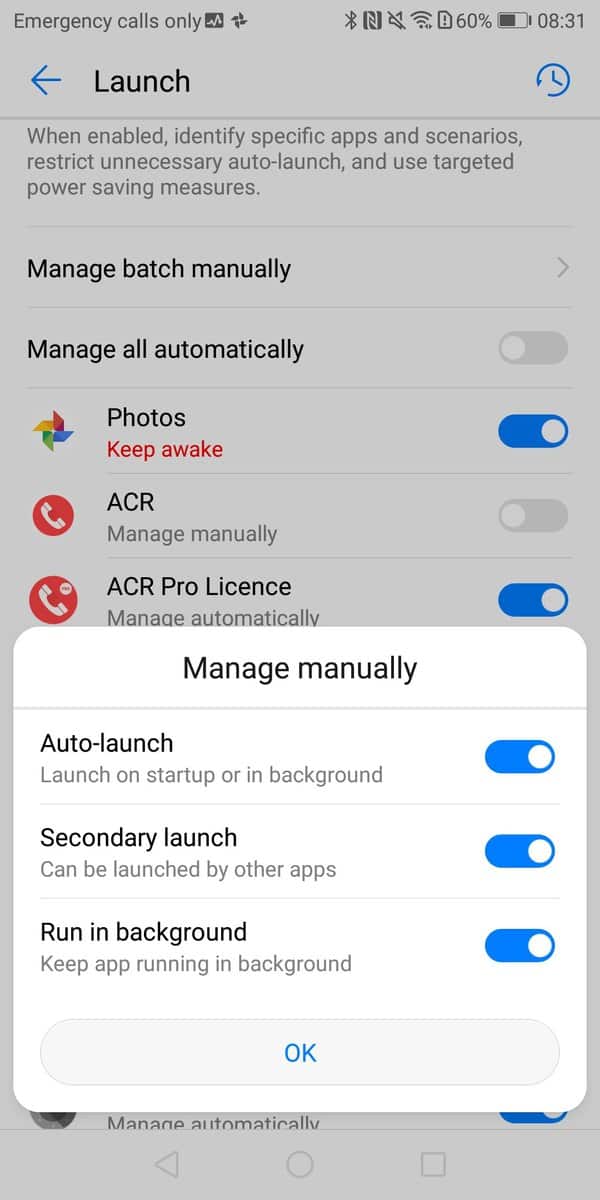
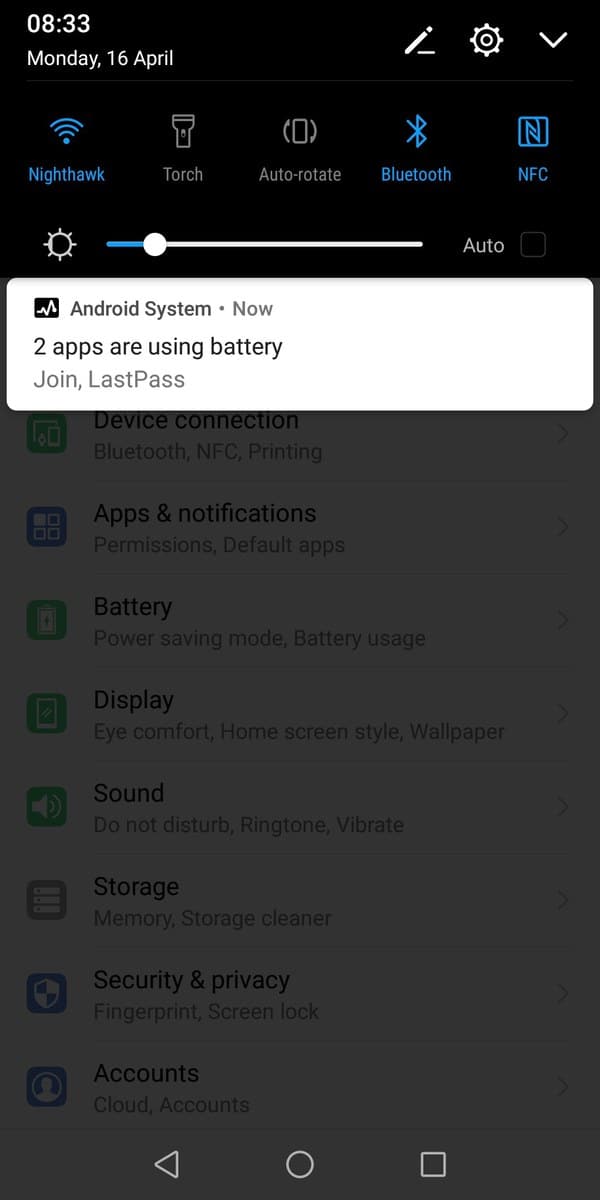
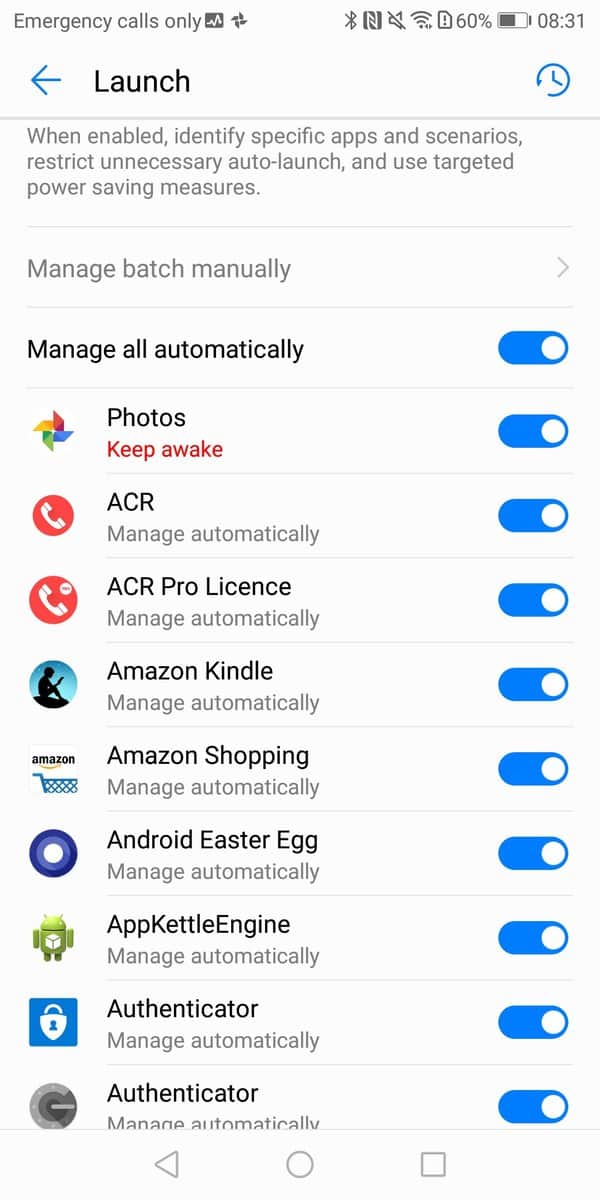
The battery size is nothing class leading, but it is the same size you will find on many phones, including flagships such as the Samsung Galaxy S9.The combination of a mid-range processor and a decent battery management system allows you to comfortably squeeze out a day’s use.The battery management is the same as the Mate 10 Pro, and it can take some getting used to, for specific apps you need to switch it off, or you won’t get notifications. I found this to be the case for apps such as Pushover and home surveillance apps from Blink, Arlo, and Reolink. Once you realise this is what stops the notifications, it is a simple process to self-manage the apps. Personally, I feel that the battery management helps extend the battery life throughout the day, though your mileage may vary.My typical daily use is a lot of social media and streaming in the morning for around 3 hours while I go to the gym and do other bits. Then mainly email, and little social media throughout the rest of the day. If I am in the car, I will also use Google Maps extensively. So I am not a very heavy user, I rarely play games, but I will stream Netflix.EMUI and software performance
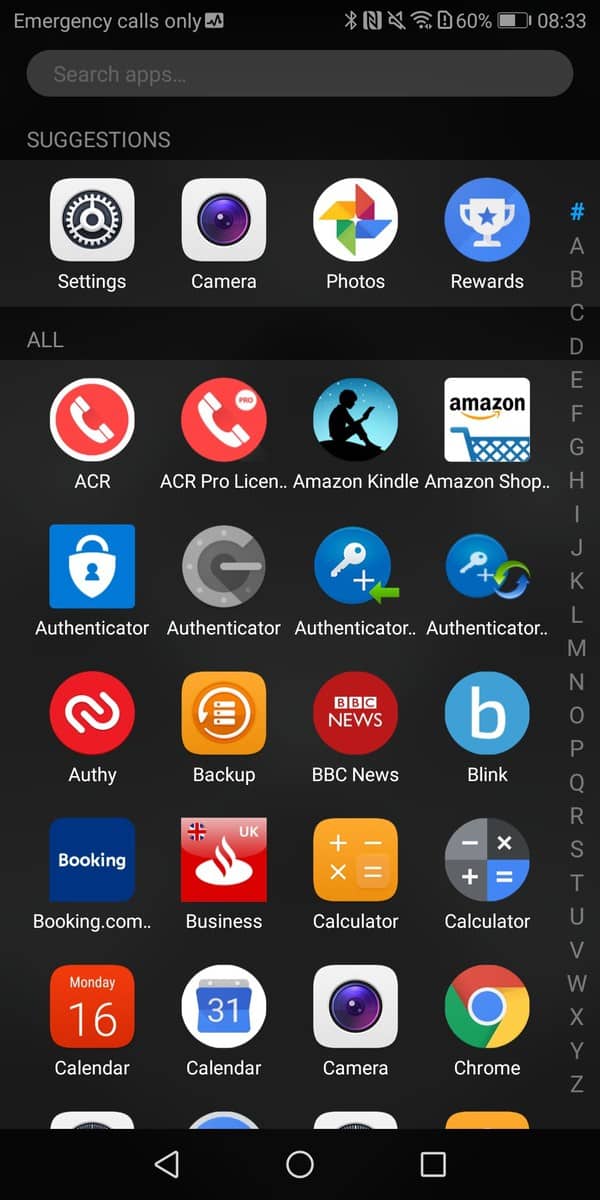
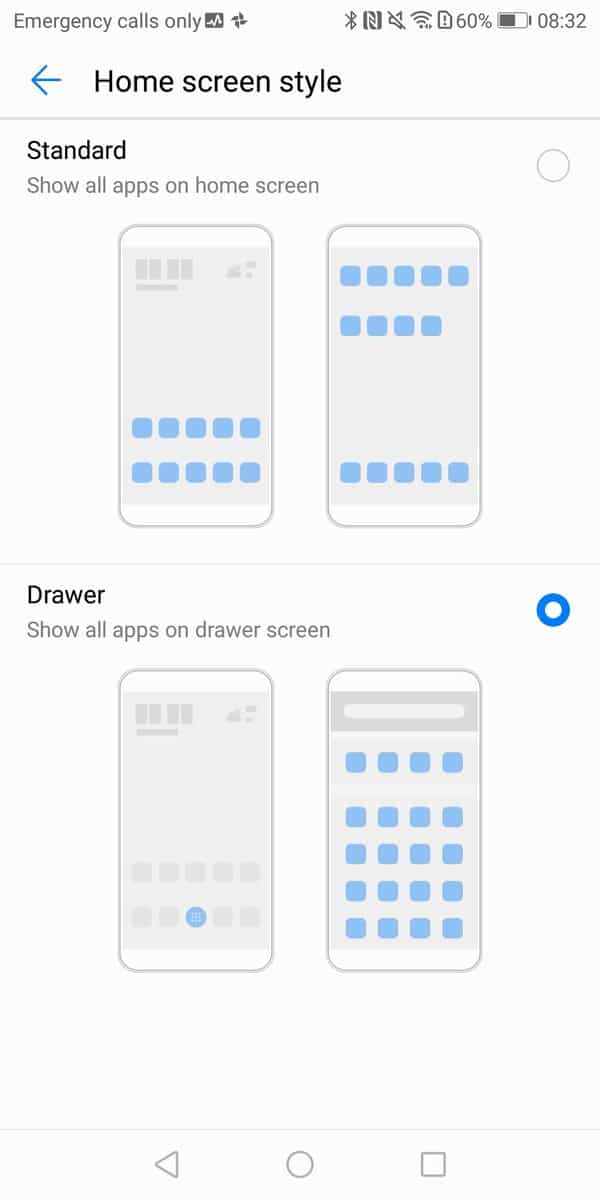
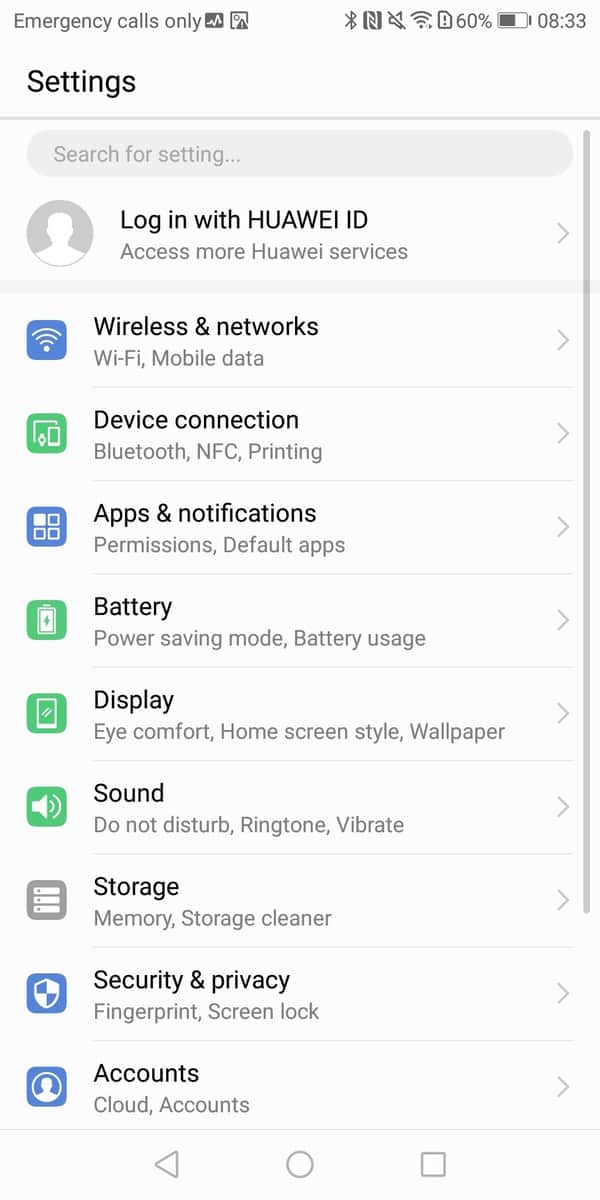
I have now been using EMUI daily since I got my Mate 10 Pro, and I have grown to like it. It has exactly the same issues on this phone as the Mate 10 Pro; you get annoying background app notifications. These can be removed using AutoNotification; it is annoying that you have to use this, but not the end of the world.Once you have the App drawer enabled, nearly all the functions are the same as stock Android. EMUI has multiple improvements over stock, you get the battery management, but there is also:- Twin apps which allows for multiple social media logins
- Pin lock unlocks the phone as soon as you type the last digit
- Huawei backup – I wasn’t fond of creating another account to sync things
- Huawei Beam which is an NFC file transfer system.
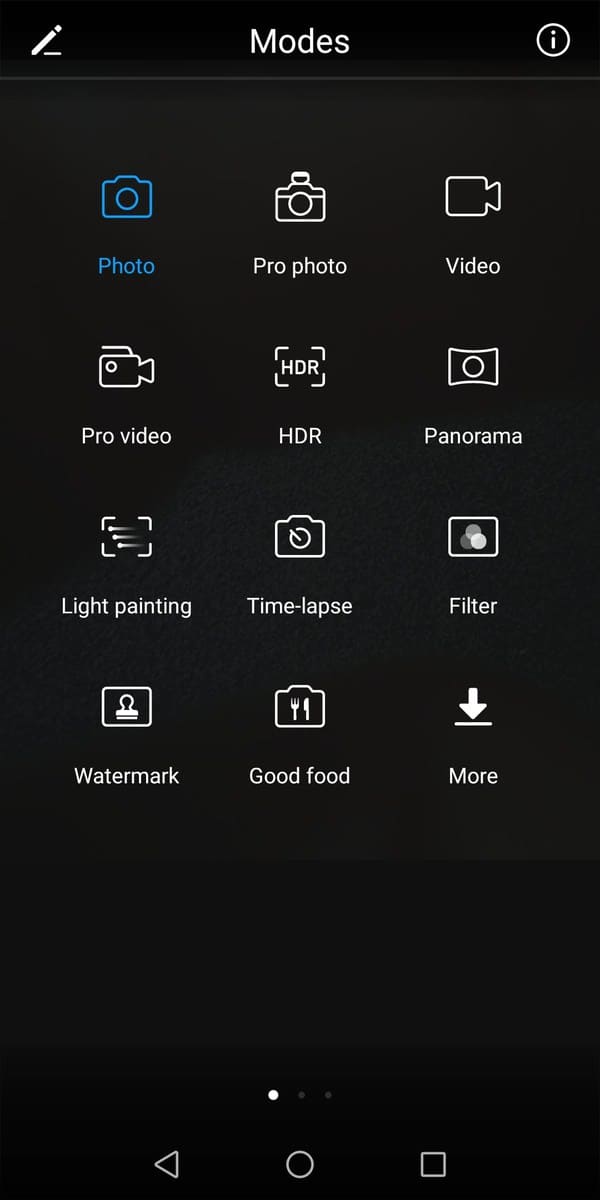
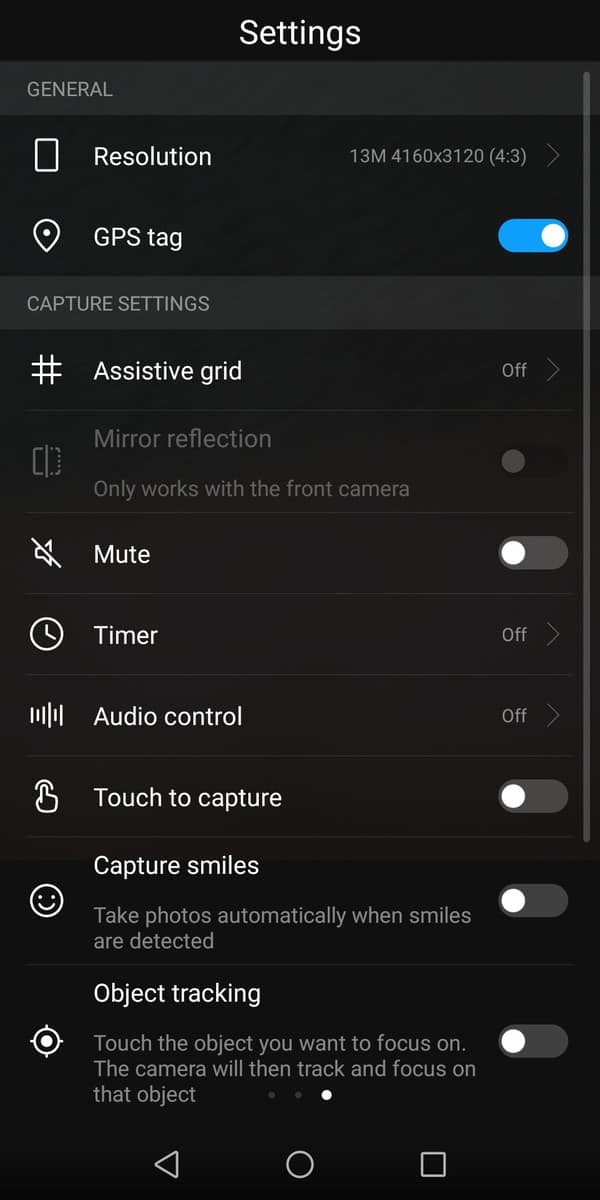
- The camera app is considerably better, with far more options than you will find on stock, and the ability to add additional photo modes such as watermark and document scan.


Gaming
All flagship phones can handle games with aplomb, so commenting on performance is not necessary.With a budget phone, this is an area where you would expect a phone to suffer, and this does happen to some extent with the P Smart. Playing the notoriously GPU intensive Asphalt 8: Airborne I experienced dropping in frames, going into the 20+FPS range. It was still playable at this rate though.Other less intensive games were handled with no issues at all.Overall
The Huawei P Smart is a superb budget phone, just a few years ago £200 would buy you a laggy piece of plastic. Now you get something that looks like a premium phone and has similar performance to the likes of the Samsung Galaxy S7, which still sells new for £300+ and cost £569 at launch.While you do have to make some sacrifices at this price point compared to more expensive devices, I think it would be hard to find another phone in the same price range that can beat this.Huawei P Smart Review
-
Build & Design - 90%90%
-
Features - 85%85%
-
Software - 85%85%
-
Camera Performance - 80%80%
-
Battery - 80%80%
-
Price - 95%95%

I am James, a UK-based tech enthusiast and the Editor and Owner of Mighty Gadget, which I’ve proudly run since 2007. Passionate about all things technology, my expertise spans from computers and networking to mobile, wearables, and smart home devices.
As a fitness fanatic who loves running and cycling, I also have a keen interest in fitness-related technology, and I take every opportunity to cover this niche on my blog. My diverse interests allow me to bring a unique perspective to tech blogging, merging lifestyle, fitness, and the latest tech trends.
In my academic pursuits, I earned a BSc in Information Systems Design from UCLAN, before advancing my learning with a Master’s Degree in Computing.
I’m proud to share that Vuelio has consistently ranked Mighty Gadget as one of the top technology blogs in the UK. With my dedication to technology and drive to share my insights, I aim to continue providing my readers with engaging and informative content.
I work directly with the companies I review products for or their chosen PR agency.
For Social Media, you can find me on: