Homture Magic Frame Review – Digital photo frame with AI-generated videos
I have reviewed quite a few digital photo frames now, which have varied in price and quality from the affordable AEEZO Frameo to the more premium Aura Frames Mason Luxe.
More recently, I reviewed the SwitchBot AI Art Frame, which differentiated itself from the other models I have reviewed thanks to the eInk display, which allowed it to run off battery and produce images that looked more like printed pictures than the obvious digital image you get due to the glow from LCD. The Swithbot frame also had a unique feature where you can provide an existing image, and it will recreate it using AI, based on certain predefined prompts or using your own prompt.
The Homture Magic Frame is another digital photo frame that aims to differentiate itself in a saturated market by incorporating AI. This takes a different approach to SwitchBot. Rather than creating stylised images, it will take an existing image and create a short AI video from it. It also includes an old photo restoration feature that can colourise and animate aged or faded photographs, which is arguably the more practically useful of the two AI capabilities.
The frame also features a 60 GHz mmWave radar sensor that detects movement within roughly two metres. When you walk past, it triggers the AI animation in the displayed photo, so the subject appears to greet you or follow your gaze. It is a clever touch that adds a sense of interactivity you do not get from a standard digital frame.
Specification
| Specification | Homture Magic Frame |
| Display Size | 10.1-inch |
| Resolution | 1920 x 1200 Full HD |
| Aspect Ratio | 16:10 |
| Dimensions | 265 x 183 x 12.5 mm (23.5 mm max thickness) |
| Weight | 550 g |
| Materials | Plastic and aluminium alloy |
| Connectivity | Dual-band Wi-Fi (2.4GHz / 5GHz) |
| Compatibility | iOS and Android |
| Storage | 64 GB internal storage |
| Cloud Storage | Unlimited cloud storage |
| Content Transfer | Dedicated mobile app |
| Power Input | 5V / 2A |
| Power Connection | DC power port |
| Controls | Touch screen |
| Motion Sensor | 60 GHz mmWave radar (2-metre range) |
Unboxing
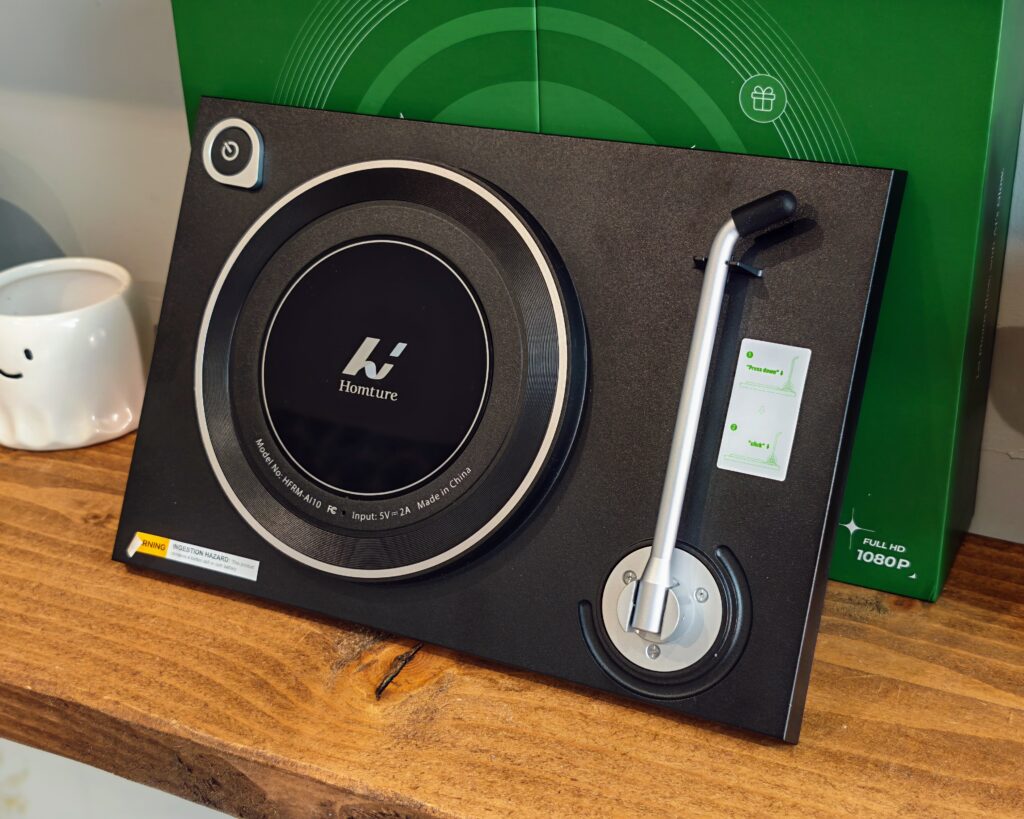
I suspect the underlying hardware for this frame is the same as or similar to other brands. This looks strikingly similar to the Arzopa D14 I have previously reviewed, albeit in a 10″ form factor rather than 14″.
The main giveaway is the back of the frame with the record design and the way the stand works.
Arzopa has a 10″ frame with the D10, but this is lower resolution than Homture, so the hardware is not quite identical.
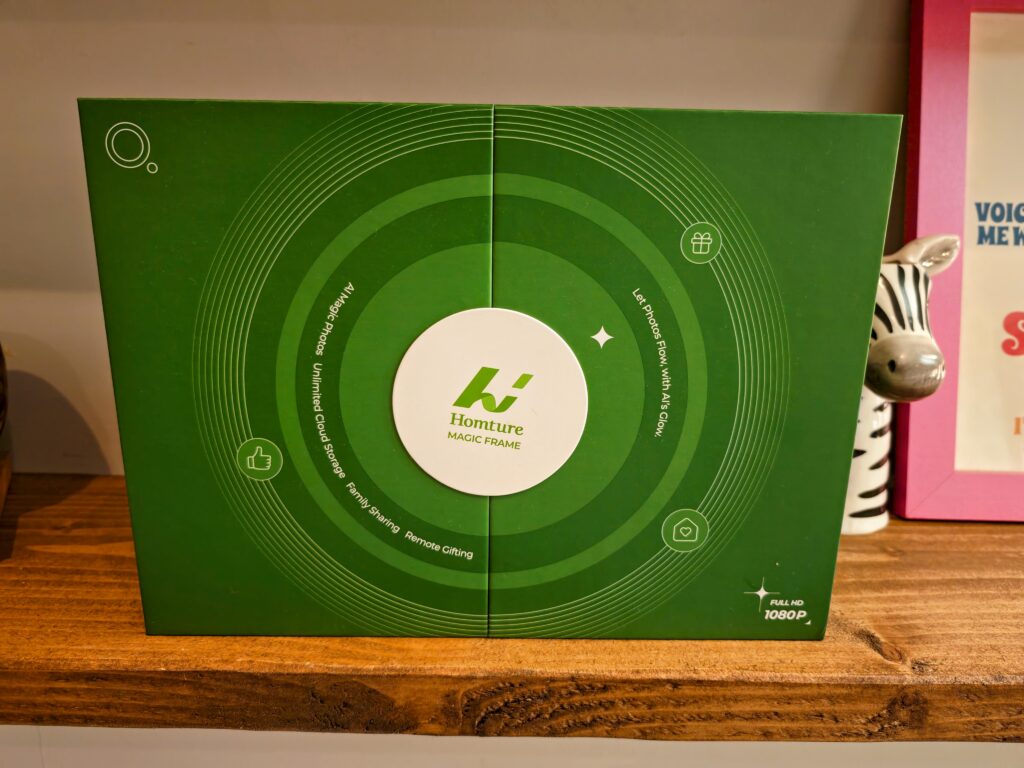
In the box you get the frame itself, an AC power adapter and cable, two instruction manuals, and a benefit card containing a 2000-credit code for the AI features. The packaging has clearly been designed with gifting in mind – Homture even offers a QR code on the outer box that lets you preload photos and a personal message before handing it over, with the recipient unlocking the surprise via a six-digit code. It is a nice touch for anyone buying this as a present.
Set Up and Homture App
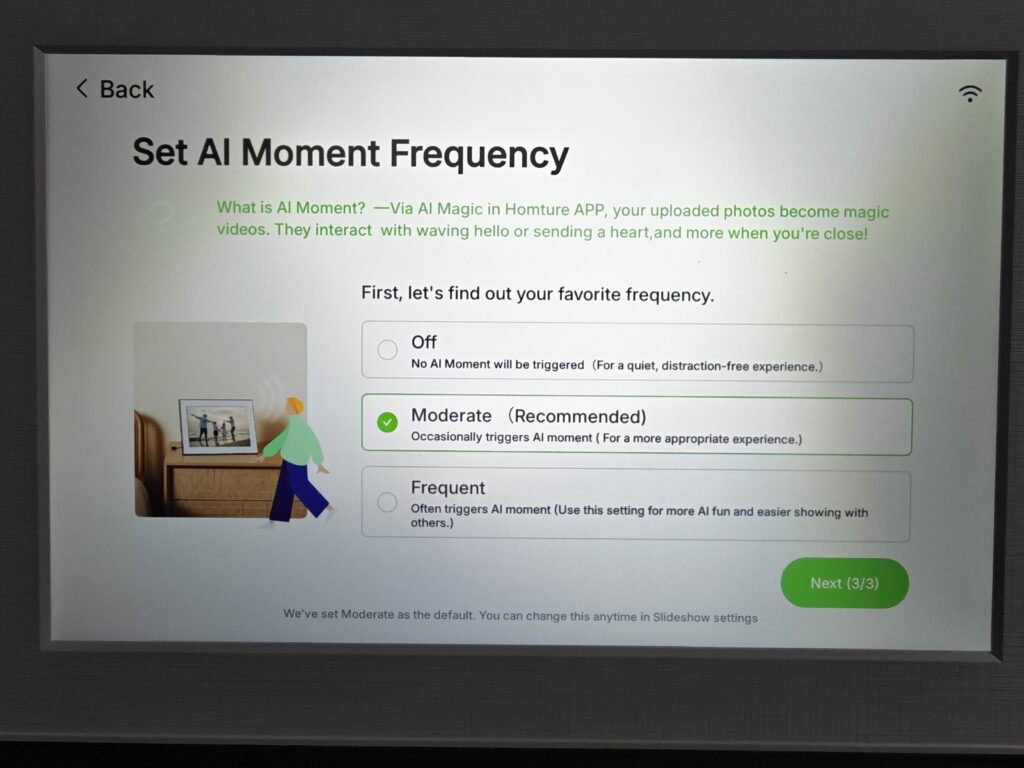
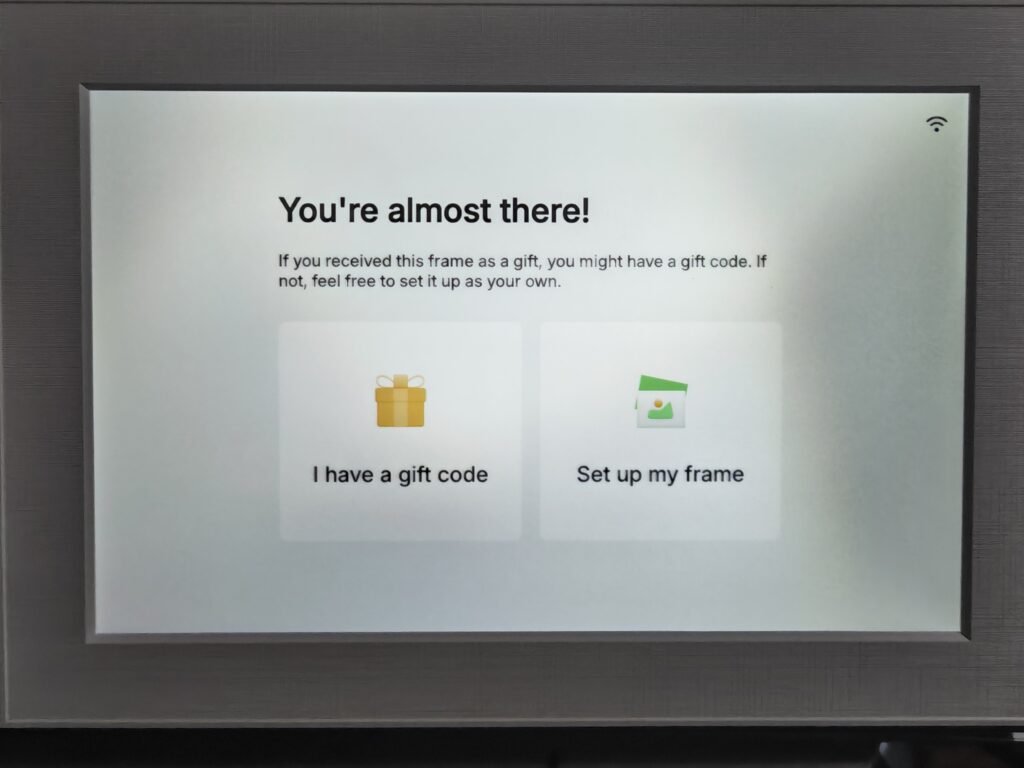
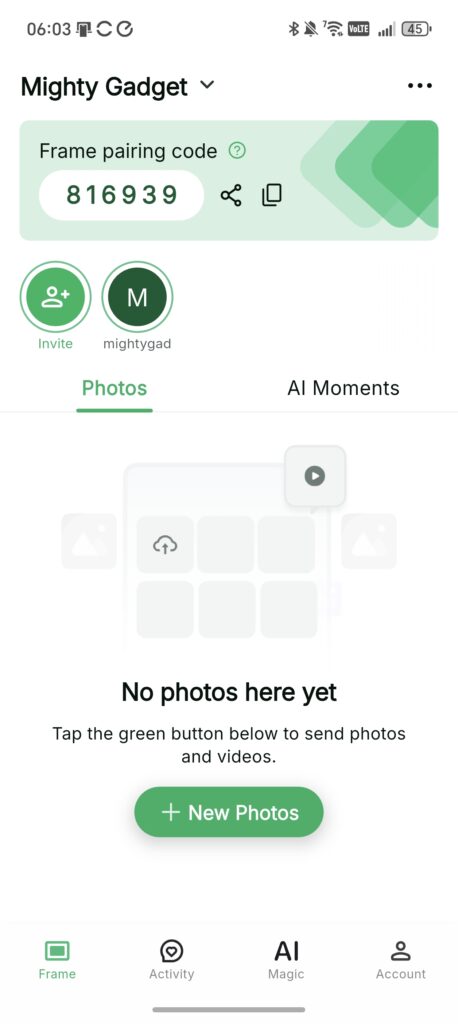
Setup is straightforward enough. You connect the frame to your Wi-Fi network, download the Homture app on iOS or Android, and link the two together. The app is clean and reasonably intuitive, and uploading photos is as simple as selecting them from your camera roll and tapping send. On a 5 GHz connection, images sync quickly – uploading a sizeable photo library takes only a few minutes.
One thing worth being clear about upfront: this frame requires a permanent internet connection to function properly. There is no SD card slot and no USB port, so you cannot add photos offline. If you plan to put this somewhere without reliable Wi-Fi, it is not the right product. For most people that will not be an issue, but it is a limitation worth knowing about.
The frame also supports remote photo sharing, meaning family members or friends can be granted access through the app to upload their own photos. That is a genuinely useful feature for keeping a frame updated without having to be in the same room – or even the same country.



AI Videos Cost

When you first set up the frame, you are given 200 credits with AI videos costing 100 credits each.
Additionally, inside the instruction manual, you should get a benefit card worth 2000 credits.
Once those have run out, you will need to buy more from within the app. Pricing is as follows:
- £4.39 for 500 credits – doubled to 1000 – £0.44 per video
- £8.99 for 1000 credits – doubled to 2000 – £0.45 per video
- £17.99 for 2000 credits – doubled to 4000 – £0.45 per video
I assume the bonus credits will be permanent, and Homture probably should rethink their maths, as it is more affordable to buy 1000 credits than 4000.
While I appreciate that AI videos require a lot of processing and therefore cost Homture quite a lot of money to produce, I personally would not want to be paying £0.45 per image-to-video conversion on an ongoing basis. If you are someone who likes to animate a lot of photos regularly, those costs will add up fairly quickly.
It is worth noting that if you already have a subscription to Google Gemini or Perplexity, you can produce videos from images as part of the subscription. Additionally, there are some AI video tools with free tiers that may be able to produce similar results. The key difference here is that Homture integrates the generation directly into the frame experience, which does add genuine convenience – but convenience comes at a price.
Photos are processed on Homture’s AWS-based servers in the United States. That is a reasonable infrastructure choice, but anyone uncomfortable with personal family photographs being sent to external servers for AI processing should factor that in before buying.
Creating AI Videos
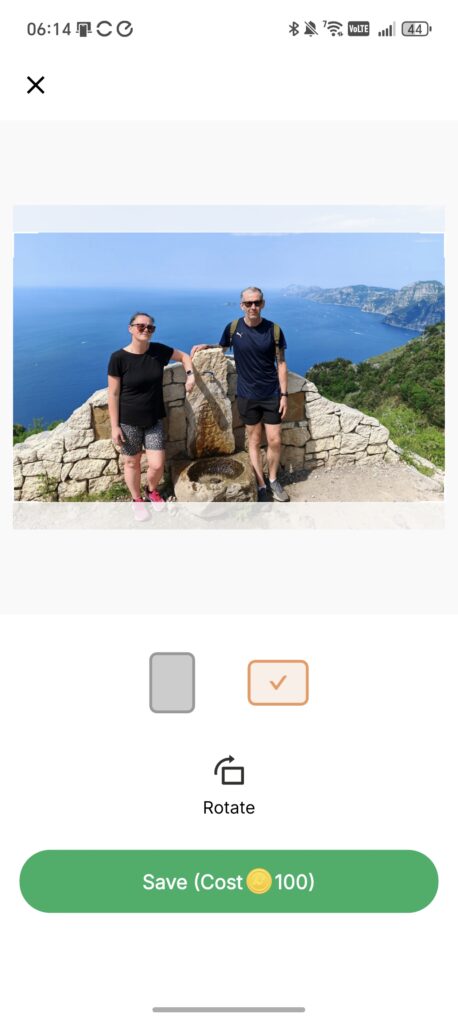

Generating a video is simple enough from within the app. You select a photo, choose the animation option, and the frame does the rest. Processing typically takes around three to five minutes, after which the animated clip appears on the frame.
The quality of the results is genuinely impressive in many cases. Portraits animate convincingly, with subjects appearing to smile, blink, or turn their heads. Pets work reasonably well too, with fur detail holding up better than you might expect. The AI handles simple, well-lit photos most effectively.
The results become less reliable with complex or cluttered backgrounds. There are occasional artefacts – a background element misidentified and distorted, or movement that looks slightly unnatural around the edges of the subject. These are not deal-breakers, but they are worth knowing about if you are expecting perfection from every shot.
The “Old Photo Alive” feature is arguably the more emotionally affecting of the two AI tools. Upload a faded or black-and-white photograph and it will add colour and introduce subtle movement – a slight turn of the head, a small smile. The results are not always perfect, but on a well-scanned print, the effect can be genuinely striking. For anyone with a collection of old family photographs, this feature alone could justify the purchase.
You can set animated photos to play manually, occasionally, or frequently during the slideshow, which gives you some control over how prominent the AI content is on the display.
In Use / Performance
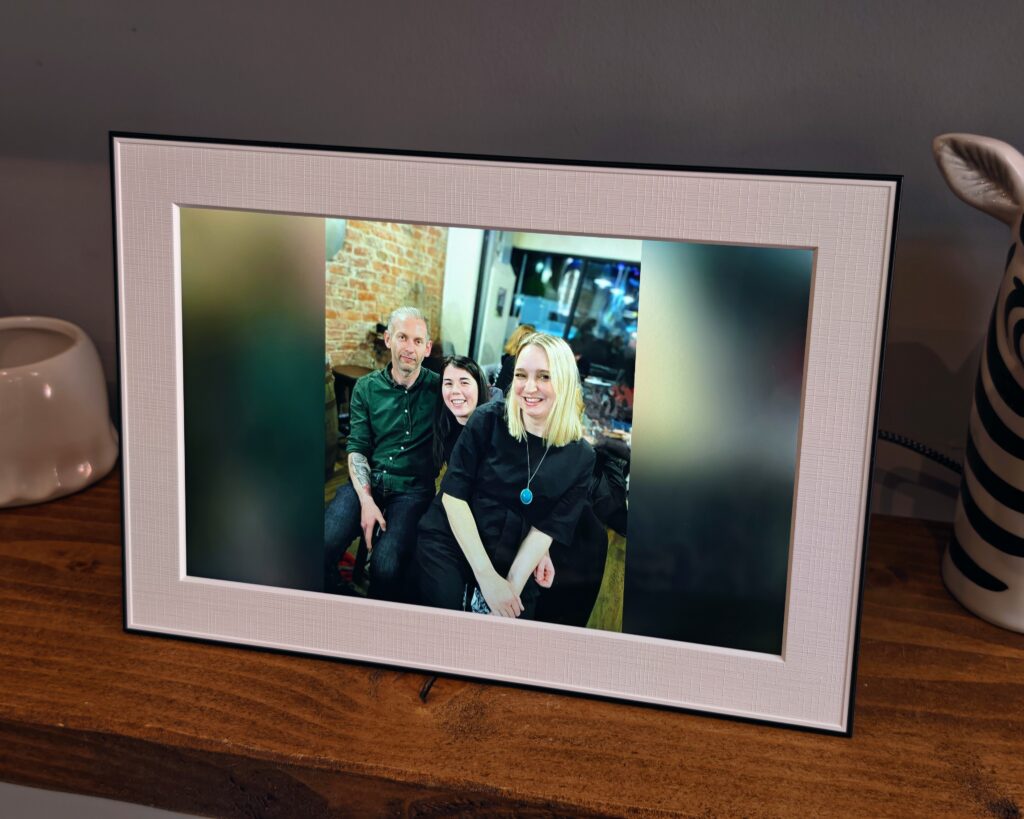
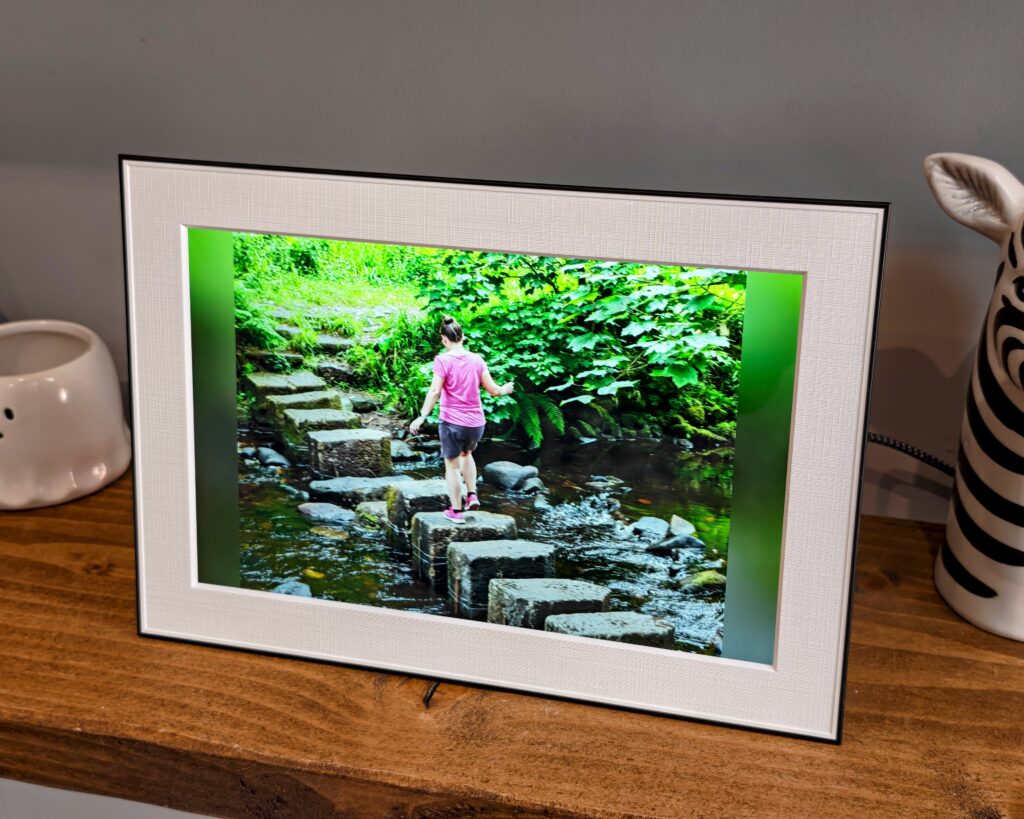
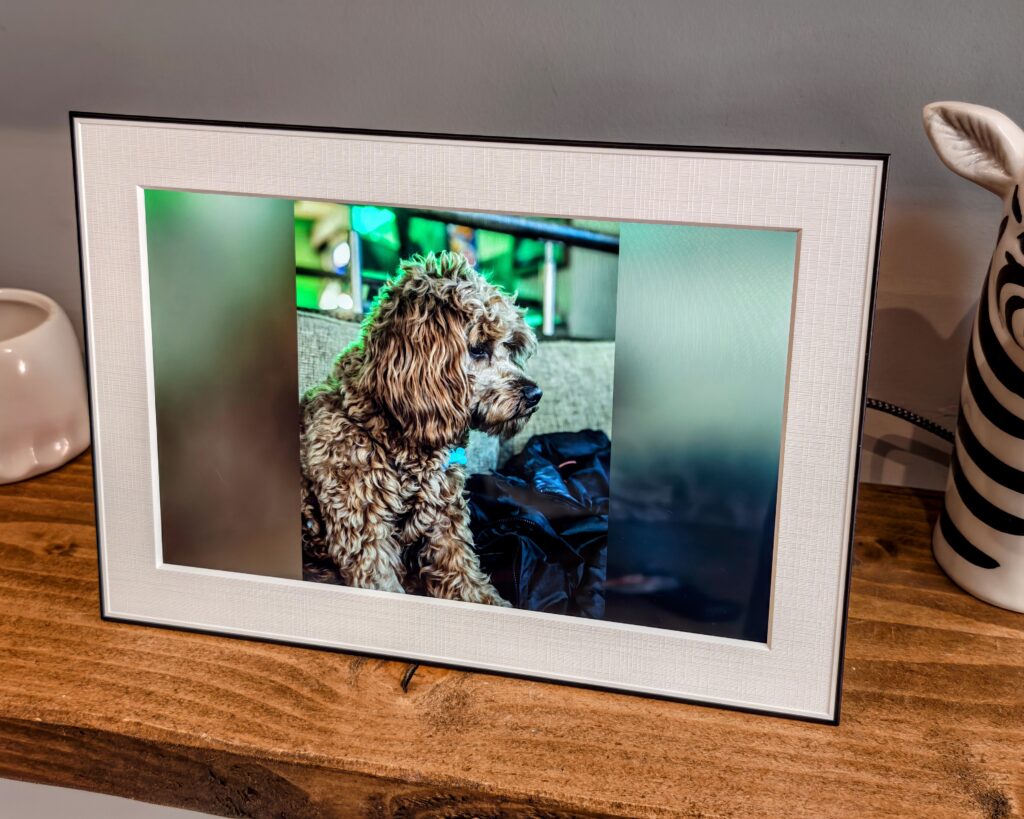
As a straightforward digital photo frame, the Homture performs well. The 10.1-inch display runs at 1920 x 1200, which is notably higher resolution than most competing 10-inch frames – the majority sit at 1280 x 800. That extra resolution is visible in practice; photos look genuinely crisp, and fine detail in landscapes or portraits holds up well.
The screen is bright, which is useful when natural light is hitting the display during the day. The downside of the glossy panel is that it can reflect light in awkward conditions, and like most LCD displays it shows some colour and brightness shift when viewed from a steep angle. If the frame is at eye level and viewed straight on, it looks excellent. Positioned high on a shelf viewed from below, it is less ideal.
The dual-band Wi-Fi performed reliably throughout testing. Connecting via 5 GHz kept the frame responsive for photo syncing and AI generation tasks. The touchscreen interface is simple and responsive – essentially tablet-style controls with icons for play/pause, volume, and settings.
The mmWave motion sensor is an interesting addition. When it detects someone approaching within about two metres, it triggers the AI animation in the currently displayed photo. In practice, this works as advertised, though whether you find it charming or slightly unnerving will depend on your personal taste. Some people will love the idea of a photo of a loved one appearing to wave as you walk into the room. Others may find it a little disconcerting.
One limitation that other reviewers have flagged is the lack of direct integration with cloud photo services such as Google Photos or Apple iCloud Photos. You have to upload photos manually through the Homture app. For a frame at this price point, native Google Photos or iCloud sync would be a welcome addition, and its absence makes the day-to-day management of the frame slightly more involved than it needs to be.
The 64 GB of onboard storage is generous – most digital frames offer far less – and the unlimited cloud storage is a meaningful advantage over some competing models, particularly the eInk-based frames that are often limited to a small number of images.
Price and Alternative Options
The Homture Magic Frame is available directly from Homture with an RRP of £148.85. At the time of writing, there was a £29.44 discount available, taking it to £119.41. Additionally, you get 2000 AI credits, which is worth £8.99 and can generate 20 videos.
The SwitchBot AI Art Frame is £149.99 for the 7.3″ frame or £349.99 for the 13.3″ frame. These also had a 20% voucher available. This AI frame is quite a bit different to the Homture, as it uses eInk rather than an LCD display, so it looks more like a photo frame and runs on battery power. The AI is used to create stylised photos and not videos.
Amazon has plenty of affordable options. The Frameo 10.1″ photo frame is available for just £56.98. The 10″ Aura Carver is £149.
Looking at competing options, all the 10″ models seem to have a resolution of 1280 x 800, compared to the 1920 x 1200 that Homture states in their specifications. That is a meaningful difference, and it is one of the clearest arguments in favour of paying the Homture premium if you care about image quality.
I am not aware of any other digital photo frame that can produce AI videos via the app, but most frames can display video. If the AI animation feature is genuinely important to you, the Homture is currently the only frame on the market offering it in this form.
Overall
The Homture Magic Frame is a decent digital photo frame.
It does cost more than most other 10″ photo frames, but it is still relatively affordable. Ignoring the AI features, you have a 10″ display running at 1920 x 1200, which is a higher resolution than most competing 10″ digital photo frames. That alone goes some way toward justifying the price premium.
You then have the AI features. I have mixed feelings about them personally, but I am sure many people will love them. The quality of the videos is very impressive in most cases, but I am not sure I would want to be paying 45p per image to create a short clip on a regular basis. The initial 2000 credits bundled with the frame give you 20 animations to work with, which is enough to get a proper feel for the feature before you commit to buying more.
The old photo restoration feature is probably the stronger of the two AI tools – breathing movement and colour into faded prints is a genuinely appealing use case, and the results can be quite striking when the source material is good.
The lack of Google Photos or iCloud sync is frustrating, and the ongoing credit cost for AI generation is a recurring expense that some buyers will not be comfortable with. Privacy-conscious buyers should also be aware that photos are sent to US-based servers for processing.
That said, if you are looking for a well-specified digital photo frame with a noticeably sharper display than the competition, and the AI video feature sounds appealing, the Homture Magic Frame is worth serious consideration – particularly at the discounted price of around £119. Just go in with realistic expectations about the ongoing costs of the AI credits.

I am James, a UK-based tech enthusiast and the Editor and Owner of Mighty Gadget, which I’ve proudly run since 2007. Passionate about all things technology, my expertise spans from computers and networking to mobile, wearables, and smart home devices.
As a fitness fanatic who loves running and cycling, I also have a keen interest in fitness-related technology, and I take every opportunity to cover this niche on my blog. My diverse interests allow me to bring a unique perspective to tech blogging, merging lifestyle, fitness, and the latest tech trends.
In my academic pursuits, I earned a BSc in Information Systems Design from UCLAN, before advancing my learning with a Master’s Degree in Computing.
I’m proud to share that Vuelio has consistently ranked Mighty Gadget as one of the top technology blogs in the UK. With my dedication to technology and drive to share my insights, I aim to continue providing my readers with engaging and informative content.
I work directly with the companies he reviews products for or their chosen PR agency.
For Social Media, you can find me on: