SwitchBot Bot Review – An innovative & affordable smart home solution
The SwitchBot Bot has been around for about 3 years on Amazon, originally funded on Kickstarter.
The Bot is a simple and relatively affordable way to add smart home controls to your old none smart devices.
The device itself is battery operated and sticks onto whatever device you plan to automate. When activated, a little robotic arm pops out press down on anything it touches.
It is controlled via Bluetooth and can be paired to a hub allowing remote control and the ability to set up home automation scenes.
What can I use the SwitchBot Bot for?
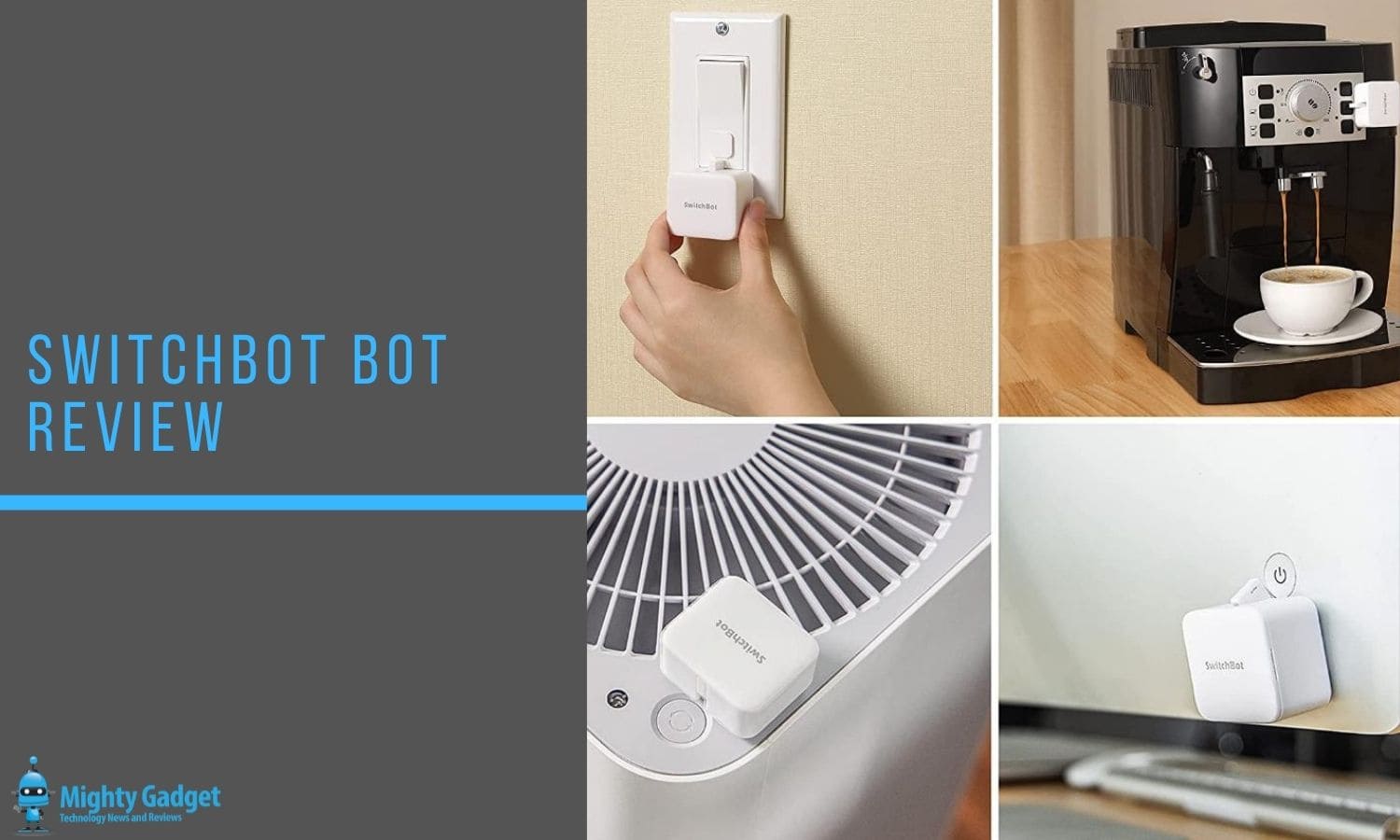
Anything that has a physical switch, but there will always be some limitations. In my house, possible options include:
- Filter coffee machine (I already use a timer, but this would offer smart control)
- Light switches – Smart light switches in the UK are a bit of a nightmare, and smart bulbs can work out costly if you use things like GU10 spotlights – there is an included addon that allows the Bot to pull back on the switch giving you on/off control.
- Plug sockets
- Powering on none Wi-Fi robot vacuums
- Pedestal or any cooling fan, this could be combined with the SwitchBot thermometer for smarter automation
- Switching on a PC (though most PCs can do this themselves on schedule via the BIOS)
Features
- Battery Powered
- Lightweight, reasonably small and sticks on with 3M table
- Accessory to pull back on rocker light switches giving on/off control
- No hub required for basic schedule
- Hub compatibility allowing you to set up scenes and enable voice control
Setup


The basic setup couldn’t be easier. Pull the battery tab out, download the app, and it should automatically see the Bot allowing immediate control.
Pressing on the rectangular box (not the icon) shows the available settings. The main one is the schedule, allowing you to set a specific time when the Bot activates.
I already had a Switchbot hub from my last review. Using this then offers superior automation. Pairing it up is simple, you just hit the plus sign and add the Bot that is available.
In Use
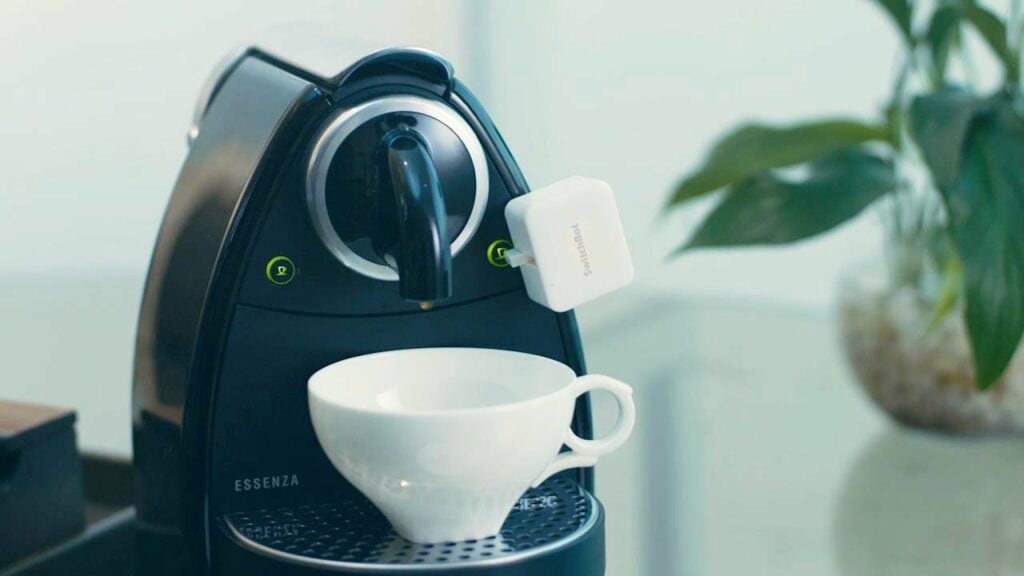
With the SwitchBot Bot being a small plastic box that sticks onto something, you will be limited to what it can press. According to the SwitchBot website, it offers 1.0kgf of torque strength. Finding an appropriate surface to stick it on can be more challenging than the maximum force it can press down on.
However, assuming you take those considerations into account, it works as expected. When you manually activate it, it pops out its little arm pressing the switch.
With cloud control enabled, you can use scenes. As I already have the temperature/humidity sensor, I can have it set up to press the on button for my fan in my bedroom when the temperature goes over 20-degrees. You can have multiple conditions too, I can have it only activate during certain hours.
The Bot also works with IFTTT, allowing you to be a bit more imaginative with your automation. My current morning routine is that all my devices switch on at schedule. This includes Philips Hue bulbs, smart plugs, PC and coffee machine. Ideally, in the future, I will remove the static schedules and have everything all switch on when I press a button in my bedroom.
One of the main issues you may have is that some devices require more than just a button press to switch them on, or perhaps multiple button presses. For example, both my washing machine and microwave require me to select a mode before I can switch them on.
Price and Alternative Options
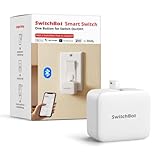
- 【Universal Compatibility】Works well with most rocker switches and buttons, allowing you to automate light switches, coffee machines, fans, and more. Maximum pressing force is 5 N, suitable for standard switches but not compatible with devices requiring heavy or deep pressing. If unsure, please check the compatibility with customer support before purchase.
- 【Easy Installation with Stronger Adhesion】Set up in seconds — simply clean the switch surface and stick the Bot next to your button using the included 3M adhesive pad. For textured or metallic surfaces, reinforced installation is recommended using the extra adhesive or add-on plate. No tools are required, and setup is easily completed within Bluetooth range through the SwitchBot App.
- 【Smart App Control & Timers without Hub】Use the SwitchBot App to create timers or schedules — your lights, coffee machines, or appliances can turn on/off automatically even when you’re away. Operates independently via Bluetooth without needing Wi-Fi or a Hub for basic automation.
- 【Bluetooth Only – Hub Required for Wi-Fi or Alexa】SwitchBot Bot operates via Bluetooth only. For remote access, voice control, or integration with Alexa, Google Assistant, Siri, or IFTTT, you’ll need to pair it with a SwitchBot Hub (sold separately). Works exclusively with 2.4GHz Wi-Fi when connected through the Hub.
- 【Now Supports Matter with Hub】SwitchBot Bots now support Apple HomeKit via Matter when connected to a SwitchBot Hub 2 / Hub 3 / Hub Mini Matter. This allows you to manage SwitchBot devices alongside other Matter-enabled brands in your smart home ecosystem. Build seamless automation with SwitchBot Curtain, Lock Ultra, and Meter Plus through the SwitchBot App or Apple Home.
The SwitchBot Bot has an RRP of £25 but is available during the Amazon Prime Day sale for just £17.50.
The hub is normally £39 but currently £24.50 for Prime Day.
Then the Thermometer/Hygrometer is normally £19 but currently £12.60.
What I like about the SwitchBot Bot is that there is no real direct competition.
From what I can tell, this is the MicroBot Push which has similar pricing but appears to be the US only.
So the only real alternatives would be to replace things with a smart equivalent. For example, a TP-Link Kasa Mini Smart Plug might make more sense then using the SwitchBot Bot to manually turn on a plug socket.
Overall
I like the SwitchBot Bot a lot, it is affordable and an innovative solution with no direct competition.
There are, of course, more elegant ways to make your home smart, but these often require replacing entire devices with a more expensive smart equivalent, which is just a bit wasteful.
SwitchBot Bot Review
-
Overall - 85%
85%
Summary
The SwitchBot Bot is an affordable way to make your older devices smart. It doesn’t look particularly attractive but could save you hundreds compared to replacing something with dedicated smart home electronics.
Pros
- Cheap way to make dumb switches smart
- Easy to use
Cons
- Not the most elegant looking solution
- May require some experimentation to get the mounting correct

I am James, a UK-based tech enthusiast and the Editor and Owner of Mighty Gadget, which I’ve proudly run since 2007. Passionate about all things technology, my expertise spans from computers and networking to mobile, wearables, and smart home devices.
As a fitness fanatic who loves running and cycling, I also have a keen interest in fitness-related technology, and I take every opportunity to cover this niche on my blog. My diverse interests allow me to bring a unique perspective to tech blogging, merging lifestyle, fitness, and the latest tech trends.
In my academic pursuits, I earned a BSc in Information Systems Design from UCLAN, before advancing my learning with a Master’s Degree in Computing.
I’m proud to share that Vuelio has consistently ranked Mighty Gadget as one of the top technology blogs in the UK. With my dedication to technology and drive to share my insights, I aim to continue providing my readers with engaging and informative content.
I work directly with the companies he reviews products for or their chosen PR agency.
For Social Media, you can find me on: